#slowness #slowliving #slowinteraction #digitalcalm #calmtechnology #navigation #urbanexperience
Most navigation tools are built around one promise: get me there fast. The “best” route is usually the shortest, fastest, or most efficient. And, as with many digital products, this default value subtly trains us to behave in a certain way: we start moving through places rather than being in them.
This article looks at maps as interfaces that design movement. Not just in apps, but in cities too. When a system optimizes speed, it changes what we pay attention to, how we feel while traveling, and what we remember afterward.
🤔 Why this matters (beyond convenience)
❗ Your attention narrows: you follow instructions rather than your surroundings.
❗ Exploration slows down: you stop noticing landmarks, textures, narrow streets, and “micro-attractions.”
❗ Stress builds up: constant updates and the “keep moving” logic can feel like pressure—similar to how notifications increase the sense of urgency in digital life.
🚶➡️ Maps as “pace setters”
When using turn-by-turn navigation, you delegate some of the tasks of orientation and decision-making. Research in the field of navigational assistance has raised concerns that clear directions may reduce the effectiveness of spatial learning (you reach your destination, but remember less information about the route).
This is the key question of “slow living” in navigation:
Do we need a tool that simply takes us from point A to point B, or one that helps us connect with the place?
“…current GPS apps (based on turn-by-turn navigation) promote a passive form of navigation that does not support learning or the formation of cognitive maps.” — Microsoft Research, Redmond (2021) [1]
🗺️ Comparing map logics (what each app “optimizes for”)
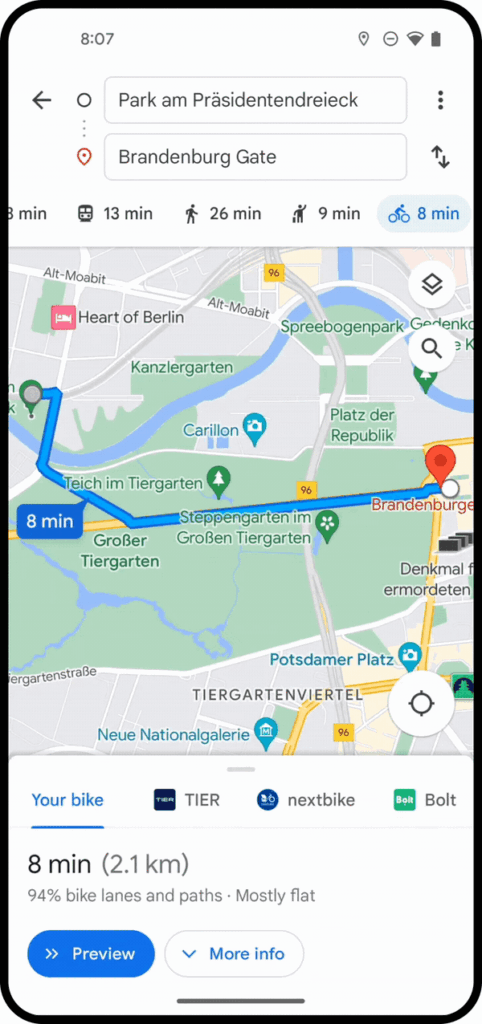
1. Google Maps [2]
👉 Key principle: efficiency + accessibility for all
Advantages:
➕Extremely efficient A→B routing, multimodal options, reliable POI database.
Designed for quick decision-making: “best route,” “fastest route,” “leave now.”
Disadvantages:
➖The “fastest” approach may dominate, even if you have time.
➖Research is present, but it is secondary to speed (you can explore, but the interface pushes you toward achieving your goal).
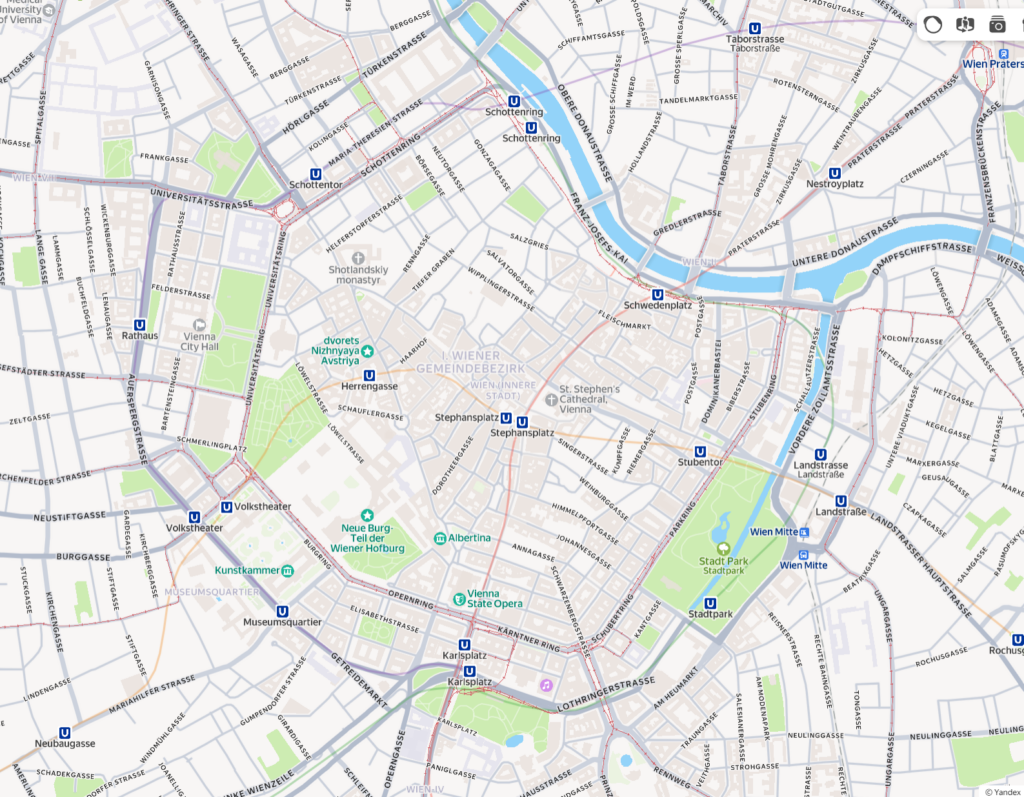
2.Yandex Maps [3]
👉 Key principle: city management + detailed urban practicality (Russian cities)
Advantages:
➕ Often very detailed dense urban development: entrances, public transport logic, accurate location determination.
➕ The feeling of “the city as a system”: created for everyday travel in difficult conditions.
Disadvantages:
➖ As a rule, it supports a functional rhythm focused on daily travel: fast, straightforward, problem-solving.

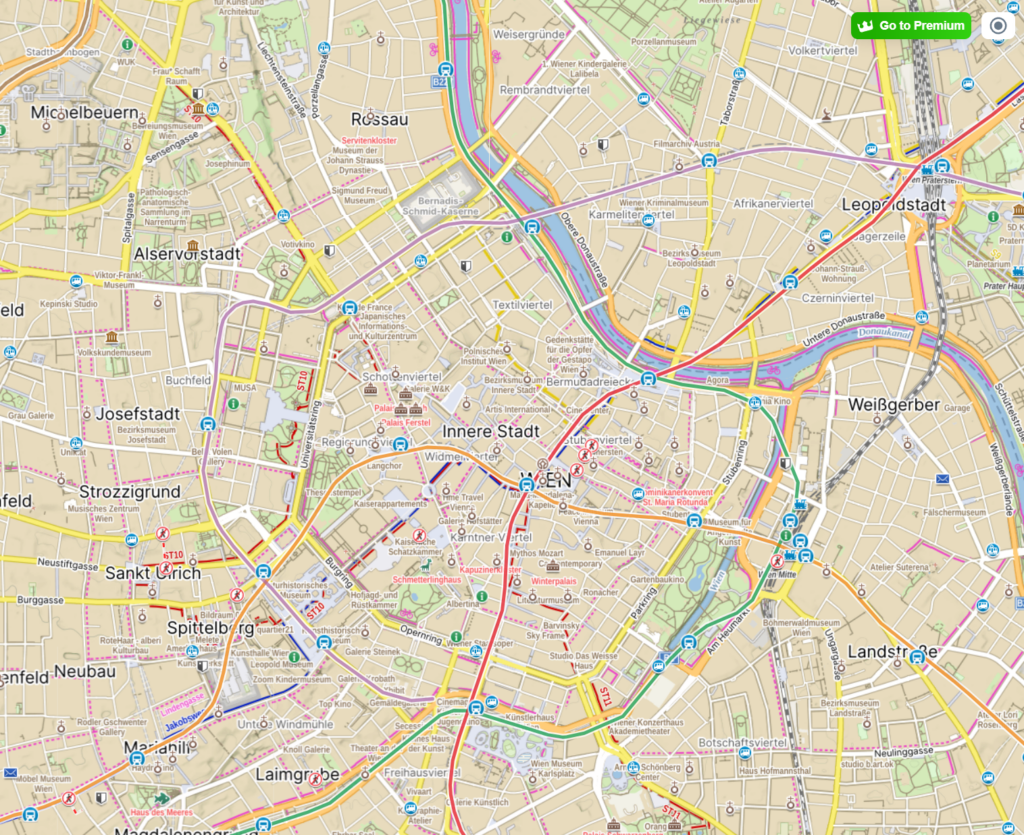
3.Mapy.cz [4]
👉 Key principle: outdoor recreation + hiking/walking/cycling culture
Advantages:
➕ Great for hiking as an activity, not just a means of transportation.
➕ Offline-oriented logic and detailed route information encourage exploration and the creation of longer routes.
Specific example: Mapy.cz emphasizes offline maps and convenient route planning as a key set of features (especially useful for hiking, trekking, and traveling).
Disadvantages:
➖ The product “expects” you to wander. This expectation alone changes the pace.
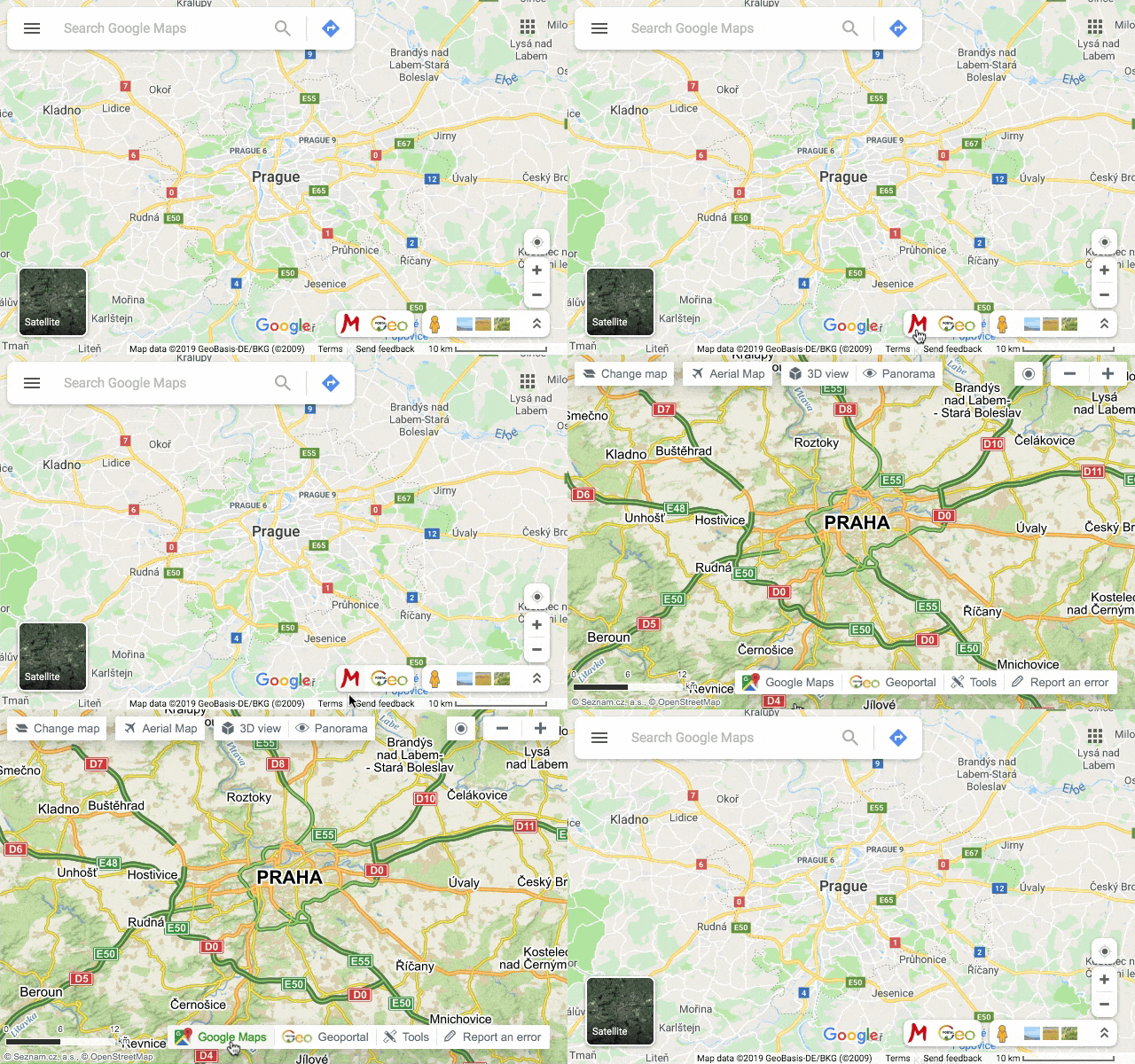
Let’s compare the same place — the city center of Vienna — across different map interfaces:

🙋 Why would “slow navigation” be optimized?
If we rewrite the criteria for success, we get a different interface:
Instead of: the fastest route
Try: a peaceful route / an interesting route / a safe route / an accessible route / a shaded route / a scenic route
Slow navigation could purposefully include:
👉 landmarks (parks, observation decks, cafes) as key elements of the route
👉 rest stops (benches, quiet places, small squares) as part of the journey
👉 a gentle choice instead of one “best” route (3 moods, not 3 minutes)
This is directly related to the city: if streets are shared spaces, design should not only serve drivers and speed.
Sources 🛈
[1] Rethinking GPS navigation: creating cognitive maps through auditory cues. Scientific Reports. 2021. Available at: https://pmc.ncbi.nlm.nih.gov/articles/PMC8032695
[2] Google Maps.Google LLC. Available at: https://www.google.com/maps
[3] Yandex Maps. Yandex LLC. Available at: https://yandex.com/maps
[4] Mapy.cz. Seznam.cz, a.s. Available at: https://mapy.cz