#slowness #slowliving #slowinteraction #digitalcalm #calmtechnology
UX and UI design is often viewed as a visual or cognitive discipline: layout, flows, clarity, usability.
However, every interaction with a digital service is also a physical experience. Users hold devices, move their fingers, adjust their posture, pause, breathe, and repeat gestures hundreds of times a day. The body is not an external factor, but the environment through which digital interaction takes place.
In the context of physical interaction, the main focus is on the physical layer of the user experience. This is especially important in “slowness”, as slowing down is not only perceived mentally or visually. It is felt through movement, tension, rhythm, and physical effort. Interfaces shape the behavior of the body — and, consequently, how time is perceived.
🤹♂️ The Body Inside Everyday Digital Services
Most everyday applications implicitly train the body to move quickly. Social media feeds encourage rapid scrolling, messaging apps reward instant responses, and productivity tools favor quick taps and minimal friction. These models may optimize efficiency, but they also accelerate the body’s rhythm:
Fingers move faster, attention shifts more frequently, and interactions become reactive.
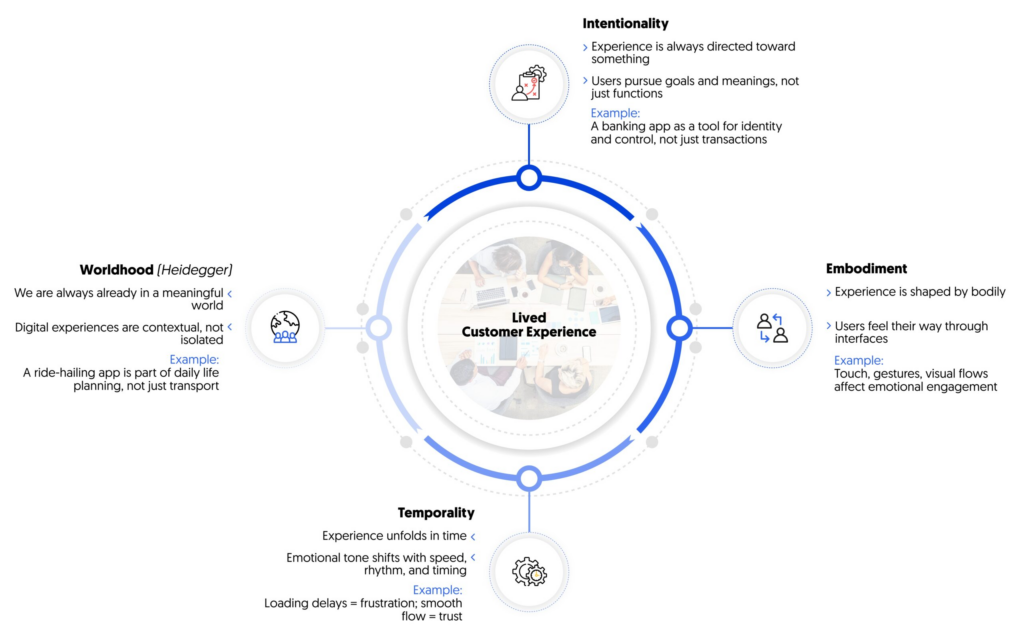
[1] Lived Customer Experience
👋 Slow Gestures as UX Decisions
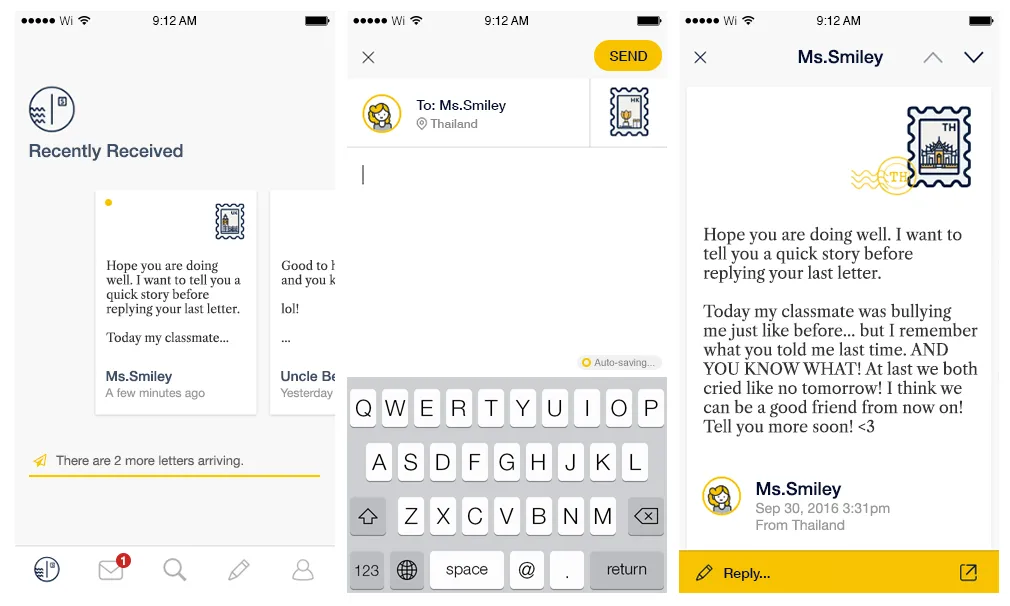
Gesture design is a powerful time management tool. When interaction is based on slow or prolonged gestures, it naturally discourages impulsive use.
Examples:
👉Long press instead of instant tap — requires a decision, not a reflex.
👉Holding to confirm actions — prevents accidental behavior.
👉Gradual unfolding of interactions — unfolds over time rather than ending instantly.

“A delayed button press is not just about waiting — it’s about signalling intention and providing feedback that connects the user’s body to the system. It creates a moment for the user to feel the interaction, rather than skim through UI elements without awareness.” — Lodestar Design [2]
👻 Tactile interaction and physical presence
Touch is not just a means of input, it carries emotional and temporal meaning. Touching, pressing, sliding, or holding are felt differently by the body, and interfaces that take this difference into account create a greater sense of stability.
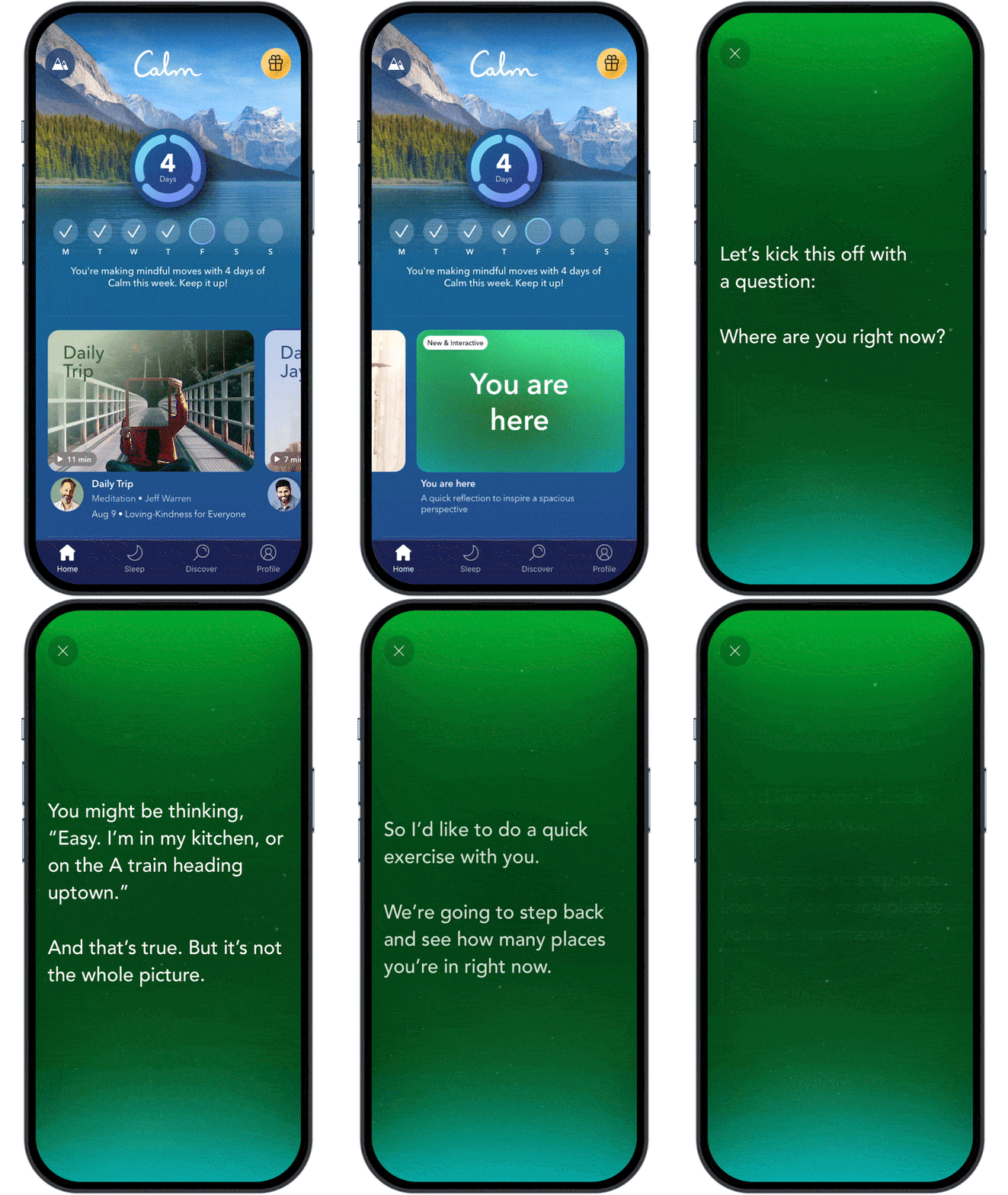
Meditation and journaling apps often use this approach, avoiding aggressive touch navigation in favor of smooth transitions and prolonged touchscreen interaction.
A good example is the Calm [3] app, where respond smoothly to touch duration and pressure, that creates a stronger sense of presence. Instead of treating input as abstract commands, they treat it as physical engagement.
🏃 Movement-based feedback and body rhythm
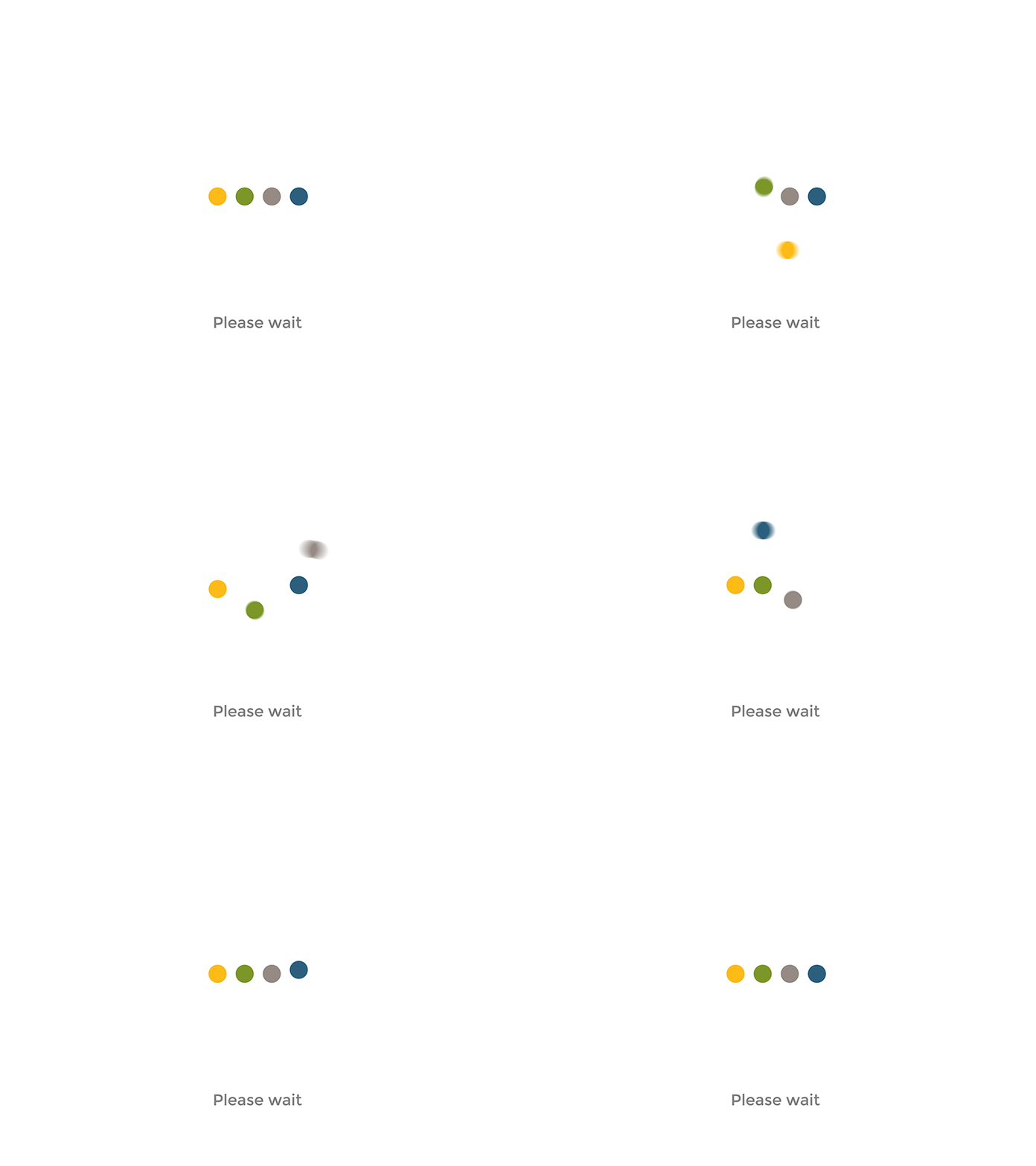
Movement plays a key role in how the body interprets digital feedback. Abrupt animations signal urgency and demand attention. Smooth, gradual movements better match natural physical expectations.
Calm motion-based feedback:
👉 reduces startle response;
👉 supports continuity rather than interruption;
👉 mirrors the dynamics of physical processes in the real world.
Apple’s Human Interface Guidelines emphasize motion that feels “natural and respectful of user focus”, especially in transitions and state changes. This approach helps interactions feel less mechanical and more embodied.
“Aim for brevity and precision in feedback animations. When animated feedback is brief and precise, it tends to feel lightweight and unobtrusive.” — Apple Human Interface Guidelines, Motion [4]
⏸️ Pauses, Stillness, and Physiological Effects
Continuous interaction keeps the body in a state of readiness. Interfaces that never pause encourage shallow breathing and constant micro-movement. In contrast, designs that allow stillness — screens that wait, moments without animation, interactions without immediate feedback — create space for physiological regulation.
Some focus and writing tools deliberately avoid real-time notifications or visual noise, allowing users to remain physically settled for longer periods.
Good example is iA Writer, which minimizes interface elements to reduce physical and cognitive agitation.

📢 Why Embodied Interaction is important in UX/UI design
Without taking the body into account, slow design risks becoming superficial—calm visual effects are superimposed on fast, demanding interaction models. True slowness arises when visual, cognitive, and physical rhythms are aligned.
Designing with embodiment in mind means designing with how services are actually used, not just how they look on screens.
Sources 🛈
[1] Phenomenology and CX: Designing for Lived Experience in a Digital World. New Metrics. Available at: https://www.newmetrics.net/insights/phenomenology-and-cx-designing-for-lived-experience-in-a-digital-world/
[2] Process Doc: Micro Interactions of a Delayed Button Press. Lodestar Design (Medium). Available at: https://medium.com/@lodestar-design/process-doc-micro-interactions-of-a-delayed-button-press-456d7bcfb0b3
[3] Calm: Meditation, Sleep, and Relaxation App. Calm.com. Available at: https://www.calm.com/
[4] Motion — Human Interface Guidelines. Apple Developer. Available at: https://developer.apple.com/design/human-interface-guidelines/motion/