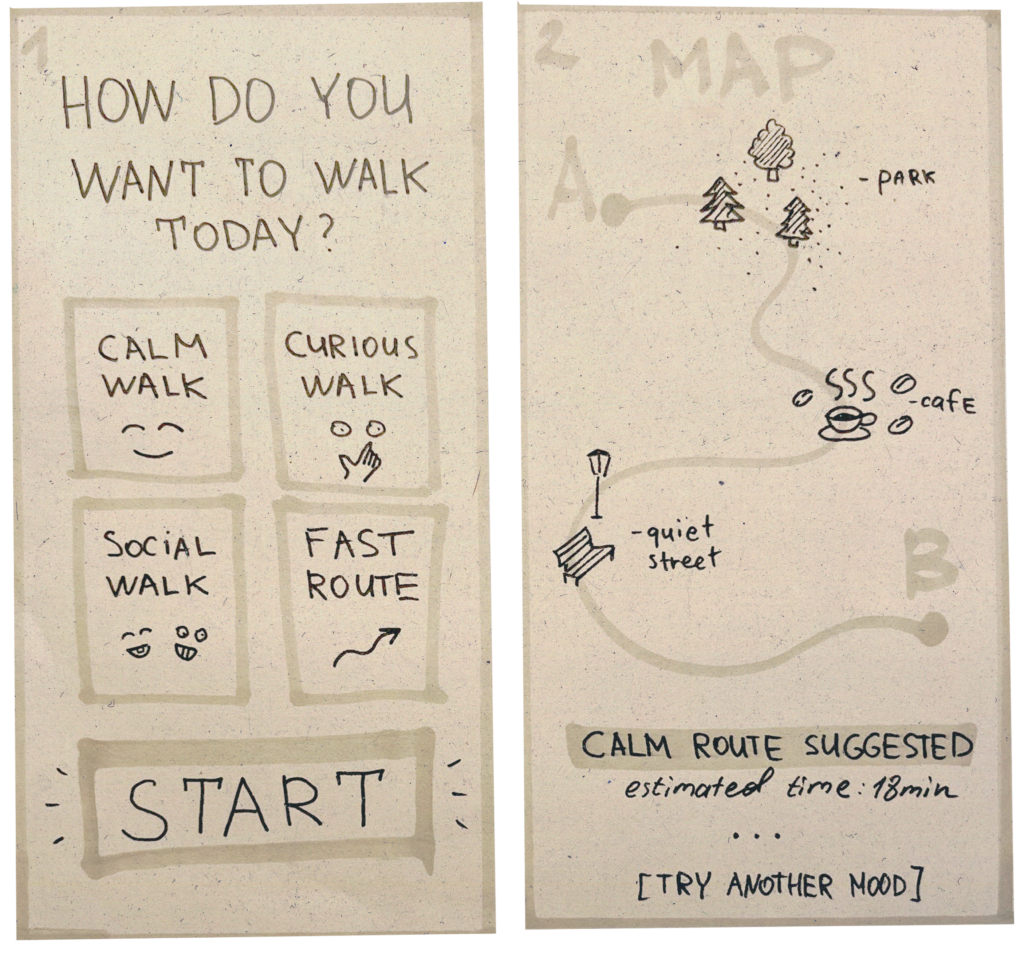
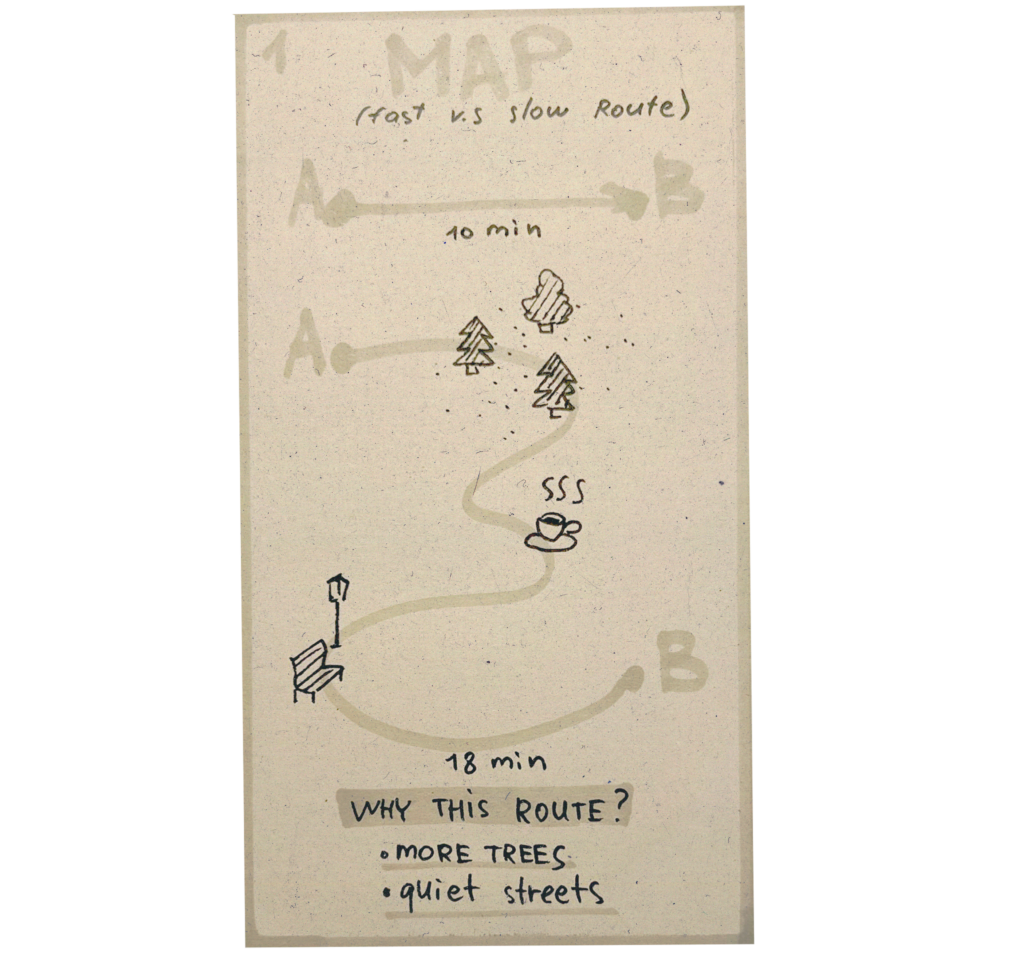
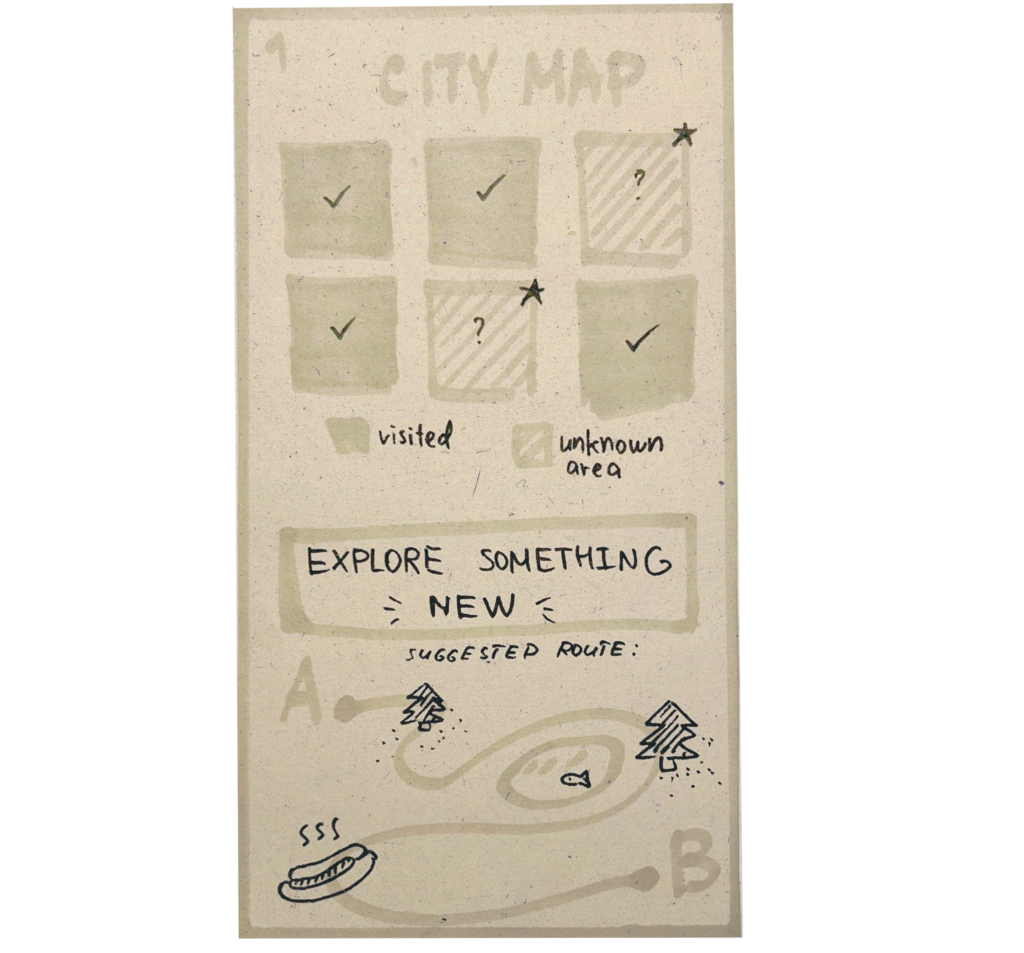
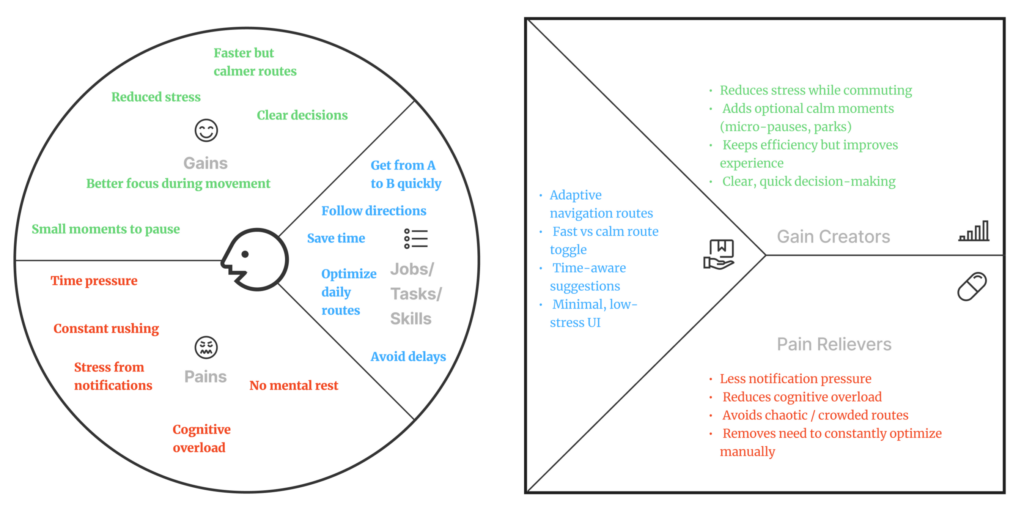
Many digital products today are technically well designed. They pass usability tests, follow established patterns, and allow users to complete tasks efficiently. And yet, they still feel stressful to use. This tension points to a common misunderstanding in UX:
Usability alone does not guarantee a calm experience (Calm UX).
What users often struggle with is not failure, but mental strain — the quiet effort required to interpret, decide, remember, and stay oriented while interacting with an interface.
Cognitive Load Is the Invisible Friction
I realized that a key driver of user stress is cognitive load: the amount of mental effort required to process information and make decisions. Human working memory is limited. When interfaces demand too much attention, comparison, recall, or interpretation, users become fatigued and error-prone — even if nothing is technically “broken”.
Research by Nielsen Norman Group shows that cognitive load increases when users are forced to:
- hold information in memory instead of recognizing it
- make too many decisions at once
- decode unclear labels or system states
- recover from interruptions without guidance
Reducing cognitive load is not about removing functionality. It’s about removing unnecessary mental work.
Calm UX Goes Beyond Usability
Calm UX builds on classic usability principles but extends them into the emotional and psychological domain. As described in recent UX research and writing, calm experiences are those that reduce anxiety, uncertainty, and hesitation, especially in moments where users are unsure what the system is doing or what is expected of them.
According to UXmatters, much of the most damaging friction in digital products is not physical or functional, but psychological. Interfaces that rush users, provide ambiguous feedback, or escalate situations unnecessarily create stress — even when users ultimately succeed.
Calm UX asks different questions than traditional UX:
- Do users feel in control?
- Does the system behave predictably?
- Is uncertainty acknowledged or ignored?
- Does the interface reassure, or does it pressure?
Design Principles That Create Calm
Research from NN/g, UXmatters, and Calm Technology literature points to a small set of recurring principles that consistently reduce cognitive strain and user anxiety.
Minimize cognitive effort by default
Calm interfaces prioritize recognition over recall, limit information to what is immediately relevant, and use familiar, consistent patterns. Clear visual hierarchy and progressive disclosure help users stay oriented without unnecessary mental effort.
Communicate with clarity, not urgency
System messages are emotionally charged moments. Calm UX avoids alarmist language and explains what happened, why it matters, and what comes next—without blame, pressure, or artificial urgency.
Make system behavior visible
Uncertainty increases stress. Loading states, background processes, and validations should clearly communicate progress and outcomes, even when no action is required from the user.
Respect attention as a scarce resource
Notifications should interrupt only when they provide clear, timely value. Calm UX is quiet by default and intentional when asking for attention.
Introduce complexity gradually
Complex systems don’t need to feel complex upfront. Calm UX reveals detail only as it becomes relevant, reducing initial overwhelm and supporting user confidence.
These principles are not new rules. They are a reframing of established UX heuristics through the lens of Calm Technology—shifting the focus from efficiency alone to cognitive and emotional ease.
Design Patterns That Create Calm
In practice, these principles materialize through a set of recurring design patterns that can be used as tools to create calmer products.
Progressive Disclosure
Calm UX avoids presenting all information and options at once. Instead, complexity is revealed gradually, as it becomes relevant. This helps users orient themselves quickly and reduces initial cognitive load, especially in complex systems.
Recognition Over Recall
Rather than relying on users’ memory, calm interfaces surface choices, defaults, examples, and familiar patterns directly in the UI. This reduces mental effort and minimizes the anxiety that comes from uncertainty or second-guessing.
Visible System Status
Calm UX avoids silent systems. Loading states, background processes, and validation feedback clearly communicate what is happening and what to expect next, even when no action is required from the user.
Gentle Confirmation
Success and completion are communicated through subtle, inline feedback instead of disruptive modal dialogs. This reassures users without interrupting their flow or escalating the interaction unnecessarily.
Forgiving Interactions
Undo options, editable states, and non-destructive defaults make mistakes recoverable. When users know they can correct an action, they interact with greater confidence and less hesitation.
Predictable Interaction Patterns
Consistent layouts, control placement, and feedback behavior reduce the mental effort required to re-orient across screens. Calm interfaces prioritize familiarity over novelty.
Descriptive Microcopy
Clear, outcome-focused language replaces vague labels and technical jargon. Users understand what will happen before they act, reducing hesitation and cognitive strain.
Status Over Alerts
Whenever possible, calm systems communicate information through passive status indicators rather than interruptive alerts. Information remains available without demanding immediate attention.
Notification Gating
Notifications are used sparingly and intentionally. Calm UX is quiet by default and interrupts only when timely user action truly matters, treating attention as a limited resource.
Clear Exit Paths
Users can cancel, go back, or pause processes at any time. Knowing there is always a way out significantly reduces pressure and perceived risk.
Together, these patterns don’t eliminate complexity — they structure it, pace it, and communicate it with care. They shift UX from demanding attention to supporting orientation, from pushing users forward to helping them stay grounded.
As digital products increasingly incorporate AI-driven predictions, recommendations, and automation, these patterns become even more critical. When systems begin acting on users’ behalf, clarity, control, and calm are no longer optional — they are the foundation of trust. In the next article, I’ll explore how Calm UX principles apply specifically to AI-driven products, and how thoughtful design can make intelligent systems feel supportive rather than intrusive.
References:
- Weiser, M., Seely Brown, J. (1995): “Designing Calm Technology“, Xerox PARC
- Weiser, M., Seely Brown, J. (1996): “The Coming Age of Calm Technology“, Xerox PARC
- Case, A. (2015): “Calm Technology: Principles and Patterns for Non-Intrusive Design“
AI Assistance Disclaimer:
AI tools were used to improve grammar and phrasing. The ideas, examples, and content remain entirely the author’s own.