For this blog post I want to add textures and grease pencil outlines to the model I made.
As a side note: I am currently not at my PC but on my laptop as I’m not home this week, and I am noticing how much power grease pencil demands as my laptop is lagging severely.
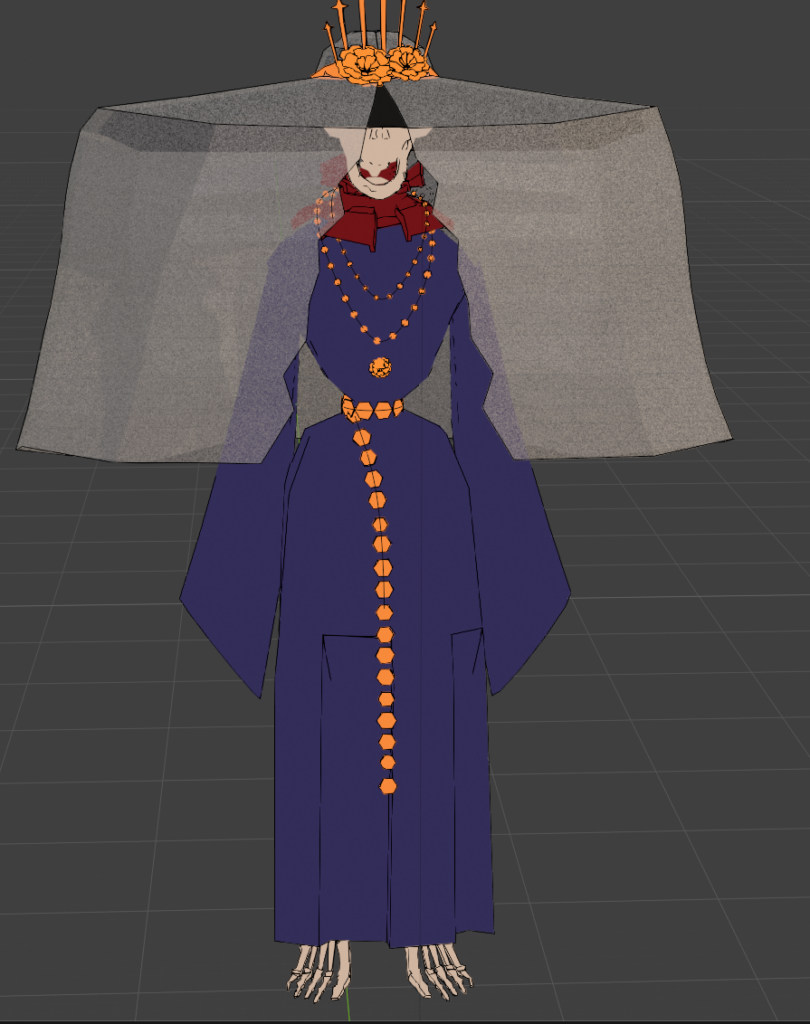
I added the basic grease pencil and don’t like how it looks at the robe. I gave them seperate Grese pencils with different settings to make it look better at the end.
As I am not home, I also don’t have my graphic tablet on hand so I had to paint everything with my mouse…great.
TO use my model in Substance Painter I have to prepare it first. I created UV maps, smoothed the model just for the .fbx export so that the edge artifacts don’t get baked into the maps while the actual model I use at the end is shaded flat.
First look with the handpainted textures from Substance Painter in Blender, as per usual the colors look off compared to what it looks like in Substance.
I used the “Stylized” Filter on top of the other layers to create a stylized Normal Map.
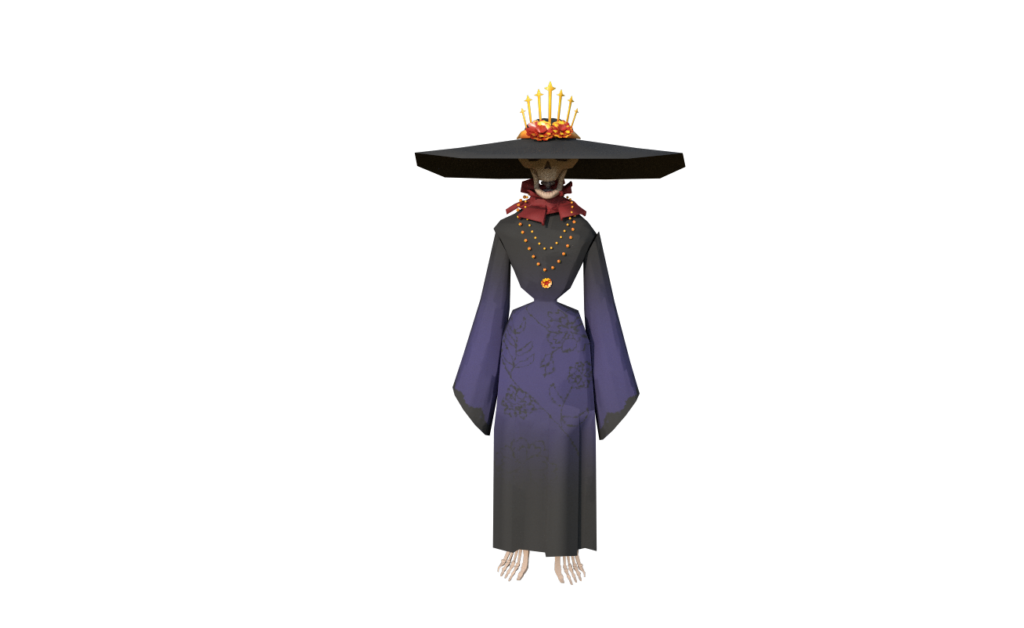
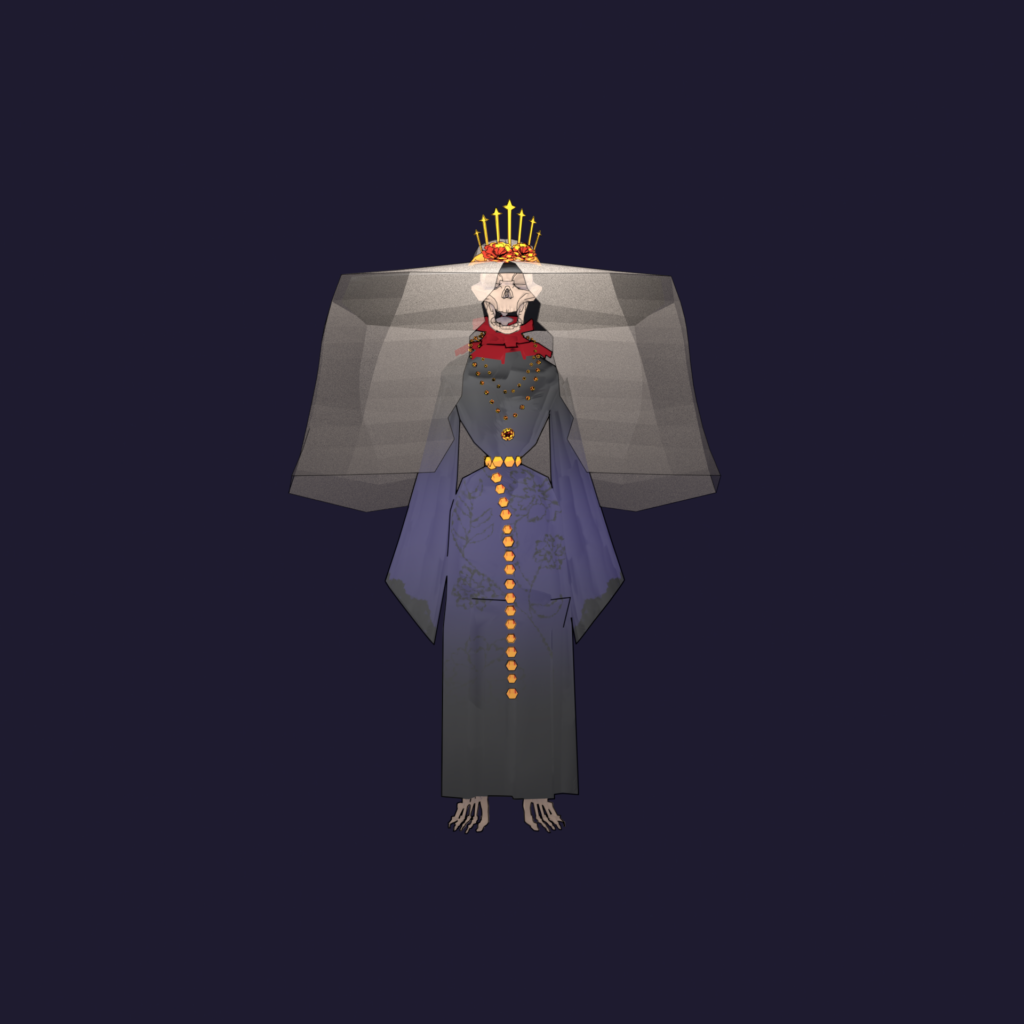
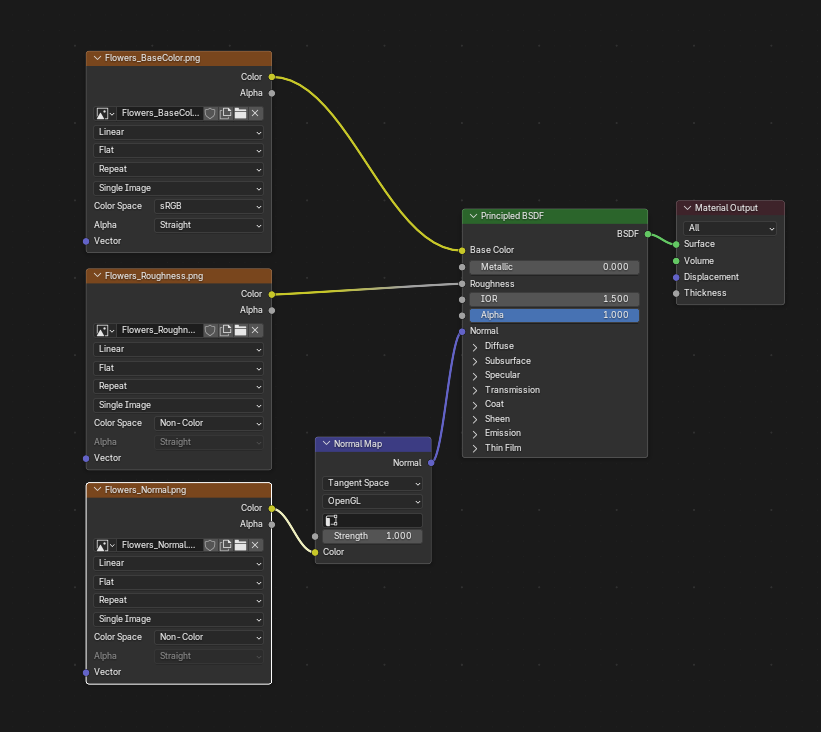
The reason is the color space of the Texture maps, you have to change all texture maps that are not the BaseColor from sRGB to Non-Color and add a Normal Node after the normal map. It should look like this:
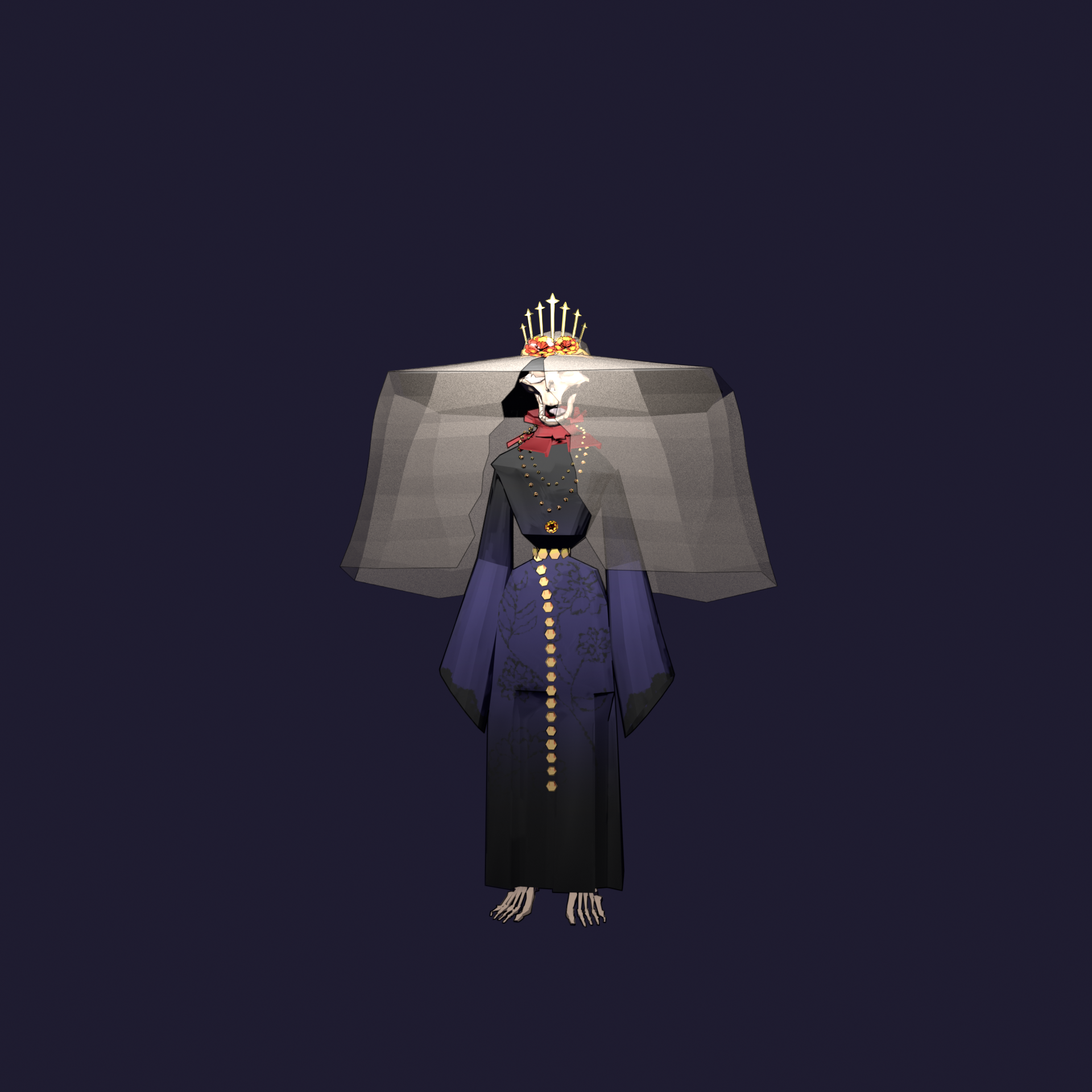
The background is one solid color, just like I learned it in the lessons.
