Getting Octane Installed Was Its Own Project
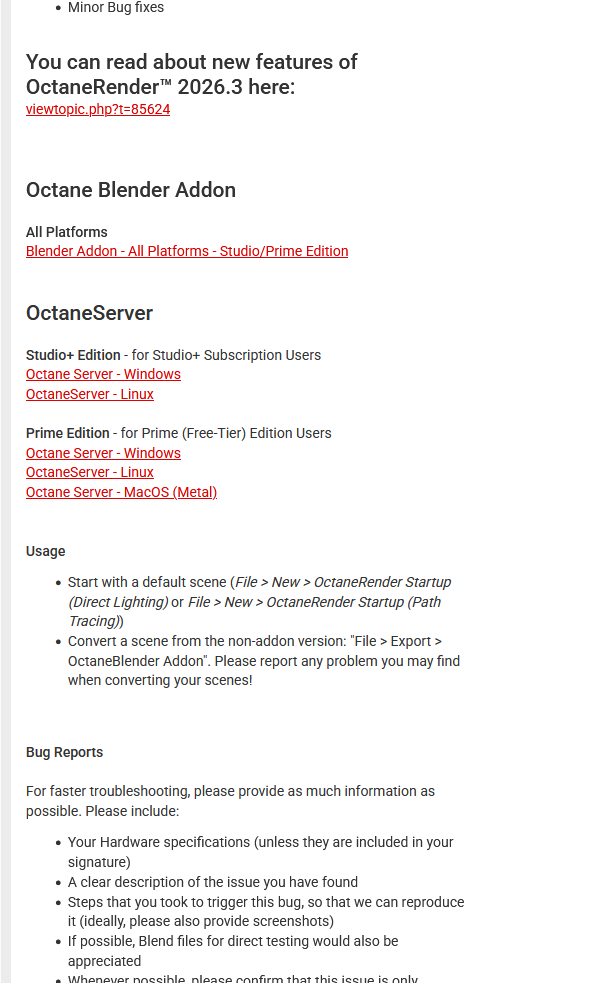
Because Octane isn’t normally free you can’t just search the add-on inside Blender and install it the way you would with any other plugin. The whole thing is gated behind an additional piece of software: a license server that runs alongside Blender, which is how the company behind Octane keeps track of who’s using it without having to open-source the renderer itself. That gating makes sense from their side, but it meant the installation process looked nothing like the one-click add-ons I was used to, where you download a zip, point Blender at it, and you’re done within a minute.
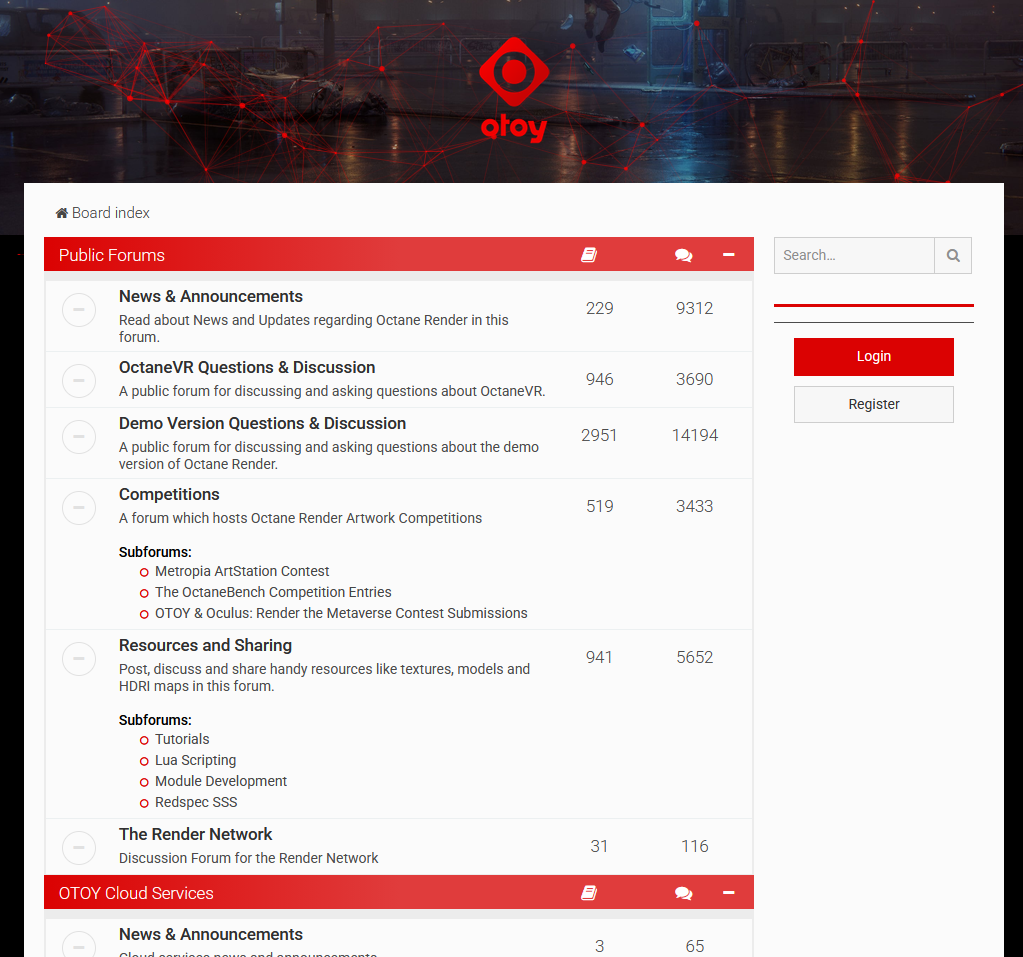
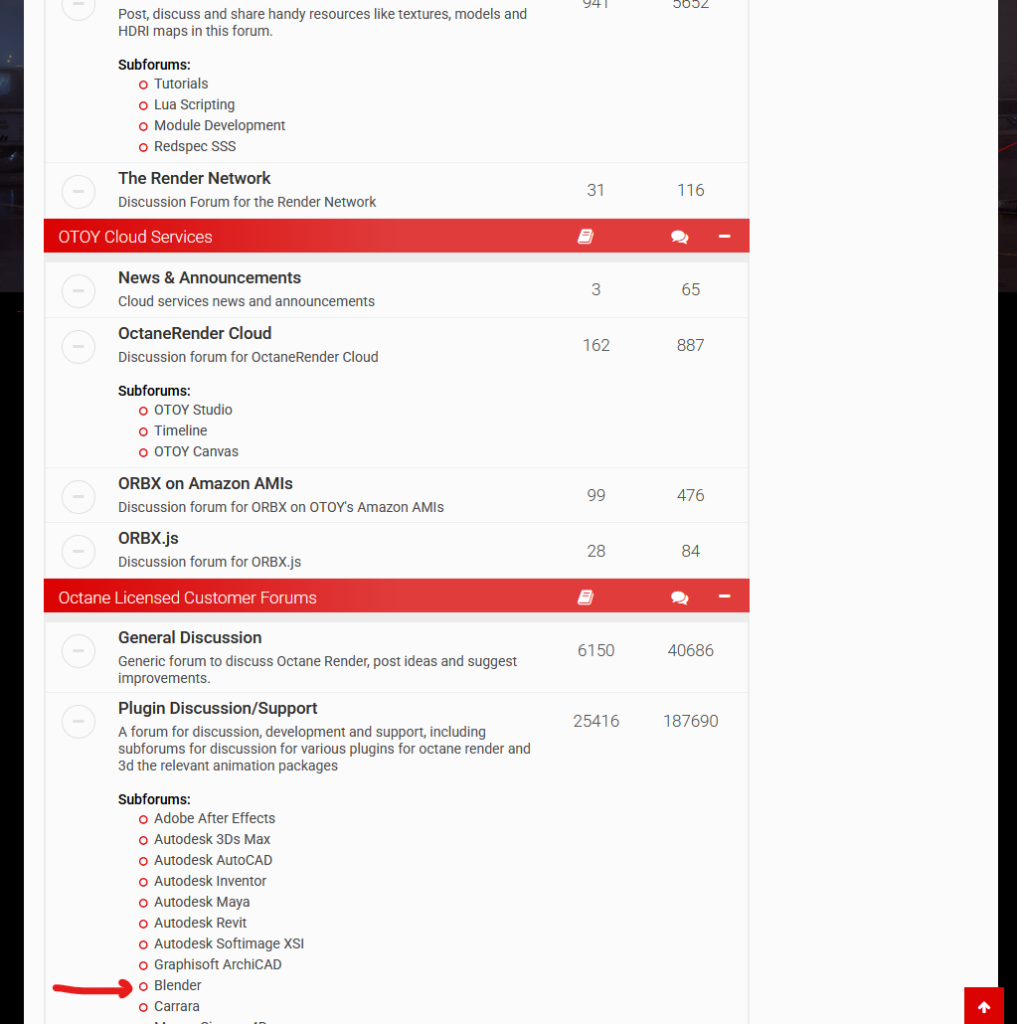
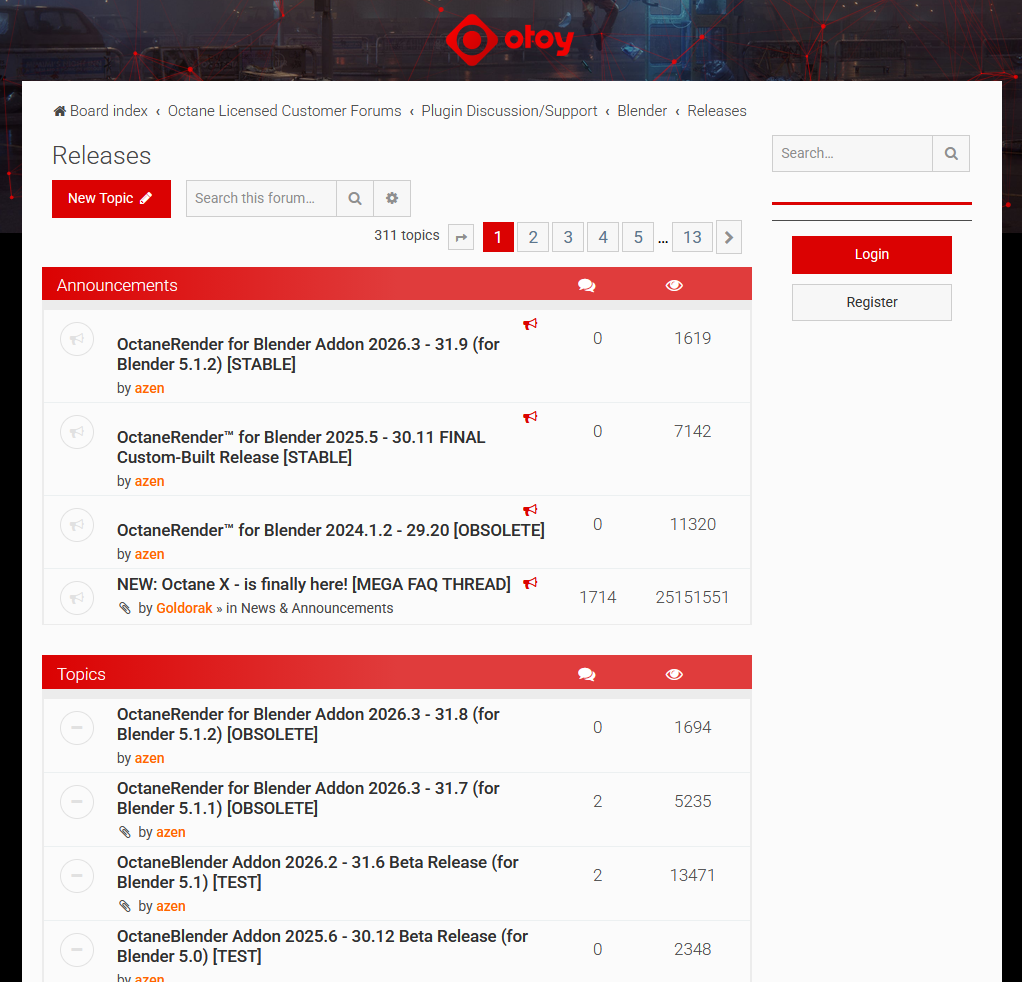
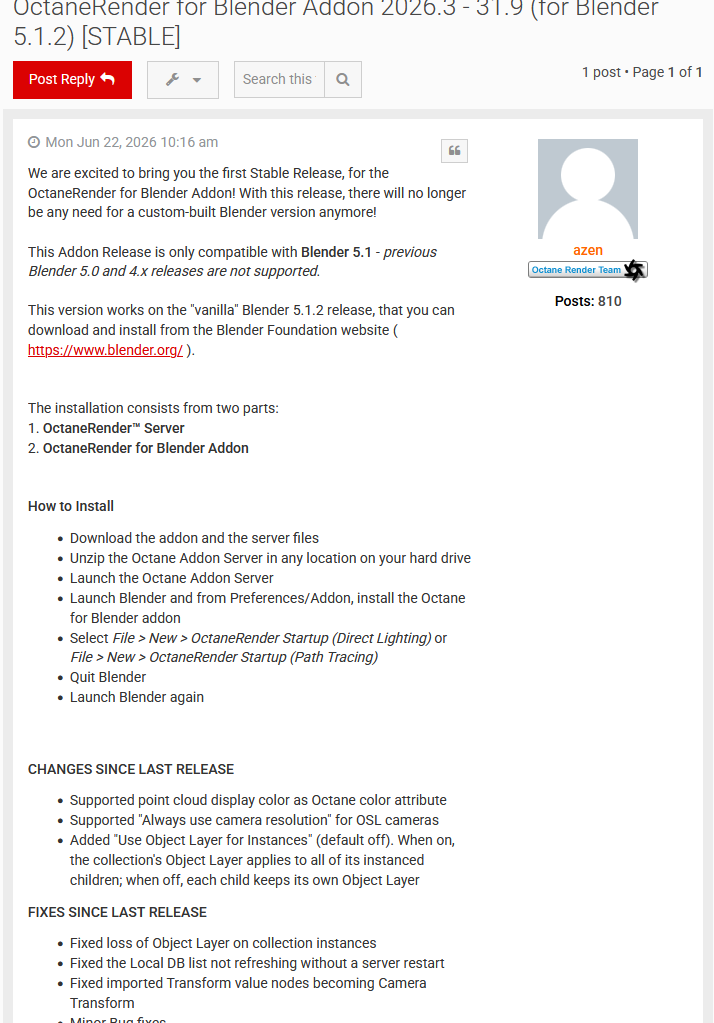
Finding the actual download files took longer than it should have. There’s no single obvious page – you end up on the Octane forums, which point you toward one of the Blender-specific install threads, which you then have to actually read through to figure out what you’re supposed to download and in what order, since the thread assumes you already know roughly what you’re looking for. I got lucky and found a stable build that matched the current Blender version, 5.1.2, but it took some digging through slightly outdated forum posts to be confident I had the right one rather than a version built for an older Blender release.
First Contact: Materials That Wouldn’t Show Up
Once Octane was installed, my first real test was appending my original Moya Boys file – the one built entirely in Cycles – into a fresh Blender file set up to render with Octane. That went badly almost immediately. None of the materials showed up. Which, in hindsight, makes complete sense: Octane can’t interpret Cycles’ native shader nodes, so of course a scene built entirely around Cycles materials was going to come in broken, with nothing but flat gray or missing surfaces where detailed shaders used to be.
To sanity-check things, I added a plain cube with a basic Octane material applied directly, assuming that would at least confirm the renderer itself was working. Even that didn’t render properly – objects were coming through transparent, and I spent a solid half hour going back and forth trying to figure out why nothing I applied was actually showing up in the render, restarting the render itself, toggling settings, checking whether the material had actually been assigned. The fix, when I finally found it, was almost insultingly simple: restart Blender entirely, not just the render. That single move has since fixed more Octane problems for me than any actual troubleshooting step, to the point where it’s become my default first response whenever something looks broken.
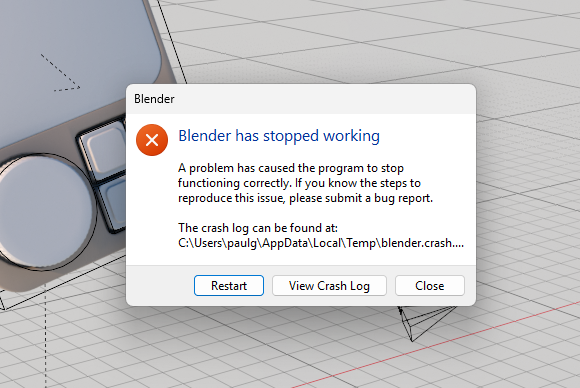
That instability seems to be a pattern rather than a one-off. Blender rarely crashed for me at all in the last few years of using it normally, but with Octane running, I’m consistently seeing one to three crashes per session. Interestingly, it’s not the rendering itself that causes it – actually rendering an image has never crashed on me, even on longer, more complex frames. It’s things like resizing or moving windows within the Blender interface that bring the whole thing down unexpectedly. My read on this is that Octane itself is a solid, robust renderer, but the integration between it and Blender’s interface isn’t handling that connection especially gracefully – the crash feels like it’s coming from the plumbing between the two programs rather than the render engine itself failing. For what it’s worth, Octane also never gave me the “CUDA Error Illegal Adress” error that Cycles occasionally throws even when the GPU very clearly isn’t full – so it’s not all downside on the stability front.
