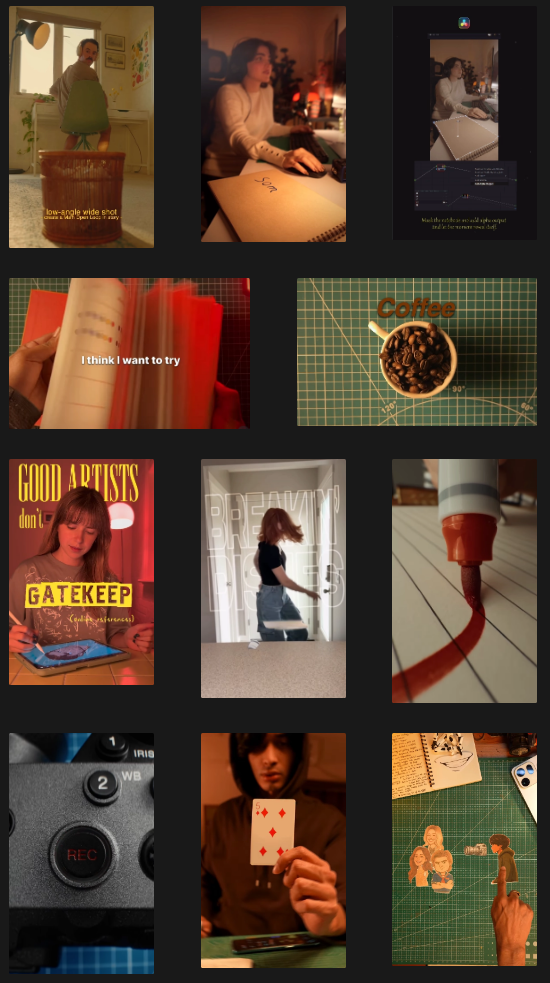
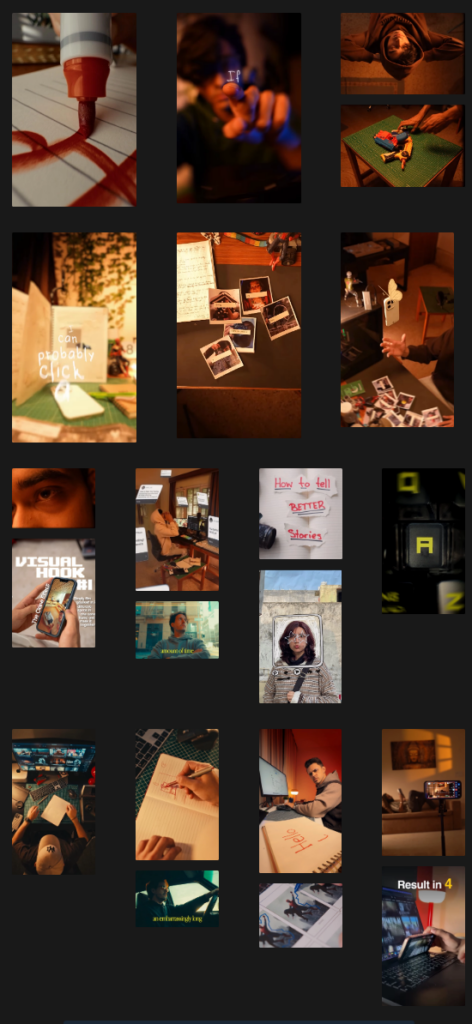
After completing my research about the topic of map projections/ how they relate to Greenland and finished writing the text, I was eager to get started on trying out different video edits.
I gathered a lot of inspiration on social media and used multiple reels as somewhat of a tutorial/template for my own videos.
I will admit, I was probably too quick in jumping on to the production train, as my shotlist was not fully worked out and I had not yet determined the timing/duration of each shot. Still, I tried out a setup at home, because this is also something I aim to achieve – have setups that don’t require a well-equipped studio setting. I do own a Sony A7 IV, which I also used for recording, my light setup is much more rudimentary, as I am using a ring light, a budget LED-floodlight for lighting up the room as well as a budget LED-colored light for establishing moods and create a look.
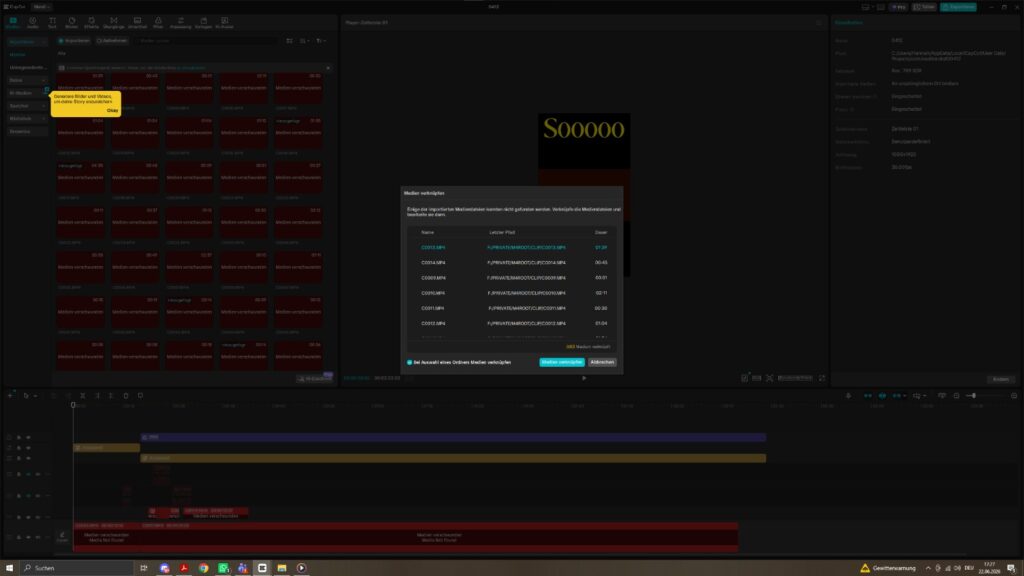
By now, I have recorded multiple clips and am in the process of editing them using different tools/effects but they still have to undergo massive timing adjustments in order to produce a good result.
Techniques I tried out were for example using background remover tools for layering videos and putting in text, or achieving a kind of stop-motion look for a text animation.
Screenshots from my current progress can be found below.
I am currently busy with trying out ways to record and edit content about science-related arctic topics, focusing on coming up with content and editing ideas I then can apply.
I have made a list of suitable topics and am currently working on the first reel which is all about the size of Greenland and the related topic of map projections.
My learnings so far are quite extensive and mostly related to my workflow and my personal approach, because I realized that a lot of time has probably been lost because I was (or am still) partially unclear about which edits I want to use on which sequence and how to actually produce my visual assets. I will finish this current edit now with how I already started but am aiming to have a clearer plan set up for the next videos. That includes a much more detailed shotlist and thought-out transitions as well as having exact timing frames (as especially for social media, timing is extremely important)
In more detail – the first approach to creating my video was rather messy, as I was mostly drawing on edits/videos I had previously researched and saved, matching those visual ideas loosely to the text/explanations I developed.
I tried to create somewhat of a shotlist to accommodate each sentence/explanation but while doing so I realized that the amount of information and text might just be way too extensive for the intended purpose of the video.
Ultimately, I ended up recording a couple of sequences so I could try out some of the editing styles I found interesting and am currently in the process of editing those clips, matching them with text and hopefully generating a cohesive final result.
I am also still figuring out which kind of text/voiceover would be most suitable for my videos and I might possibly just end up with two versions – one with voicelines that rhyme and have a more rhythmic, fun approach and one with a more „natural“ voiceover / text animation, to test out how they are perceived by viewers and which has the better overall information factor.
Current (faulty) Pre-production process for Video 1
Choosing topic – Greenland and map projections
Researching information about map projections and the special case of Greenland in that context
Researching video edits I would like to try out.
Coming up with the text / voiceover (which, as we now know, is probably way too long/would require many shots)
Creating (somewhat of) a shotlist
This would be the lyric draft I created and used to base my shots on:
For the shotlist, I used a Notion template and essentially based my shots on the respective matching text. I have to admit, however, while writing this list, as mentioned above, I felt that I didn’t have enough clarity as to how I would actually do/produce/set up each shot and how long each sequence would have to be. So, coming back from this first attempt, I aim to make this list more of a priority in order to have a much clearer plan for the recording and editing process.
Finding creative ways to communicate scientific topics to the non-scientific community
Introduction
This blogpost shall give an overview over the planned skill to be acquired throughout this semester and list the resources that should be used in order to acquired said skill.
As I plan on building my master’s thesis around the topic of science communication and on how to build bridges between design and science communication in order to better communicate scientific topics to a non-scientific audience, I want to take this semester to focus on creating short-form video content that tackles scientific topics. My goal is to make these videos more than „classic“ explainer videos and have them stand out by learning more about creative editing and VFX for that purpose. The final product should be a series of videos that have both, educational content and visually appealing creative edits.
I have been researching accounts and creators who focus on producing creatively edited videos and selected some editing styles I would like to try out. These styles I would then like to match with scientific topics, which I am also in the process of selecting. I figured –at least for the start – I will be focusing on choosing topics that have some sort of „visual potential“ (meaning that they concern subjects that can also be adapted visually) and can be broken down into short form content relatively easily. Even though that may restrict the exploration of more complex topics, it will help me to get started in this field and to get to know more about how much information is needed in short form content to still convey knowledge without losing too much critical information.
First Content Ideas
Since I was part of last year’s JOANNEUM Arctic Expedition Team and have worked in the science communication and media division of the team, I would like to generally focus on Arctic topics. There are many fascinating topics surrounding the Arctic and Arctic research is more relevant than ever, since it is not only heavily affected by climate change, but the happenings in the Arctic also have a massive impact on, for example, Europe’s climate.
To get started, I put together a list of possible areas to be explored and explained on the video projects. This list, of course, is subject to change and extension and will be updated accordingly.
Topic 1: Greenland
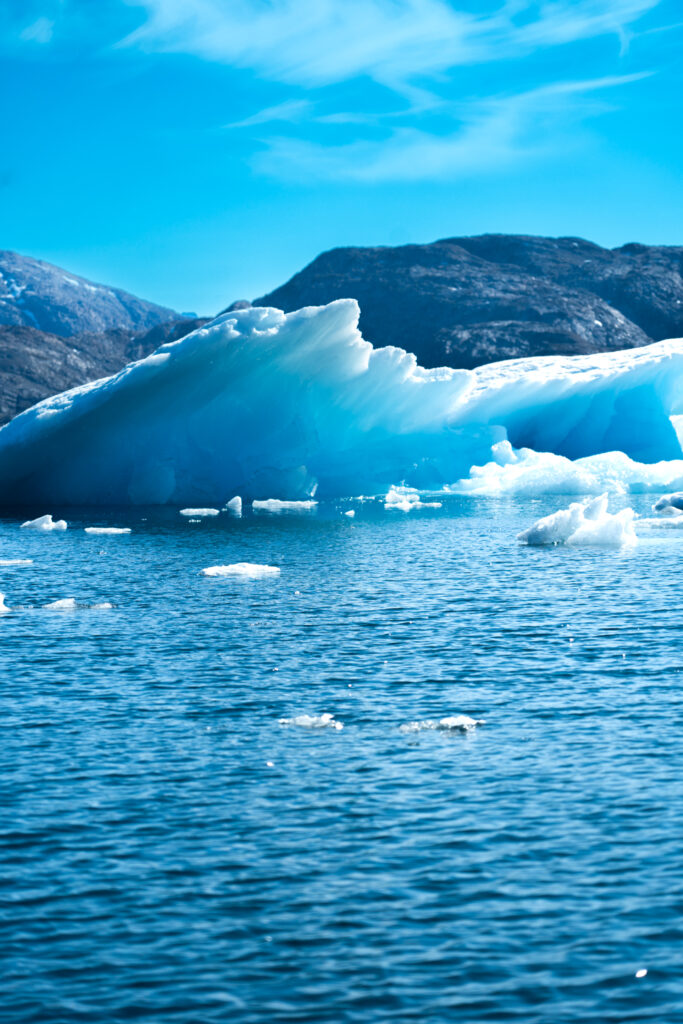
1.1 | The Map of Greenland Greenland: The Island That Looks Like a Continent / Why all maps are wrong
In the following days, I would like to further explore the potential of the listed topics and come up with ways to (visually) communicate and them. To get started, I have selected the topic around explaining the different map projections of Greenland, because it is not only a topic that can be well-explained in a short amount of time – it is also fun to play around with visually.
Background: Since it’s not possible to convert a 3D-sphere (such as the earth) into a flat plane, all maps are subject to distortion. Greenland is a pretty fun example of how map distortion completely changes a countries’ proportions – since northern and southern points of the globe are most affected by the falsification.
The next task is to come up with a storyline and subsequently a storyboard for this topic. Simultaneously, I intend to look into the creators more in-depth and look for explainer videos and tutorials to learn more about their approach to creative editing. The next blogpost will therefore be dedicated more to the editors and frameworks needed for creating short form (VFX-heavy) content and what topics surrounding the editing process itself I will need to look into.
One part of my process this semester is selecting relevant topics for the videos I intend to shoot, while the other part is defining editing styles and effects I would like to use / base my videos on.
For this purpose, I took a deep-dive on social media and watched a LOT of videos, successfully training my algorithm to show me more and more creatively edited videos. 😉 Furthermore, I tried to find accounts that focus on science topics to gain inspiration on how to break down knowledge for short form video content.
The biggest challenge will likely be combining these editing styles into a concept that not only looks good but is useful for conveying information. A lot of the videos on social media with styles I found appealing don’t necessarily have the aspiration of actually teaching the viewer something, so I will happily accept the challenge of merging educational content with FX-heavy videos.
Since I plan on producing videos that are mostly intended for social media, there are a few aspects that should be considered for recording and editing the footage.
Resolution and Framerate
Probably most important for getting started with the video recording process is defining the frame rate and resolution.
While videos on social media usually play back at 30 FPS with a resolution of 1080 x 1920 px, the ideal recording specs for creating content that is mostly meant for social media platforms would be recording the footage in 4K UHD (which means a resolution of 3.840 x 2.160 px) and 60 FPS (60 Frames means generating 60 4K images every second). The reason for this is having more flexibility in the editing process. The bigger resolution will help with fixing framing mistakes in post production while the 60 FPS can be stretched for time remapping purposes such as creating slow motion effects.
I will most likely be using my Sony A7IV for my recordings, however, it would also be possible to just use a phone for recording, since many phones are capable of recording in 4K and 60FPS, so for our use case, a big professional camera setup would theoretically not even be necessary.
I would really like to find out how I can create a home setup and maybe even a mobile setup that allows me to effectively record and edit videos of the planned scope flexibly and thus also be suited for i.e. a setup on expeditions or field trips.
Further topics to be researched / discussed for video recording and editing
Lighting Setup
Camera Setup
Editing Setup
Topics surrounding the editing process
Masking / Rotoscoping / Keying
2D/3D-Tracking
Time Remapping
Texturing (Texturelab)
Text animation
Greenscreen
Inspiration and Moods
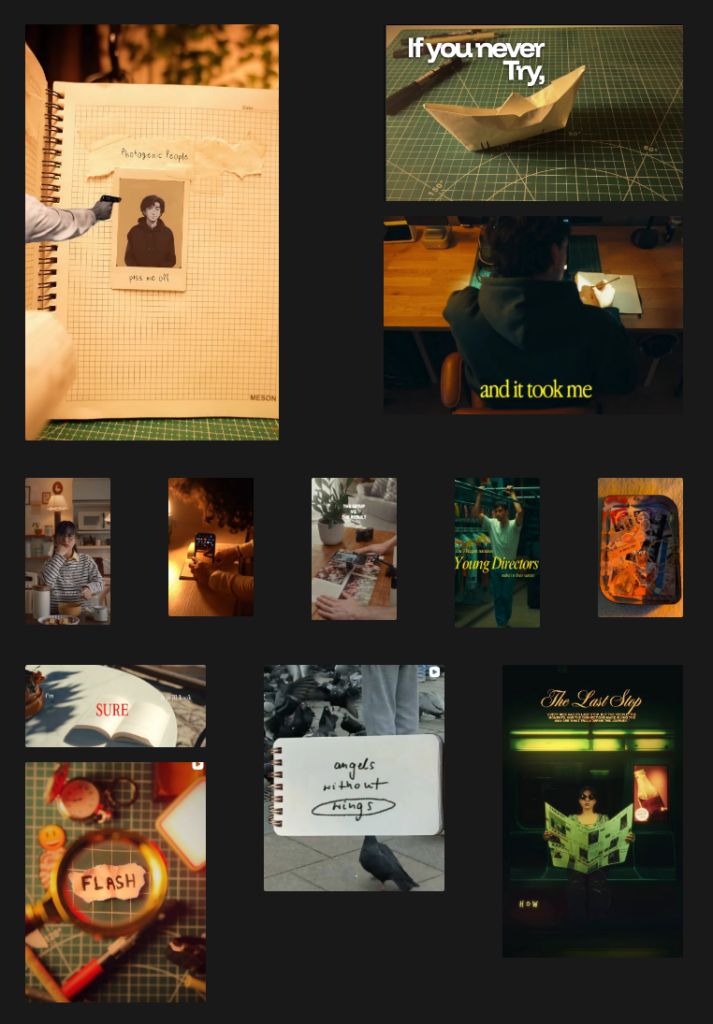
I have collected inspiration and resources (inlcuding tutorials) and spent some time just watching videos and analyzing their styles. Out of alle those videos, I put together some moods and visual styles that I might want to try out. Especially the first three creators I listed have been relevant to me for quite some time, as I have been following them have been very impressed with the look and feel of their videos. Hopefully, I will be able to adapt some of their ideas to fit my own.