This week I researched ways to report faults in public lighting in Graz. First I used Google’s AI overview and then checked the information on various websites. The AI overview already gives a complete answer to the question: you can either contact Energie Graz, which manages the public lights in the city, or use the app Schau auf Graz (“look after Graz”).
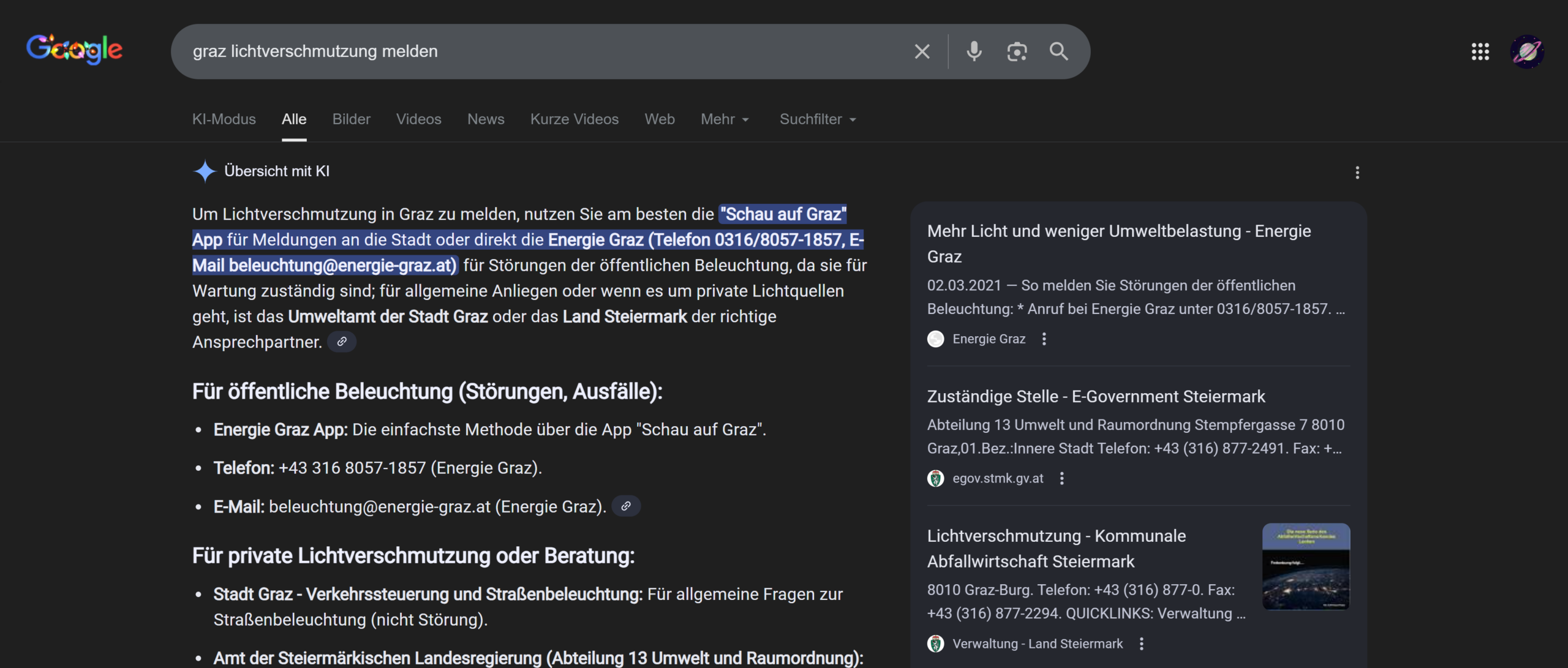
Schau auf Graz is an Internet service that allows citizens to report problems and suggest improvements about public property, and there is also a section about lighting.
have been living in Graz for almost 3 months, but I had never heard of it and I wanted to know if I am the only one. I asked my colleagues from the Communication, Media, Sound and Interaction Design course how familiar they were with it. Out of the almost 30 people who answered, only 4 people from Graz/Styria knew it, the rest had never heard of it, including 2 people from Graz and surroundings. None of the people who are new in Graz knew the app. I reckon that it is a great way to improve public areas and think that it is a pity that it is not very common. I have never seen an ad about it, but I found it quite well hidden on the Stadt Graz website, under “apps of the city of Graz”.
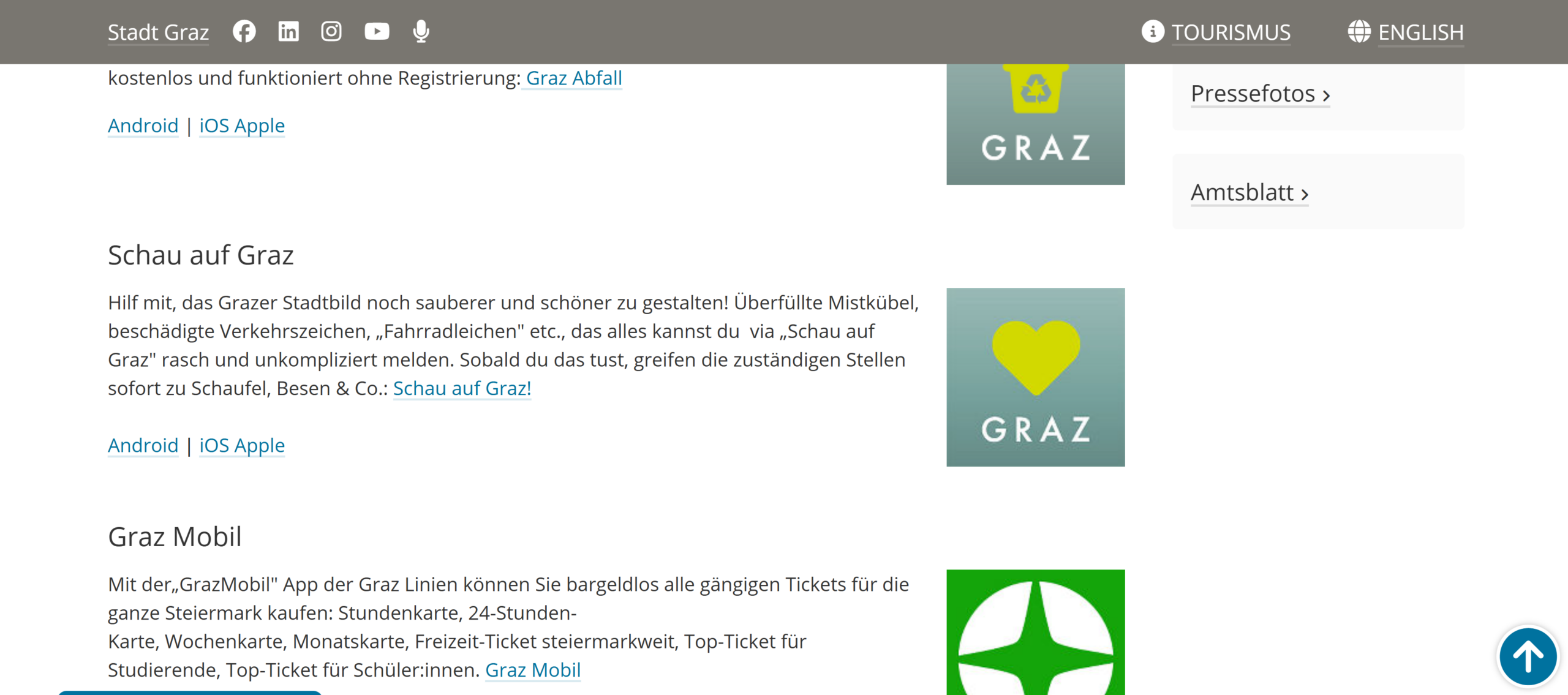
I downloaded the app to see how it works and pretended I wanted to report a defect light in public space. I found the service to be quite easy to use and efficient, but some improvements could be introduced.
First of all, it is not easily accessible for foreigners living in Graz, because it is only available in German.
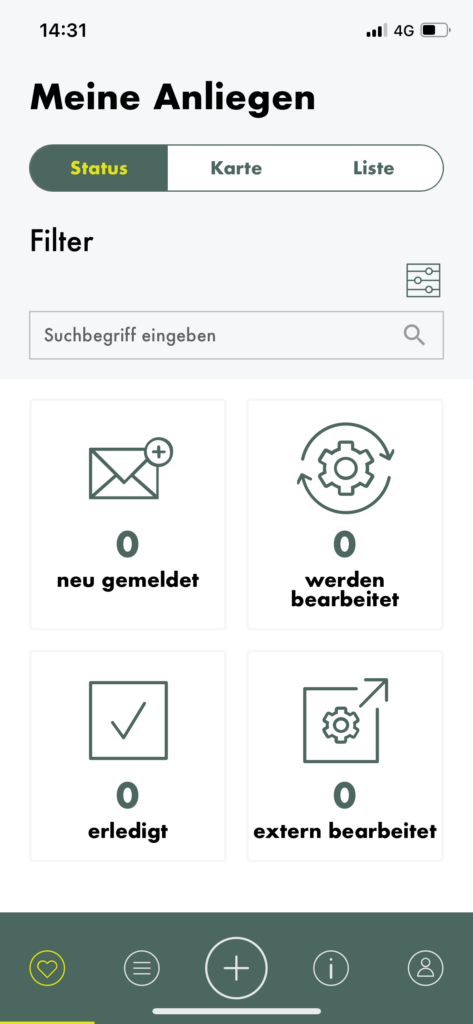
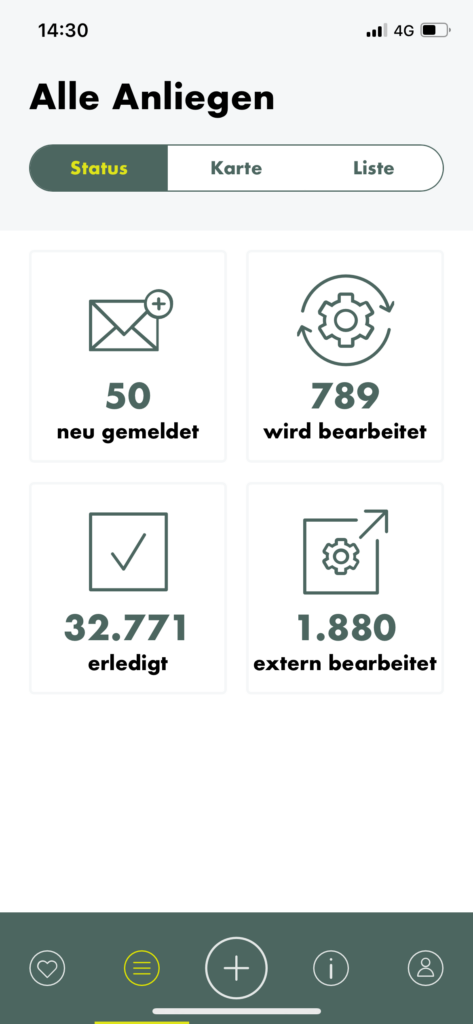
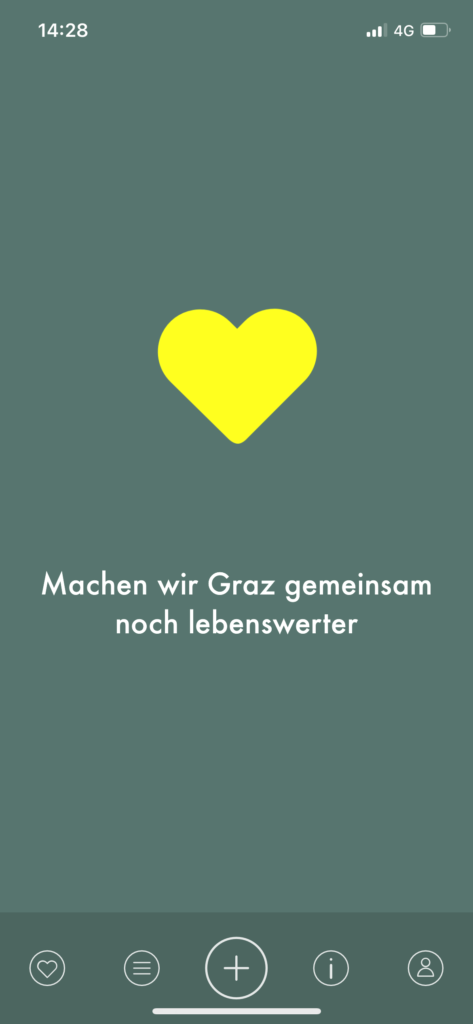
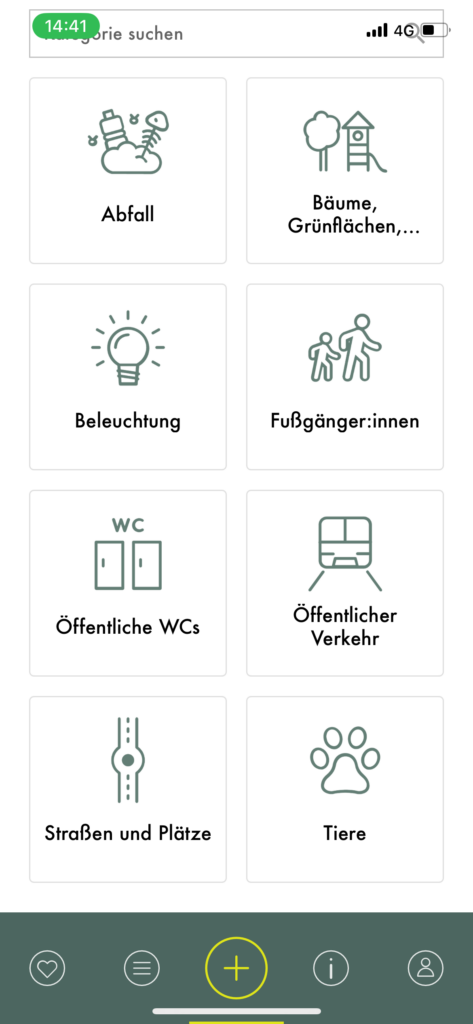
The navigation bar at the bottom creates 5 different sections, from left to right: my concerns, all concerns, new concern (the biggest and most important button), information and profile.
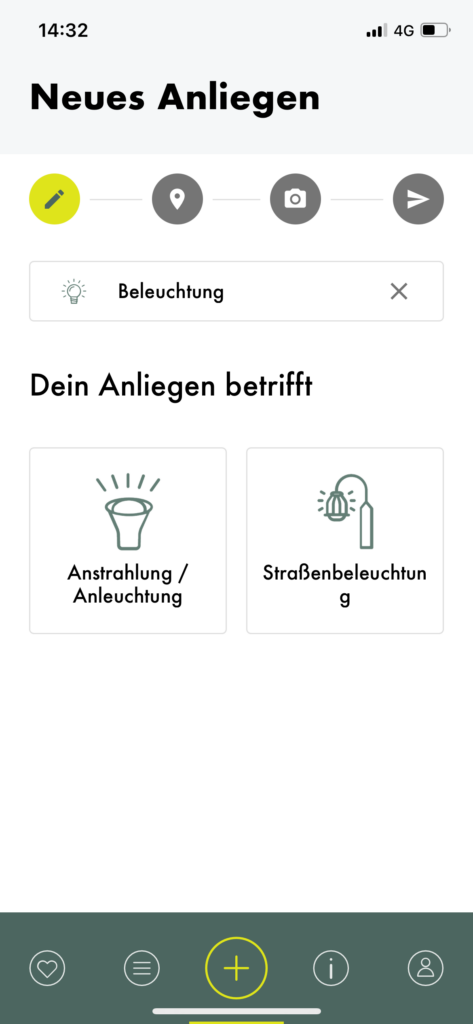
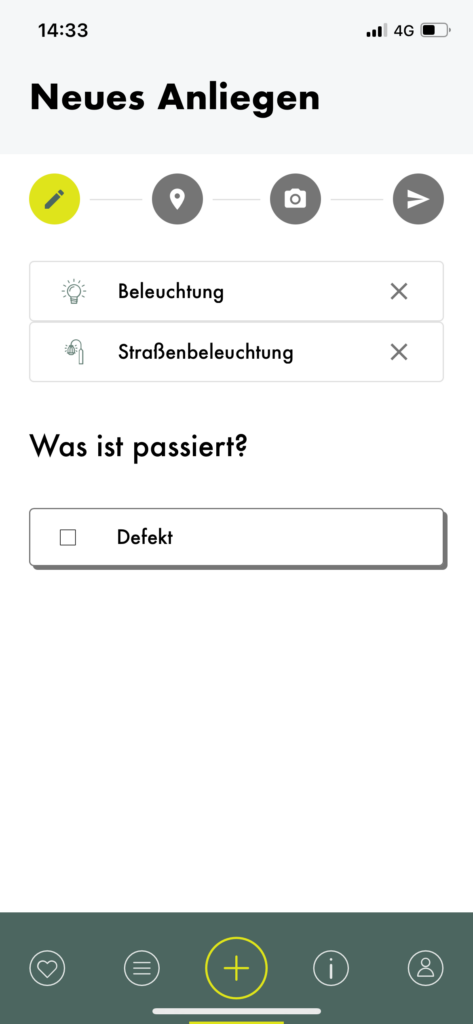
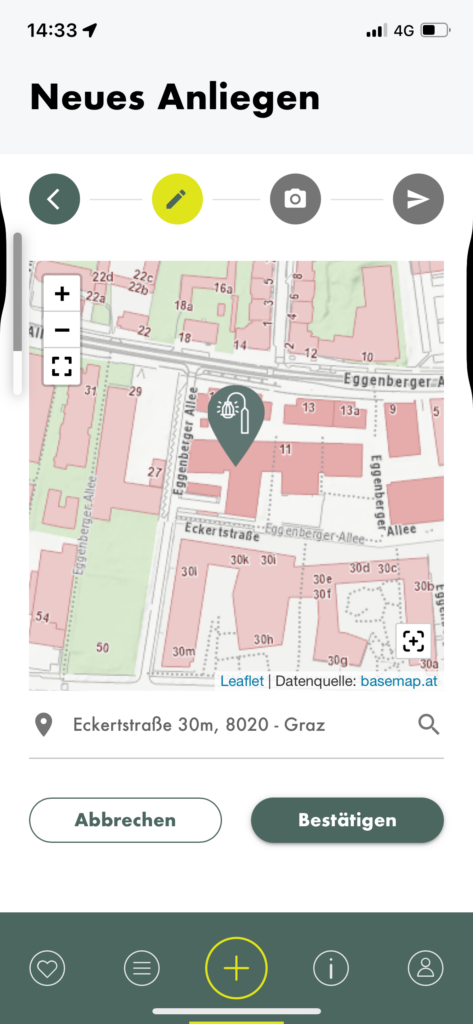
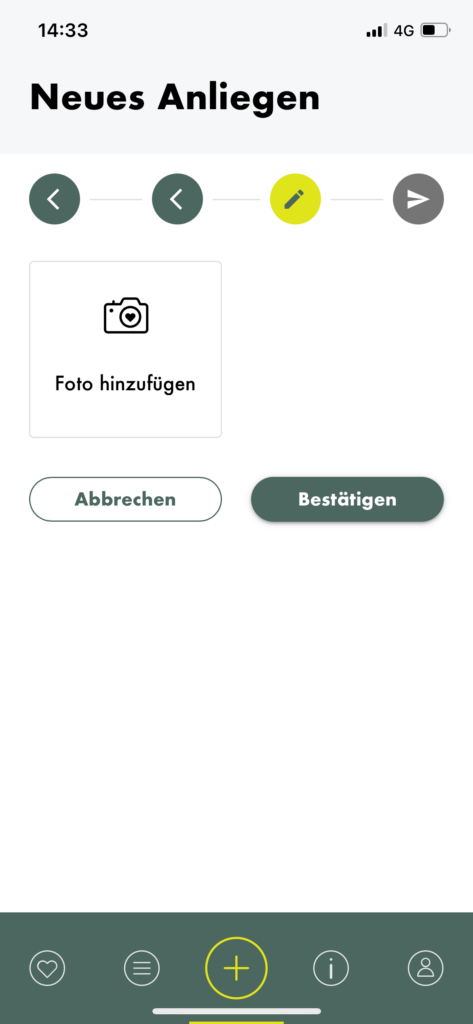
When creating a new concern, you can choose from various categories, one of which is “Beleuchtung” (lighting). I tapped on it and was then asked to choose what kind of lighting I wanted to report. I was confused about the difference between the two options, but a quick google search and a closer look at the icons made me realise that the option on the left regards lights that illuminate façades and the other one concerns lampposts, which illuminate the streets. After selecting one, I was asked to choose what I wanted to report, and “fault” was the only option to choose from. A status bar and some sort of breadcrumbs menu allows you to track the progress and go back if needed. The second step is choosing the location of the fault, then you are asked to submit a picture. After that the report is ready to be sent.
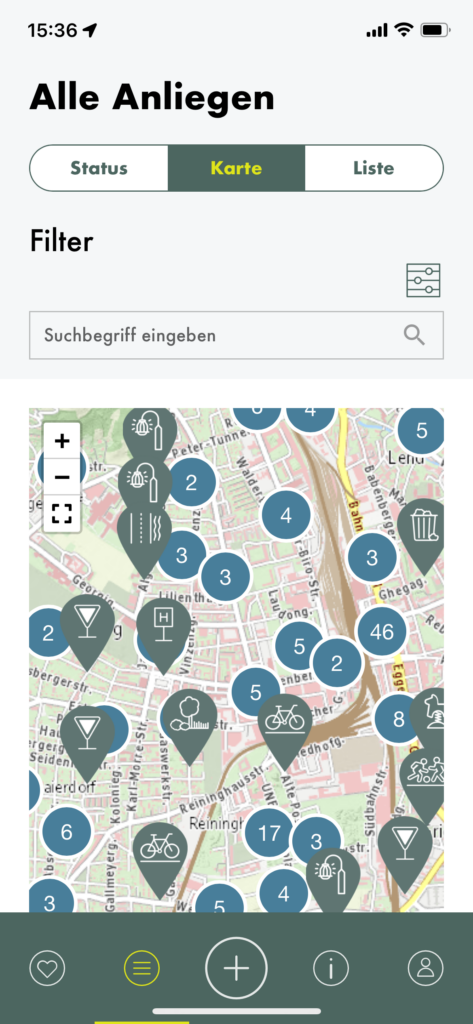
You can then check the progress of your query on the “my concerns” page. I also took a look at other queries and found it convenient that you can choose if you want to see their status, their position on the map or a list.