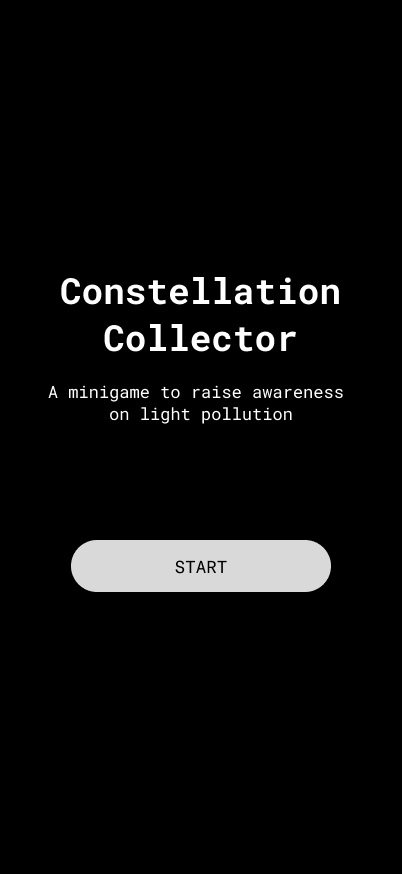
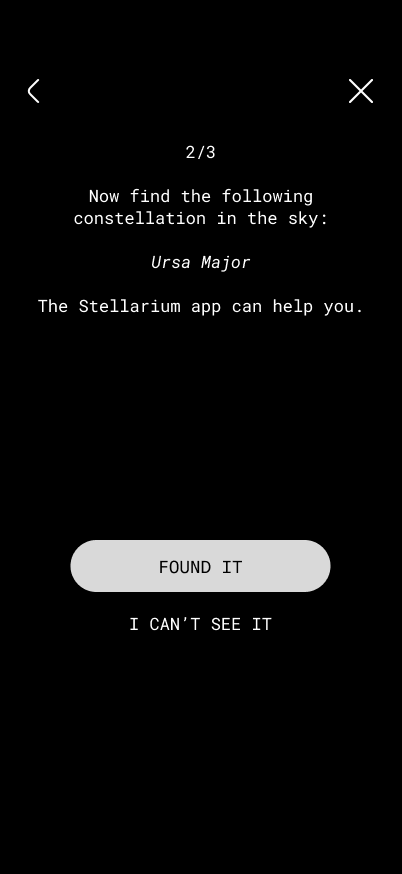
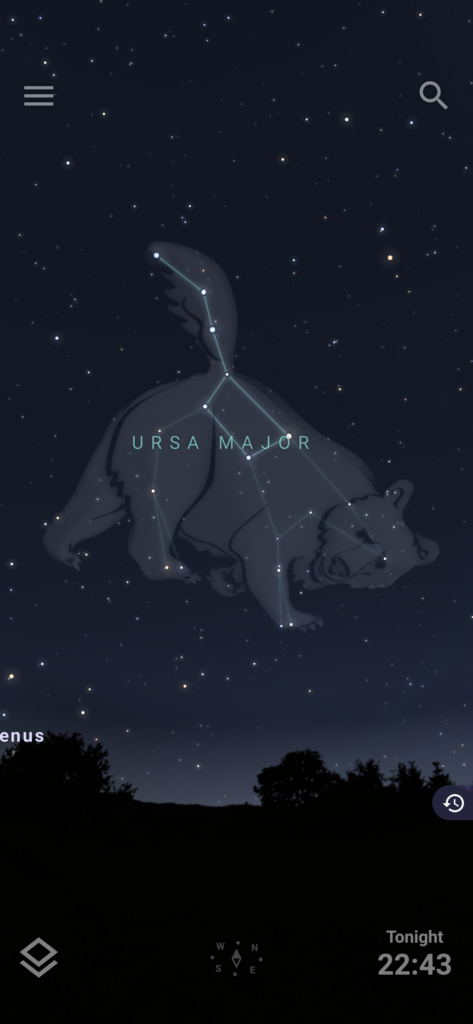
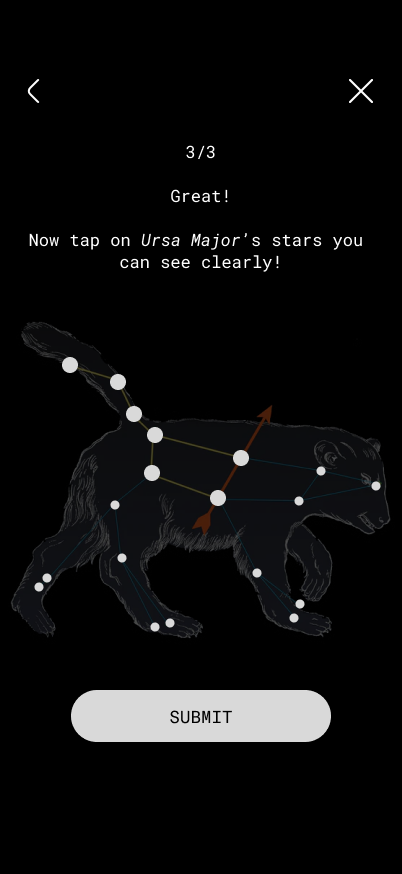
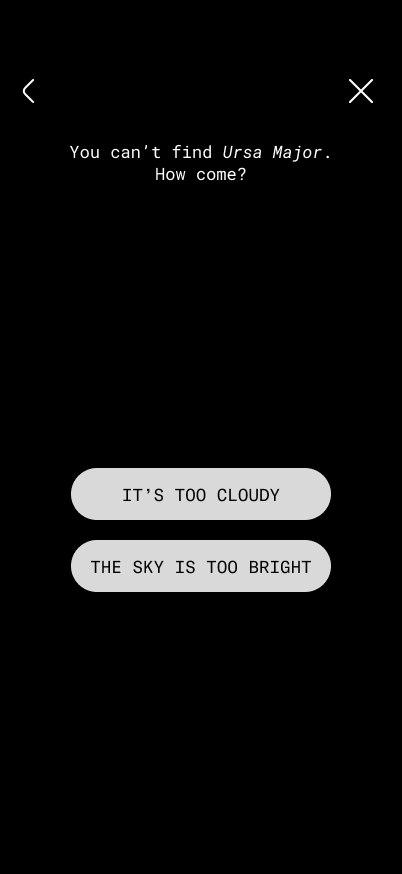
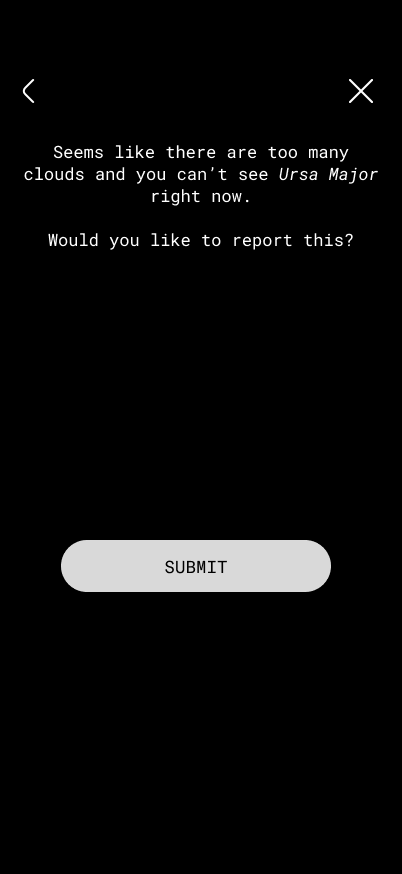
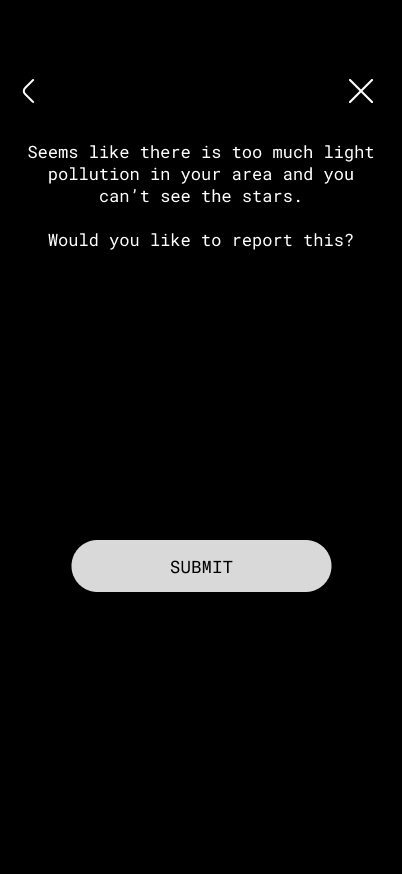
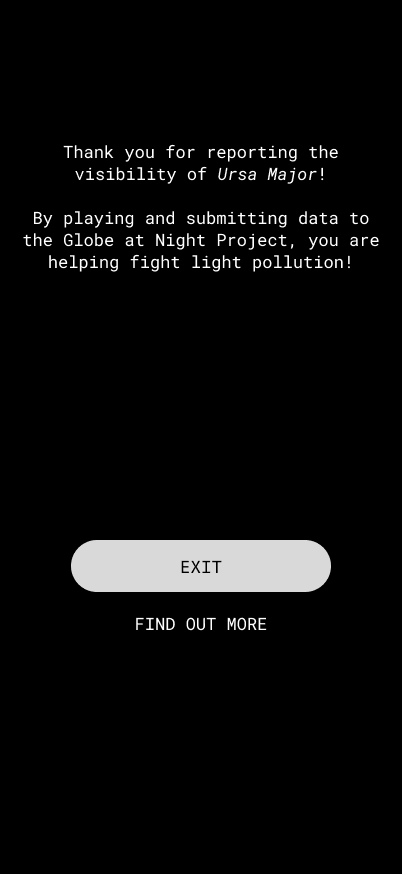
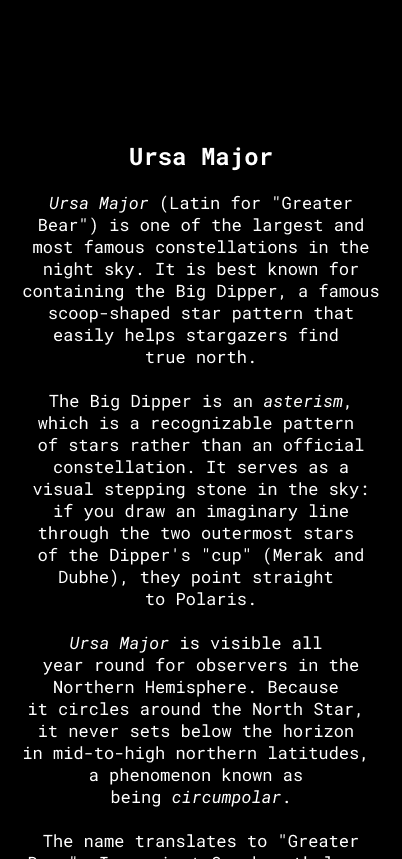
After testing my minigame, I created another version of it with the following improvements:
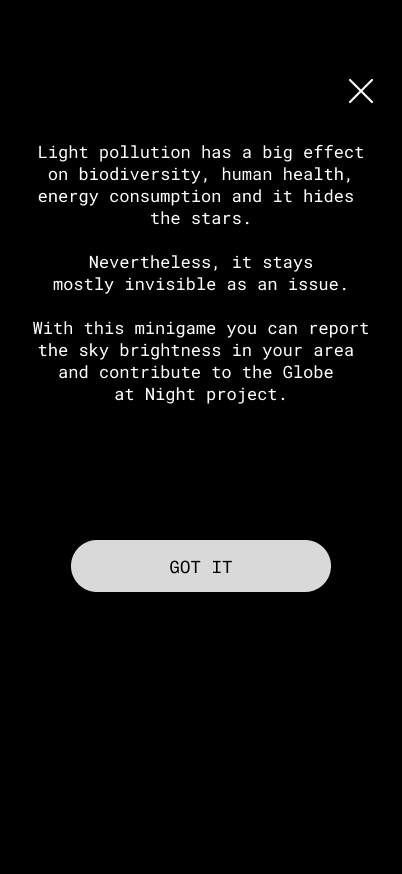
There is a short introduction about light pollution
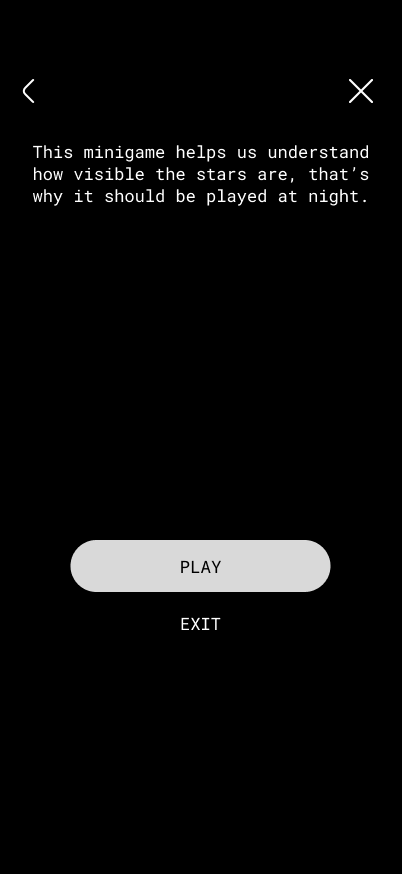
Before starting the game, there is a disclaimer that explains that the game should be played at night
It is explicitly mentioned that Ursa Major is a constellation and that the user is supposed to look for it in the sky
Since my app does not feature the VR vision of the sky yet, the use of the app Stellarium is recommended to localise the constellation (so the first screen where users tried to tap on the stars is removed)
I added padding to the stars so that it is easier to select them
Before sending a report, users are asked if they want to submit their data (so no surprises)
There is an explanation of what was reported
All exit and back buttons are working
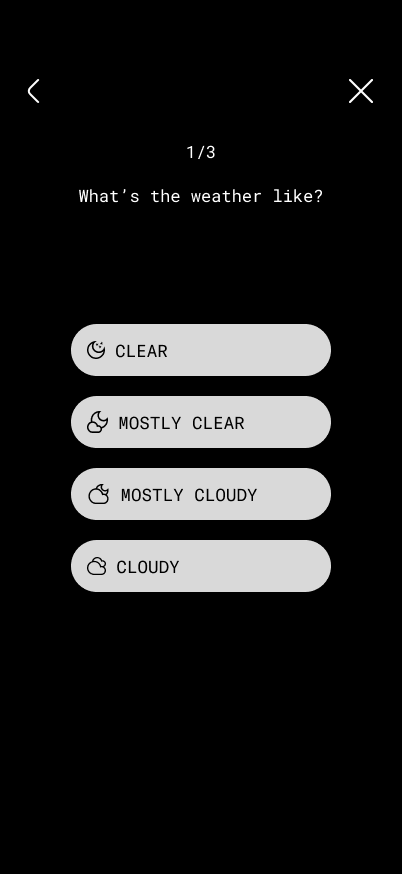
Here you can see the most important screens:
This is only a small gamified feature and I am excited to try out more to make citizen science more engaging.
Following my research on “Automation in Photography,” I have spent this week diving deeper into my project by creating three different prototype scenarios. Even though I haven’t tested these with real users yet, the act of making them helped me see points I was missing and gave me a better direction for my Master’s thesis.
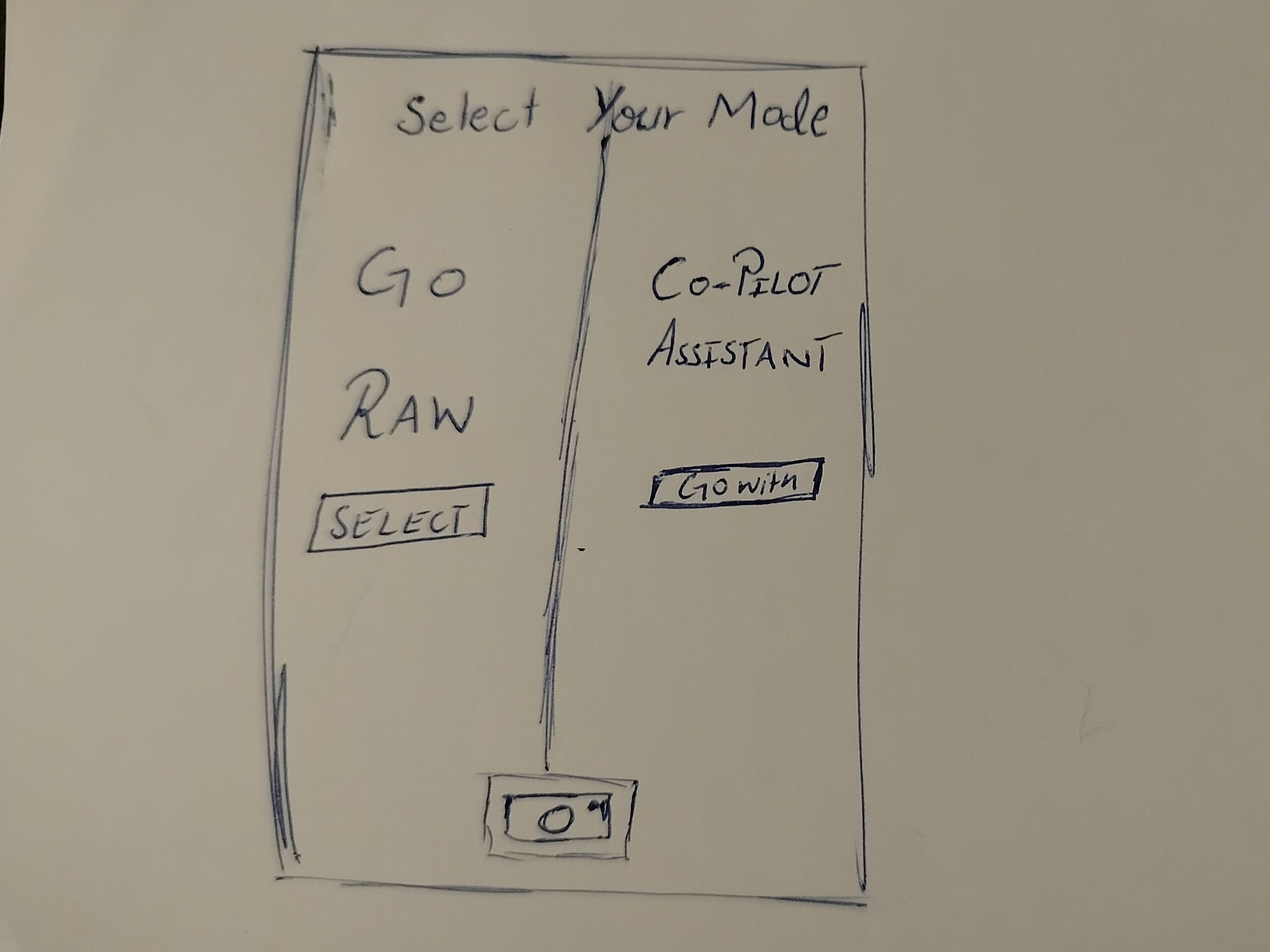
Prototype 1: The Mode Toggle
In this one, when the user opens the camera, they have to choose between two options. One is a Raw Mode where the user has all the control, and the other is an AI Automation mode.
The Goal: To see if forcing the user to pick a mode at the start makes them more intentional about how they want to take the photo.
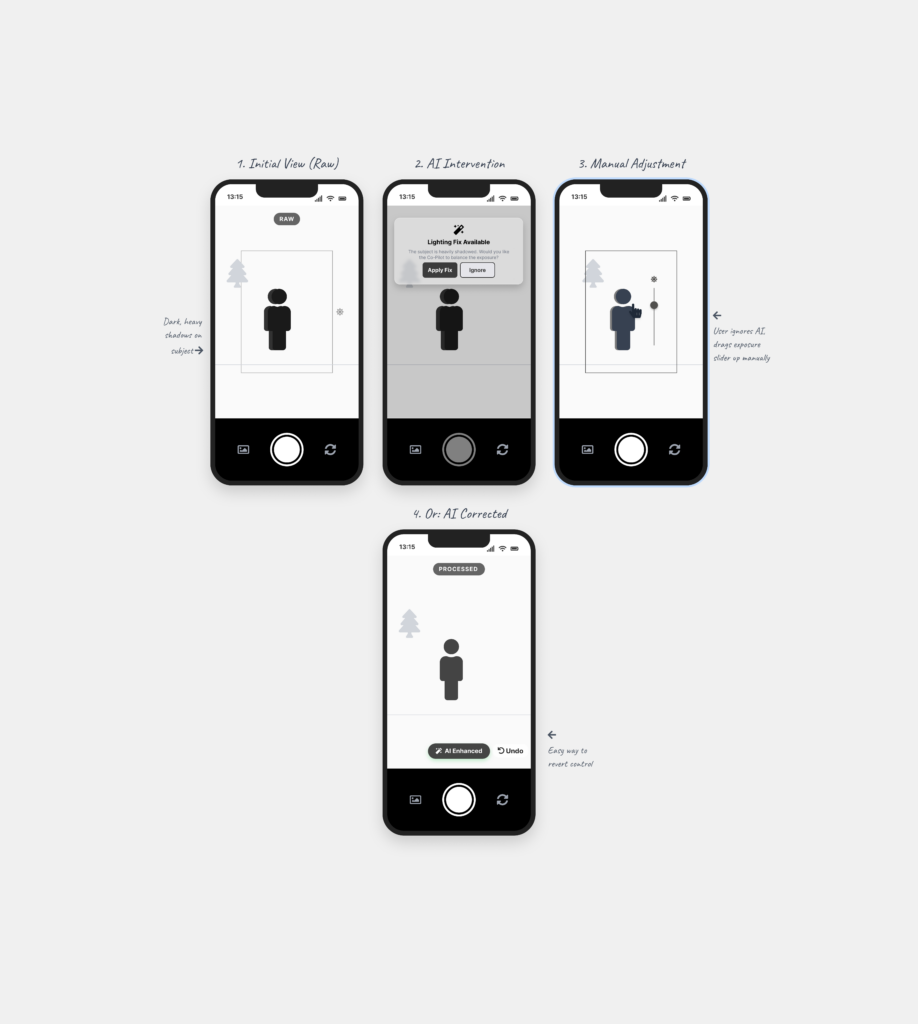
Prototype 2: The AI Assistant
This is a digital assistant that pops up on the screen while you are shooting. It explains what is happening based on the scene. For example, it might say “increase shutter speed because you are shooting action” or “reduce ISO because there is too much light.”
The Goal: To see if giving the user a “why” helps them stay in control instead of the camera just fixing the settings automatically.
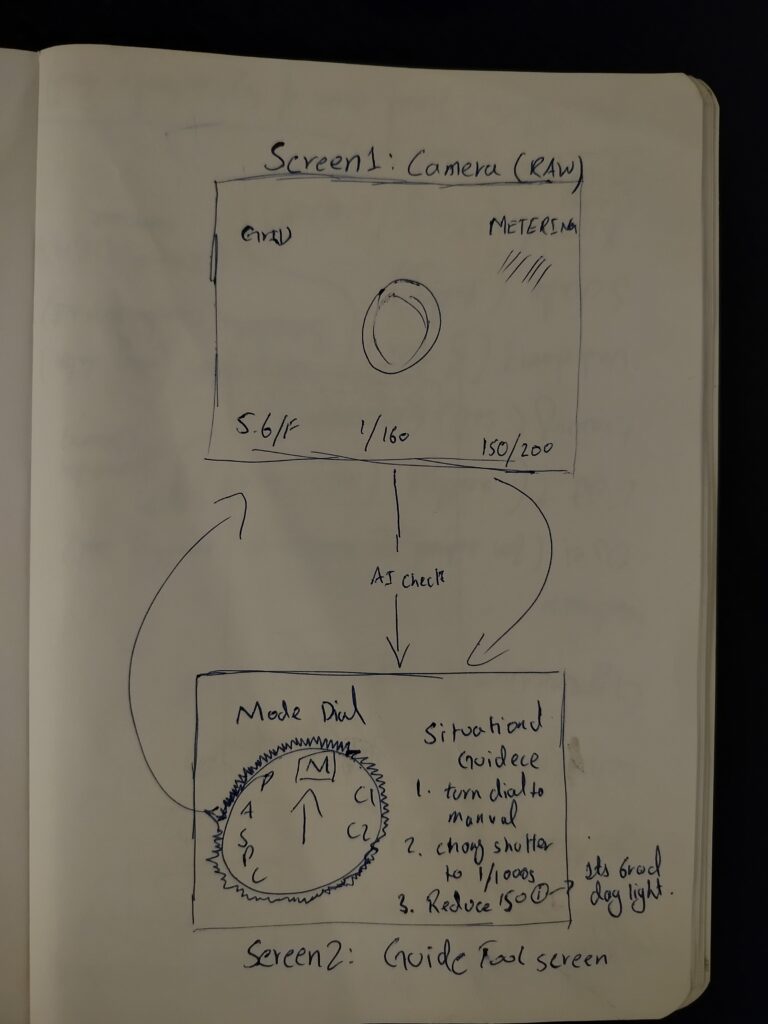
Prototype 3: The External Guidance Tool
This is for professional cameras. A separate device (like a phone) is attached to the camera to guide the user. It shows suggestions on which physical dials to turn to get the right settings.
The Goal: To see if the AI can act as a teacher that helps the user learn how to use the manual settings on their professional camera.
Personal Reflection: Why Prototype Now?
Creating these scenarios helped me see which directions I might follow, but it also left me with a big question about the design process. I understand that if you have a clear vision, prototyping early can save a lot of time. But when you are still in the early stages of defining and understanding the problem, I found it extremely difficult.
To be honest, it doesn’t make total sense to me to build a solution when I haven’t even fully decided what the actual problem is yet. While I know it is supposed to be beneficial, I personally didn’t find it that helpful at this stage. It felt a bit like guessing. However, the exercise did at least show me which side of the camera-AI idea has the most potential, even if the final direction is still a bit blurry.