✿4 Design Research 2 – Prototyping

Since my last update, I’ve been trying to pay more attention to how older adults actually use their phones. One thing that I found interesting was that many of them were actually very comfortable using WhatsApp. They understood what was happening, could explain different functions and generally navigated the app without too many problems.

While observing these interactions, I started thinking about whether some of the actions older adults struggle with could be simplified. Instead of trying to redesign entire interfaces, what if I could take specific tasks or frequently used functions and break them down into a much simpler interaction?

This led me to explore more tangible interactions, specifically NFC technology. Most smartphones already support NFC and I got some inspiration by some already existing products like the ENA Care, which use physical objects to trigger digital actions. The idea of replacing complex digital interactions with simple physical actions seemed actually interesting.

It actually took me some time to figure out what I wanted to focus on more. To get there, I started experimenting and creating some small prototypes.

My first step was to try out an NFC-based tangible interaction system myself. Luckily, I already had some NFC tags and cards lying around at home.. Before getting started, I did some research and found that there are already many tutorials explaining how to set up NFC routines on smartphones. One resource I found particularly helpful was: https://www.wakdev.com/en/apps/nfc-tools-android.html

Setting everything up was actually much easier than I expected because most smartphones already support reading and writing NFC tags. Using some old NFC cards I had at home, I created my first simple prototype based on existing NFC automation. This initial experiment helped me understand possible ways of interaction for digital tasks for older adults.

Prototyping

The first thing I had to figure out was which tools I could use for working with NFC tags. After some research, I decided to use NFC Tools by Wakdev writing the tags. Additionally, I had to install another app called NFC Tasks, also by Wakdev, to create automated actions.

However, while setting everything up, I already started thinking about older and less experienced users. Even though the process was easy for me, I don’t think many older adults would be able to configure such a system on their own. This made me think that there might be a need for an all-in-one application that simplifies the setup and guides users through it.

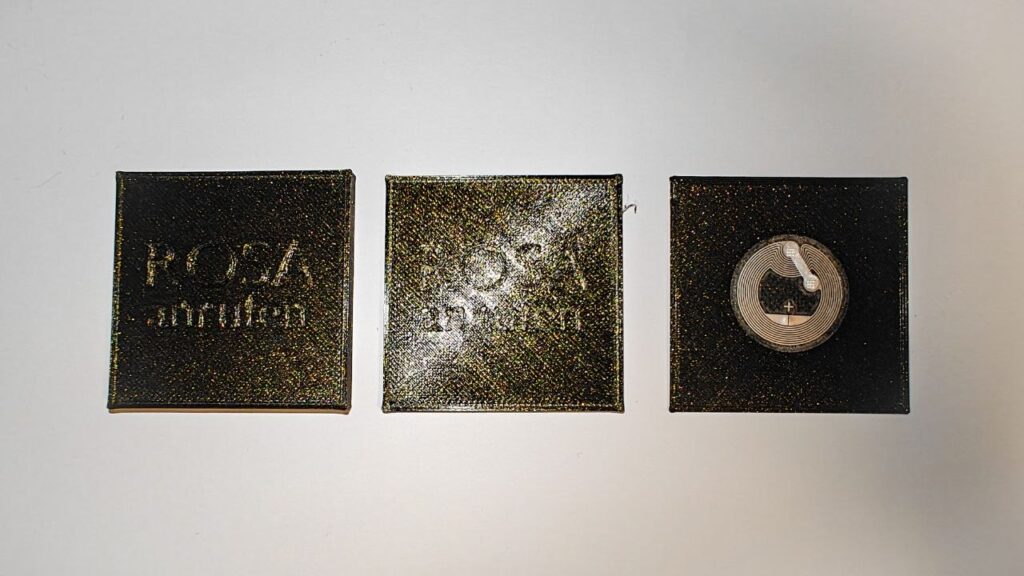
After getting the technical side working, I started experimenting with the interaciton. Since the NFC tags I had at home were just small stickers, I wanted to create a more tangible and easier way to interact with them. In my case I thought of basically two ways of using NFC: either bringing the NFC tag to the phone or bringing the phone to the NFC object. To try this, I designed and 3D printed several different variants that I would like to test further.

While prototyping, I ran into a few problems. One thing I noticed was that the distance between the NFC tag and the smartphone can’t be very large, meaning the tag has to be placed almost directly on the surface of the object. The more I thought about it, the more I realized that small physical objects might not be ideal for older adults. They can be difficult to pick up, especially for elderly people and they also need to be stored somewhere. On top of that, they could easily get lost.
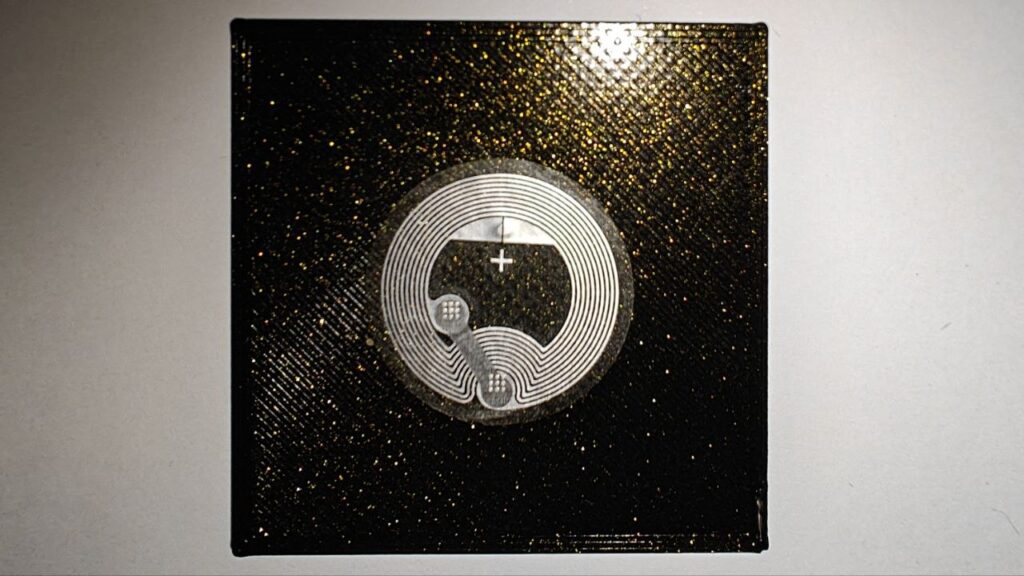
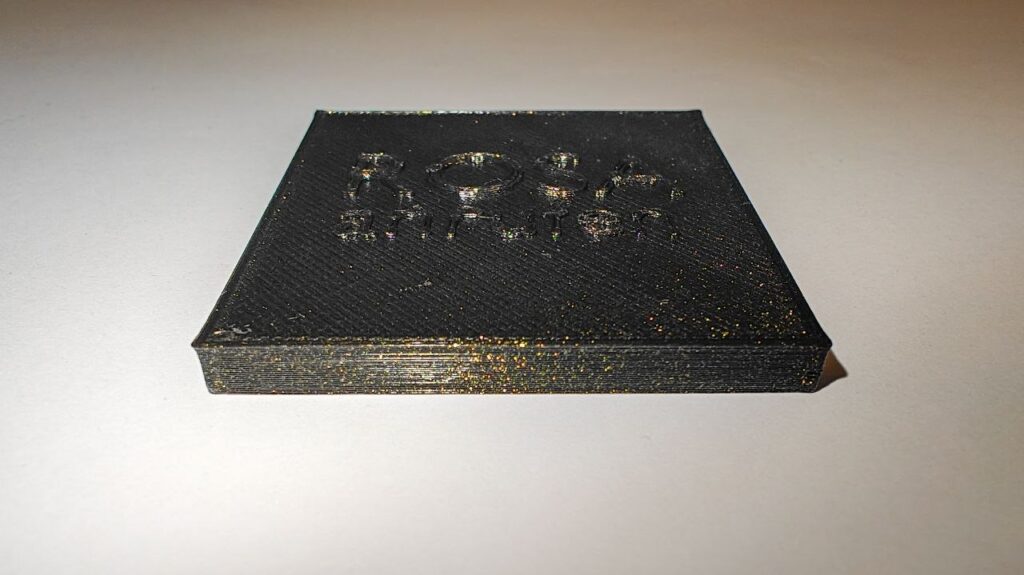
First draft of the NFC Object

While experimenting with these prototypes, I came up with an idea: creating a physical phone book based on NFC interactions. Instead of navigating through contacts and menus, users could simply hold their phone to a physical card or object and immediately call them. In addition, this phonebook could also contain other tasks.
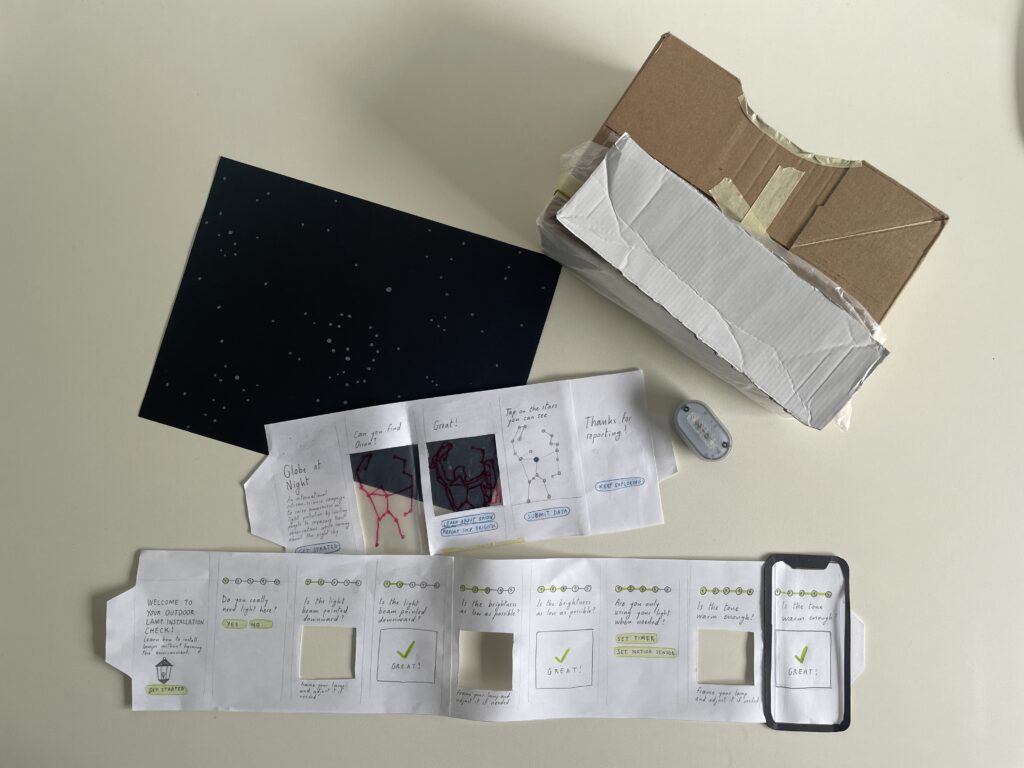
Three prototypes

Design & Research 2 with Birgit Bachler

After a semester of research, I started prototyping. I thought of three possible solutions for light pollution in the interaction design field.

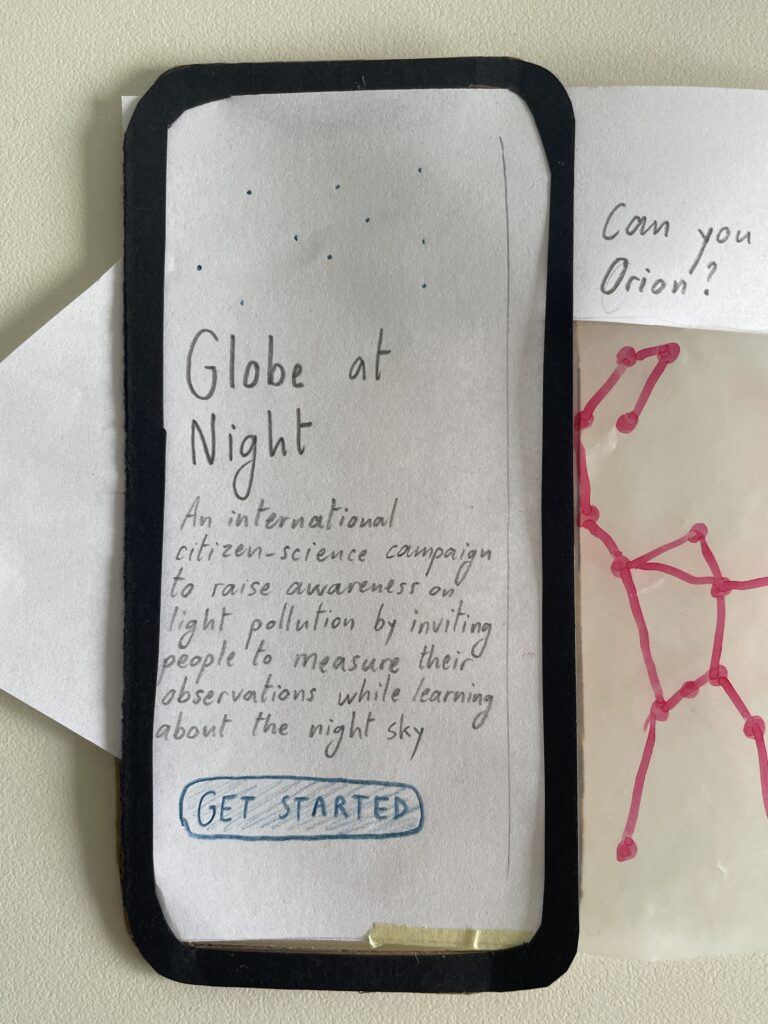
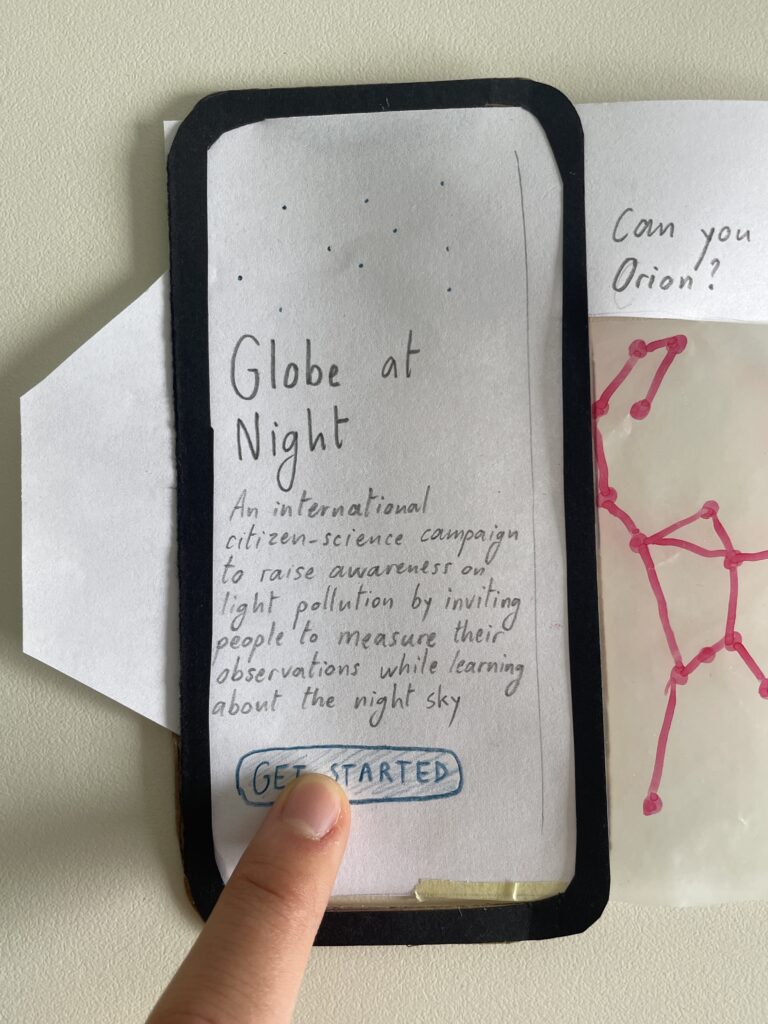
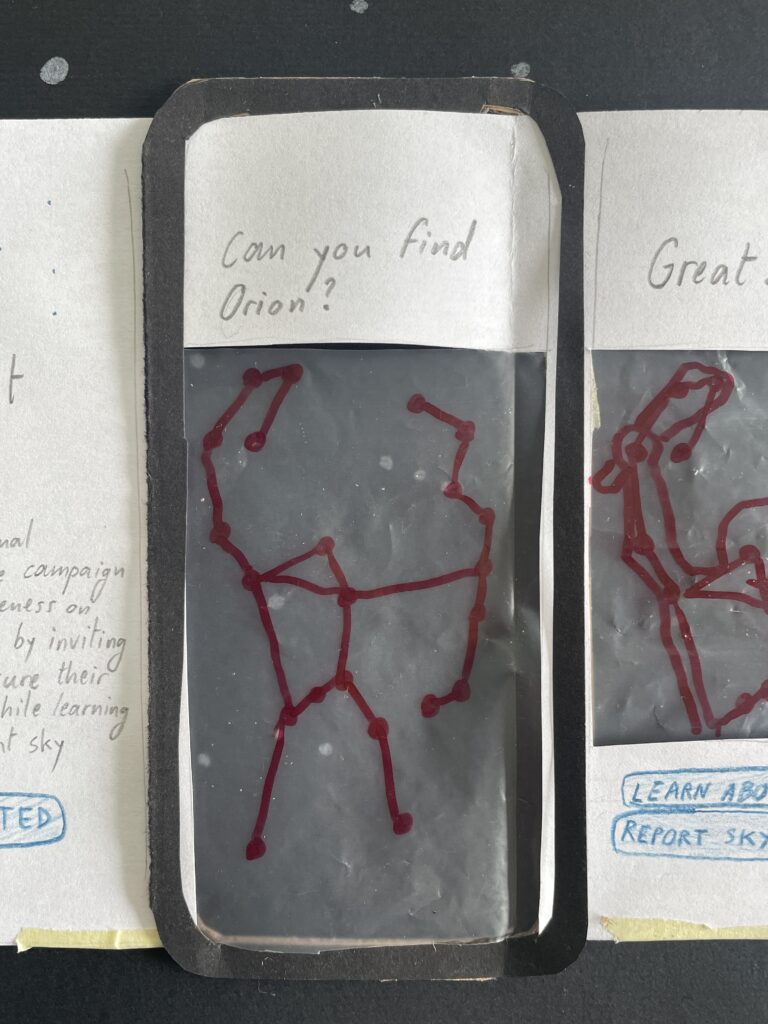
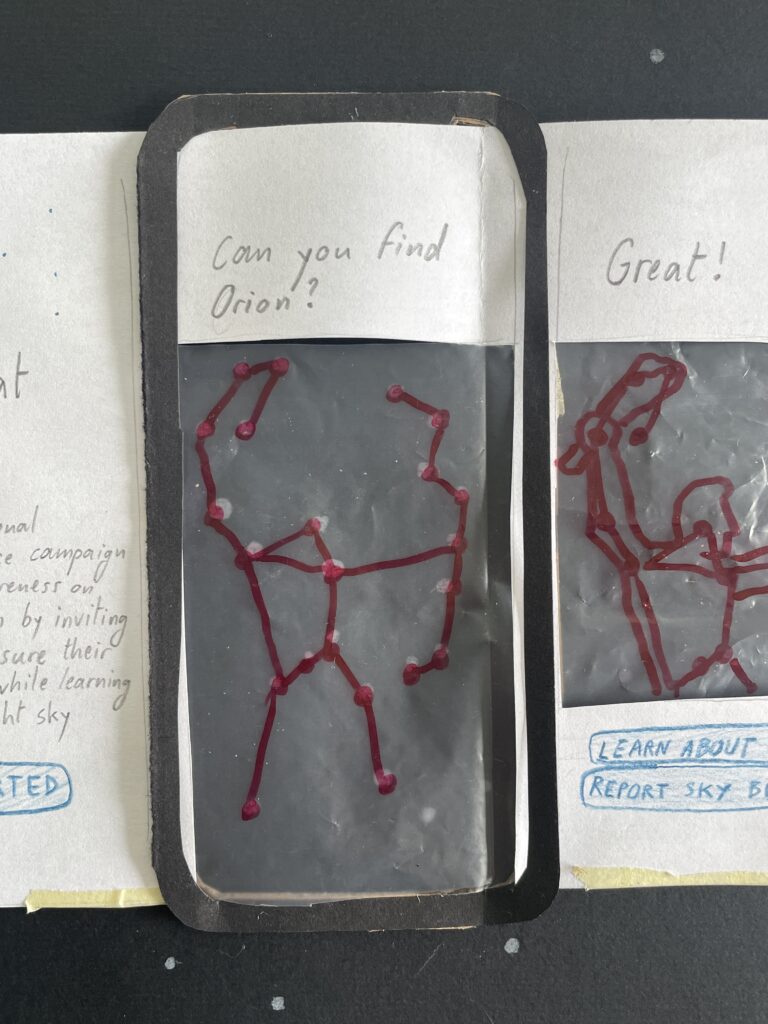
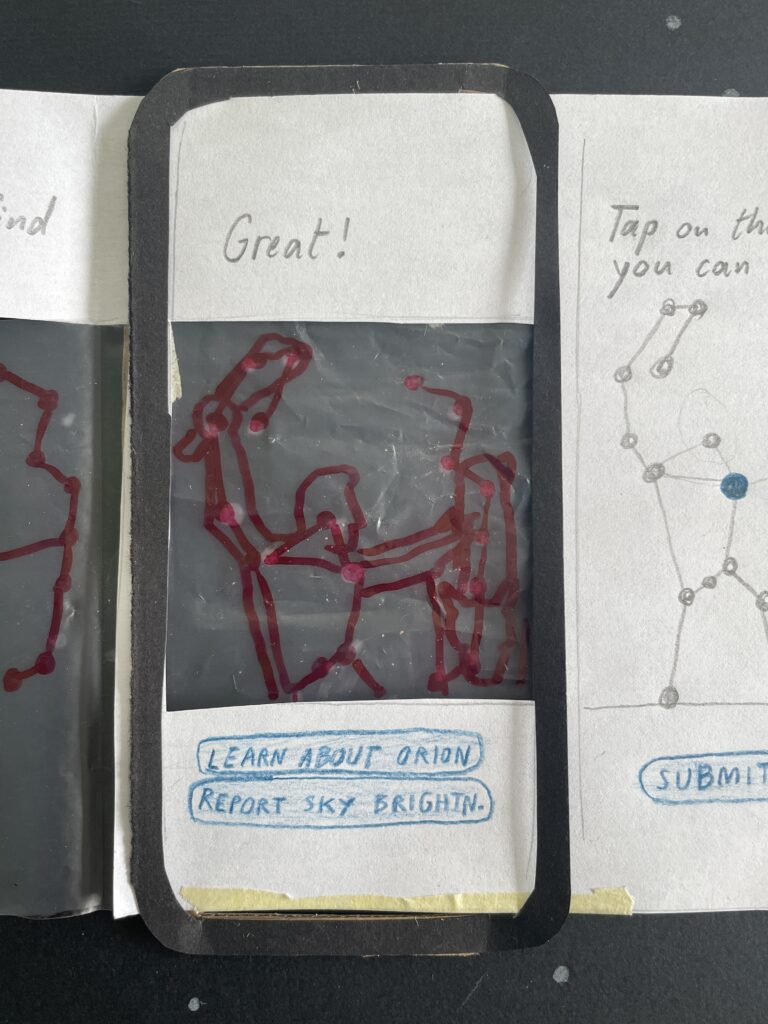
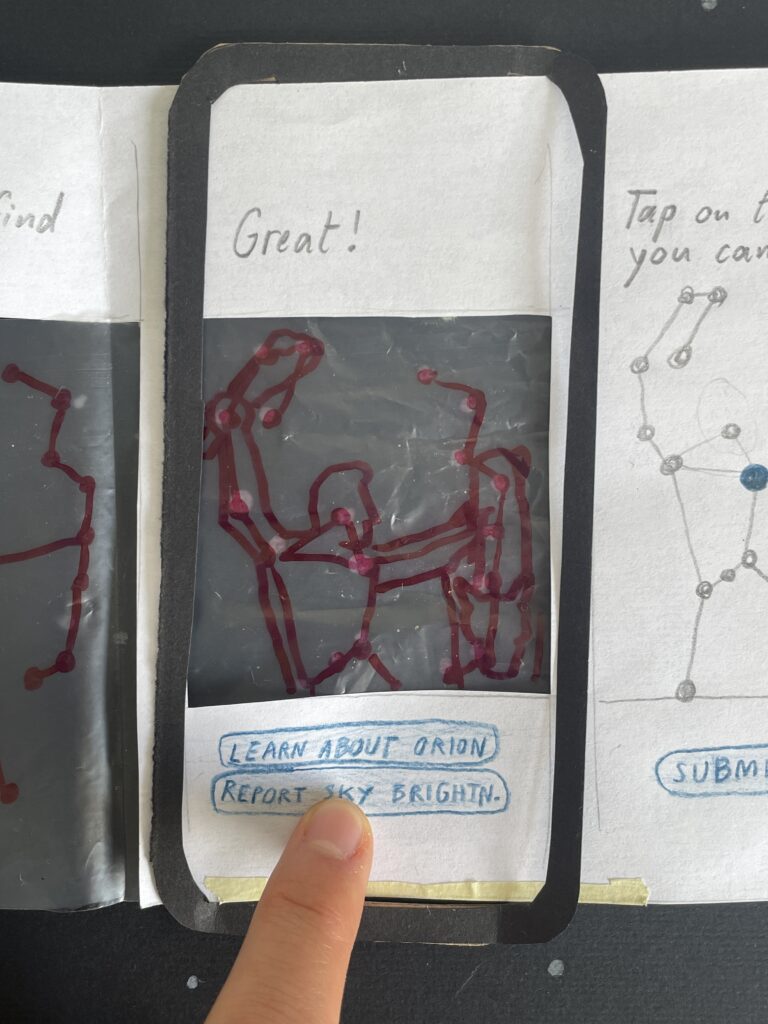
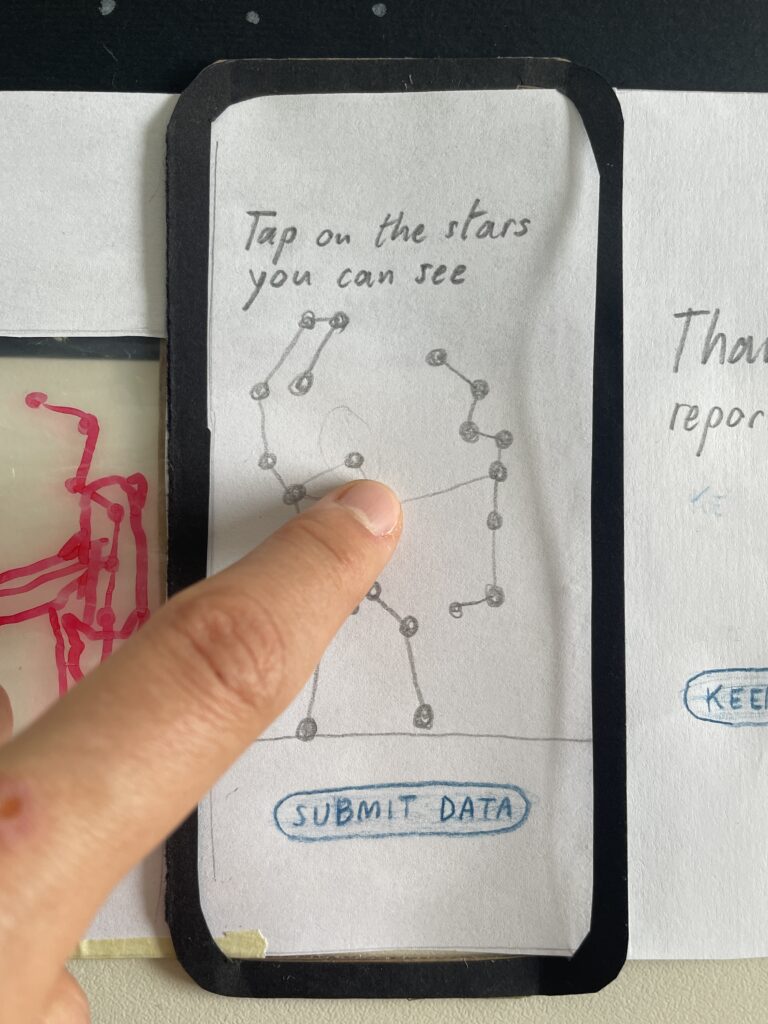
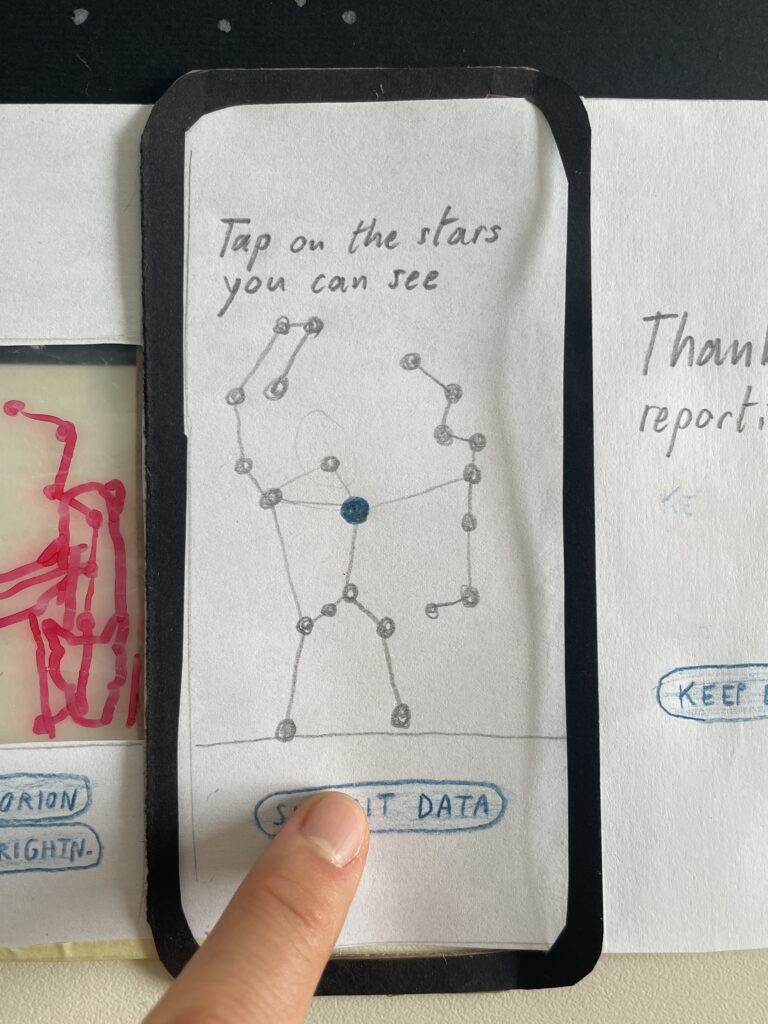
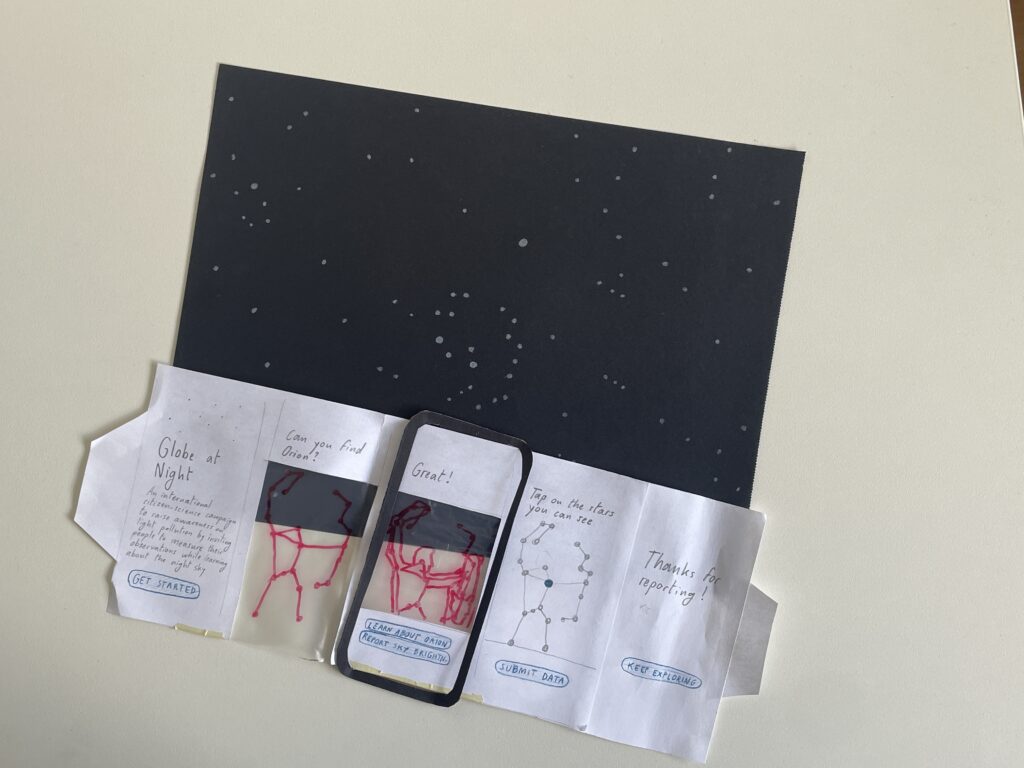
The first prototype I created is a reporting app for the Globe at Night project. It blends the form with a star map, allowing users to learn about the sky and contribute to the monitoring of light pollution. By adding an educational and interactive layer to the form I tested in a previous article, I want to increase its usage.

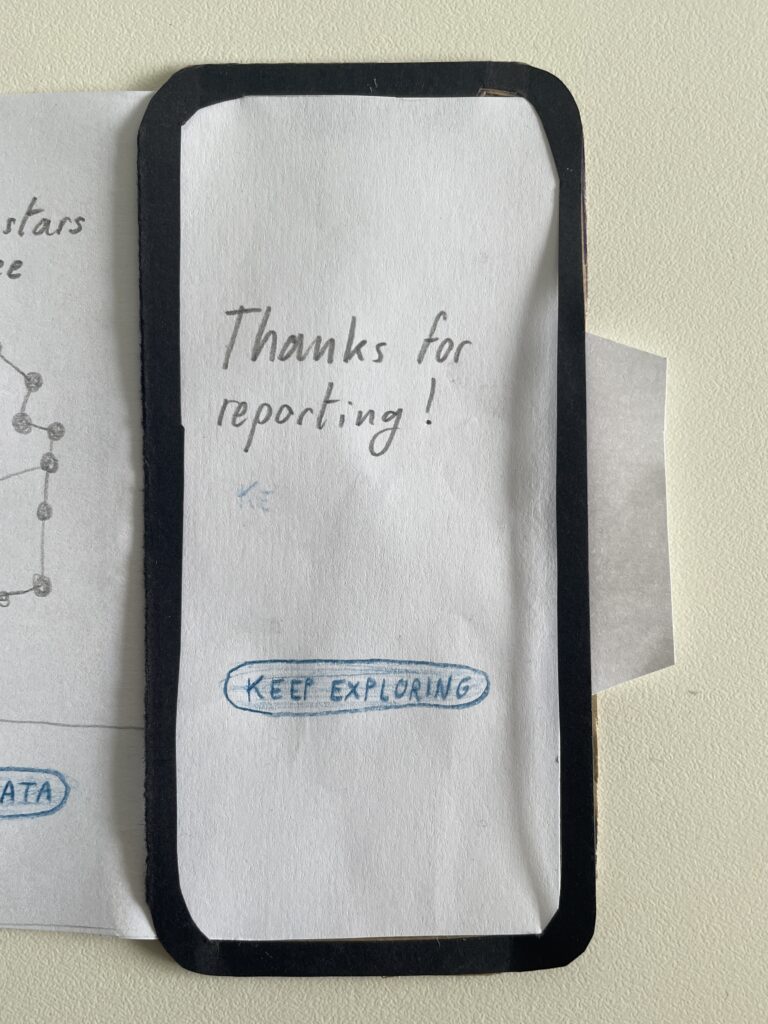
The star map works with GPS, the compass sensor and AR on your phone and is inspired by the app Stellarium. At the beginning, you are asked to find a constellation. Once you move your phone to the right position and find it on the sky (in this case a black sheet with white dots drawn on it), you can learn about the constellation or report light pollution starting from it. To report pollution, you simply have to tap on the stars you see, which change colour when selected, and then tap on “submit data”.

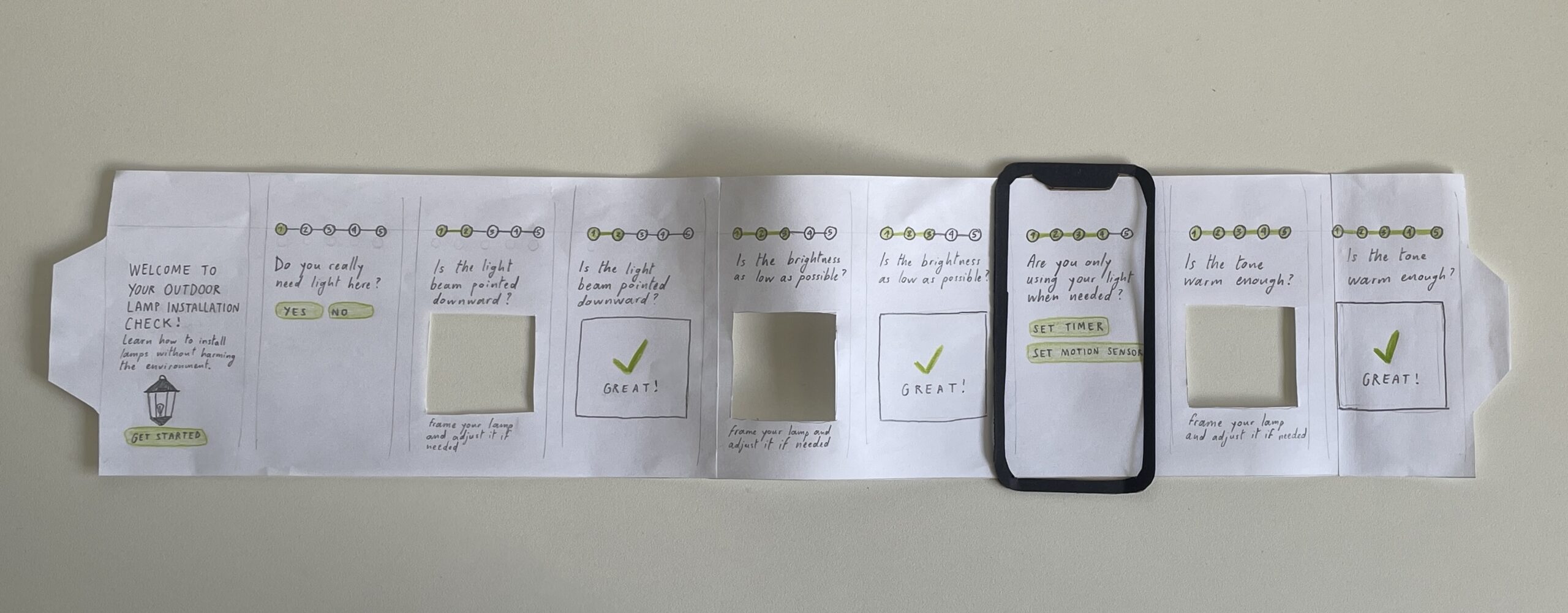
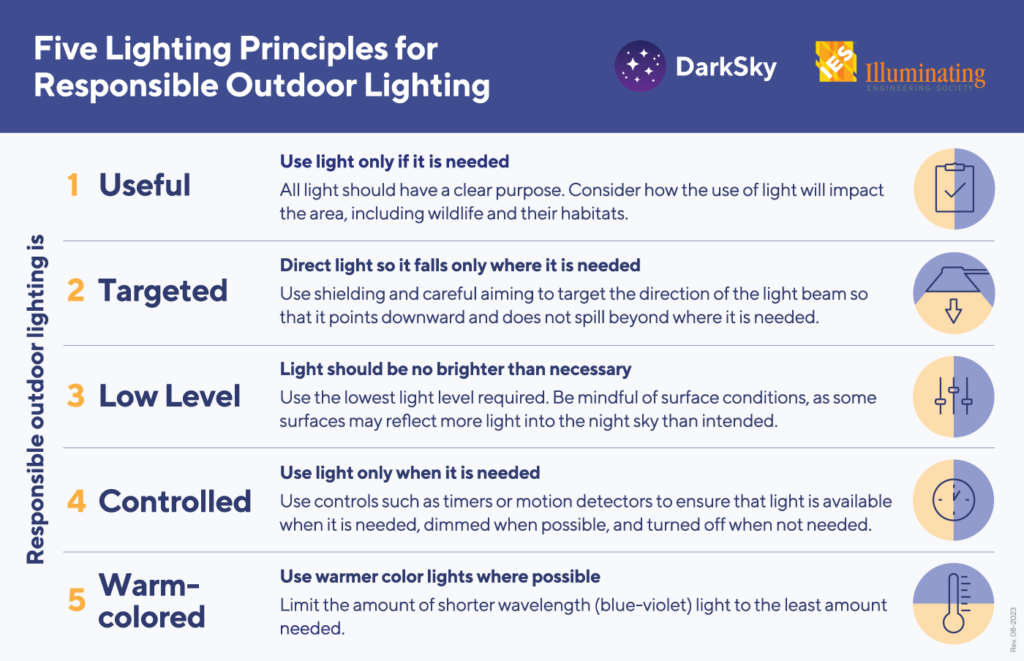
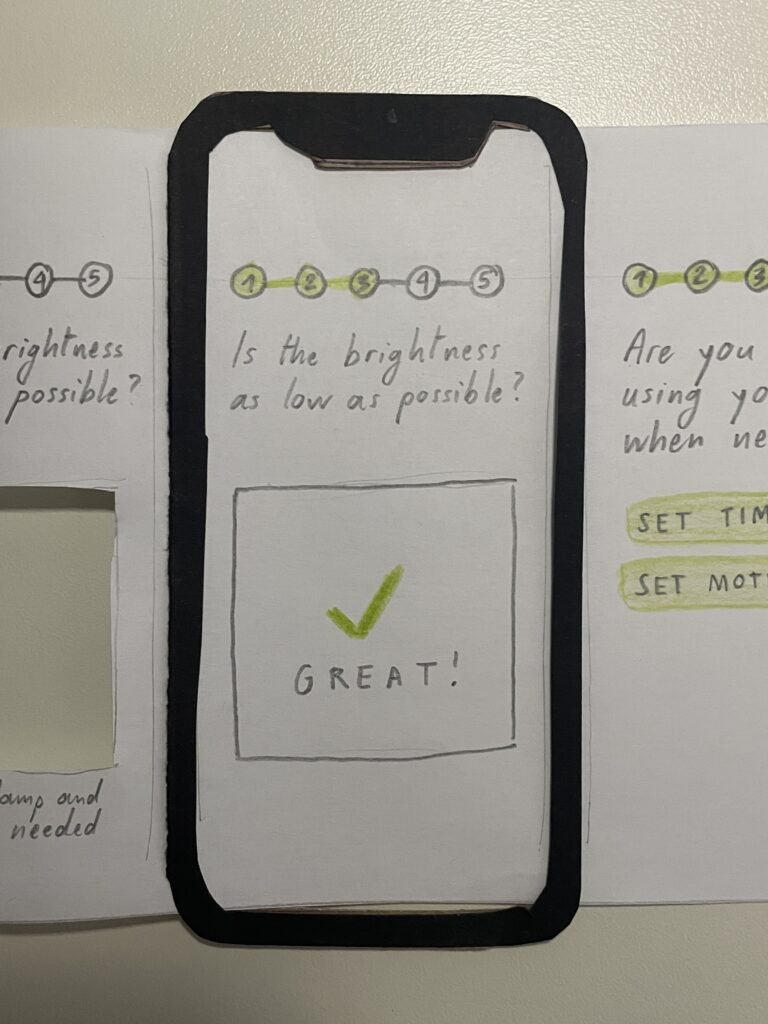
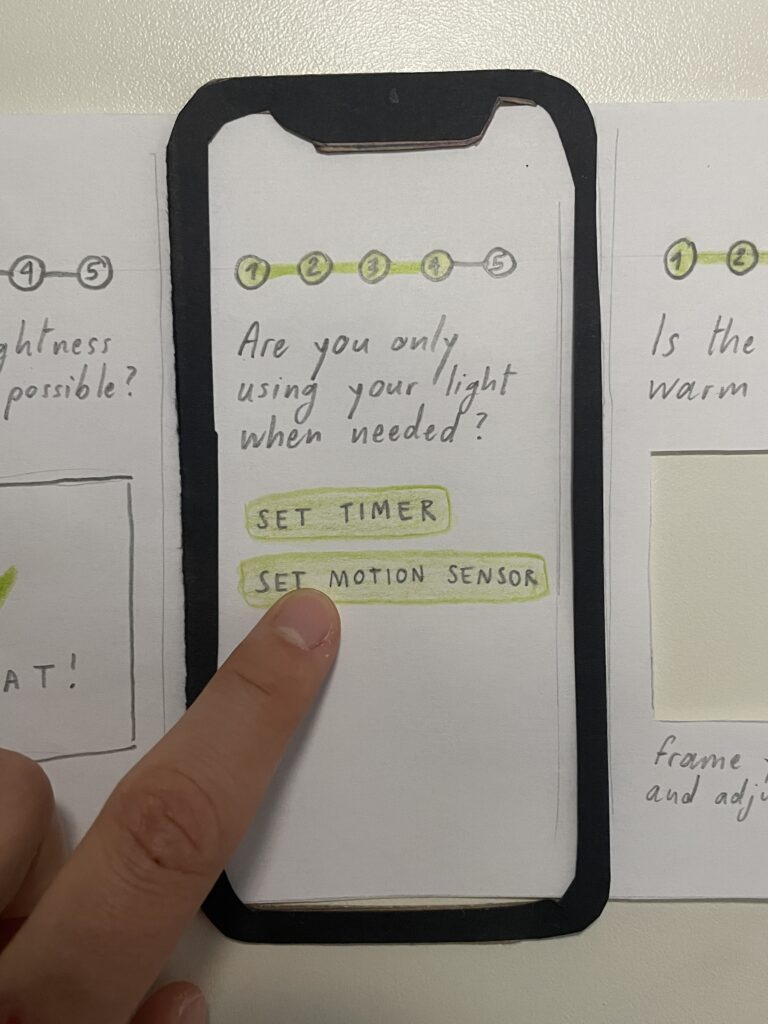
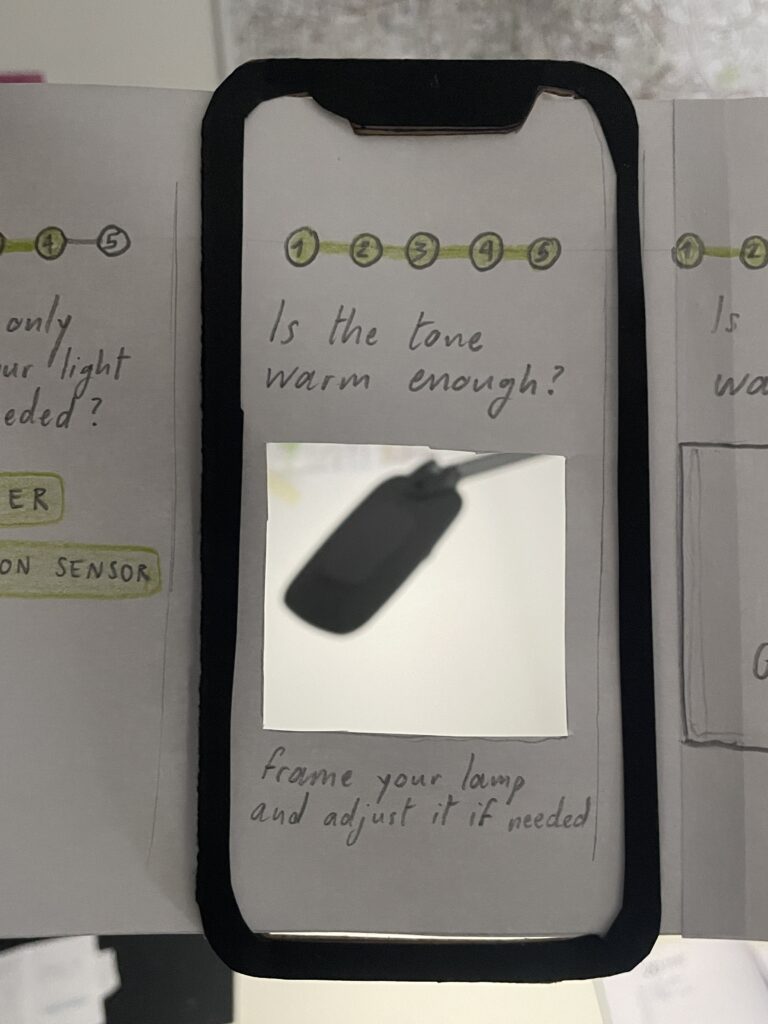
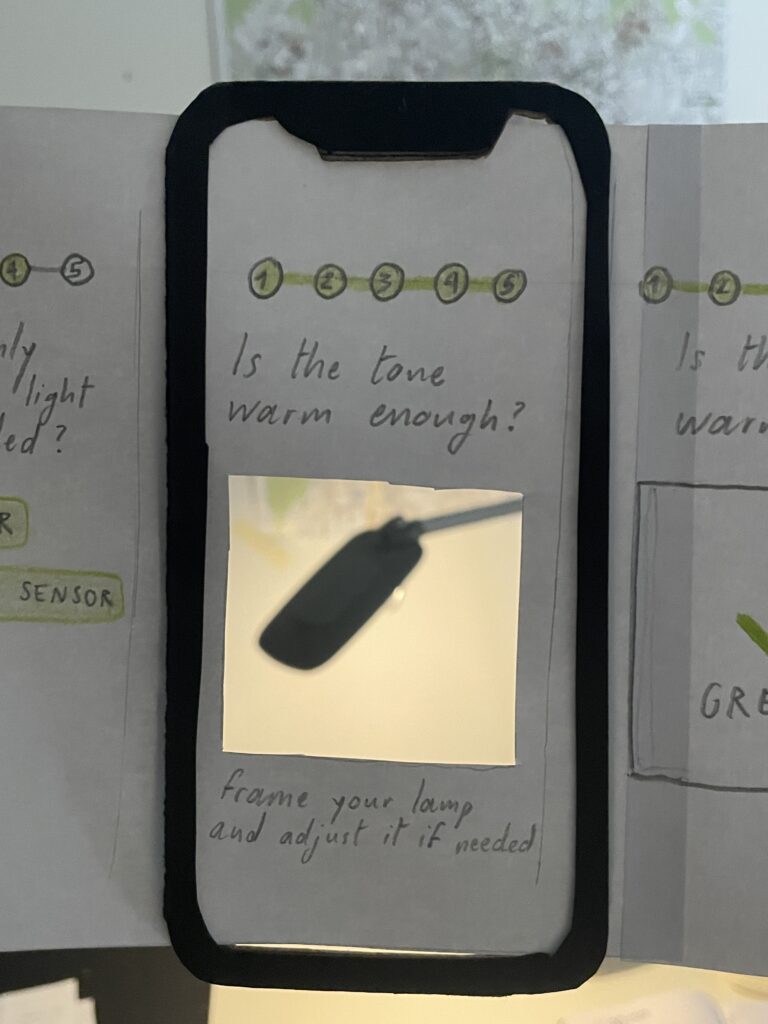
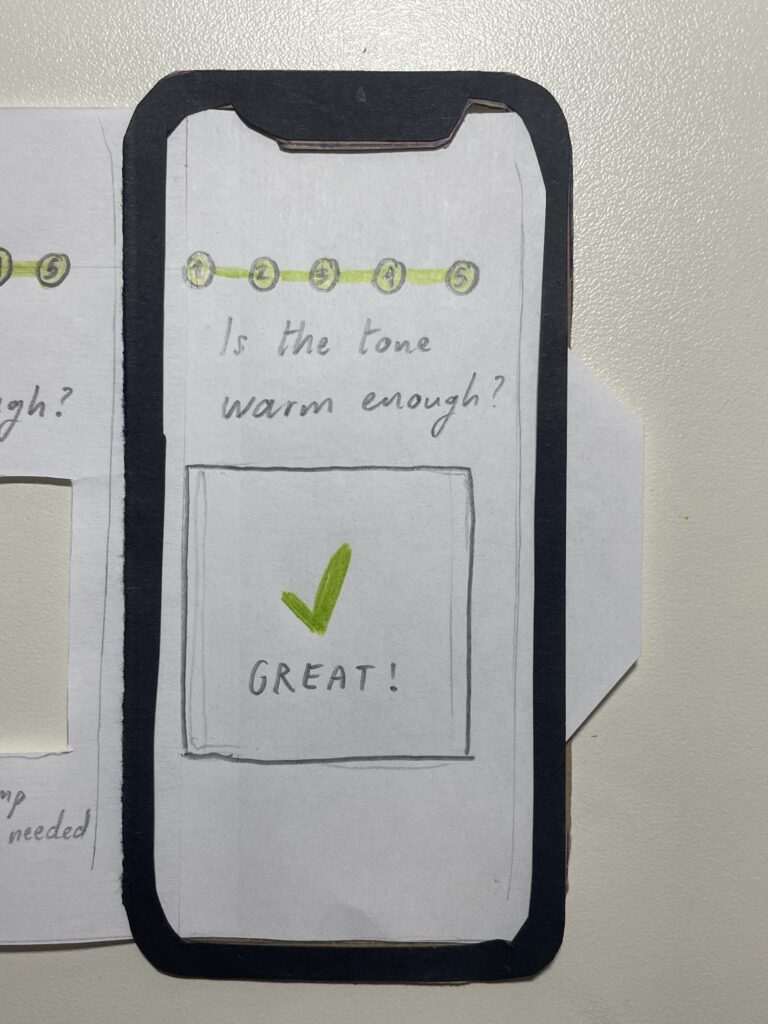
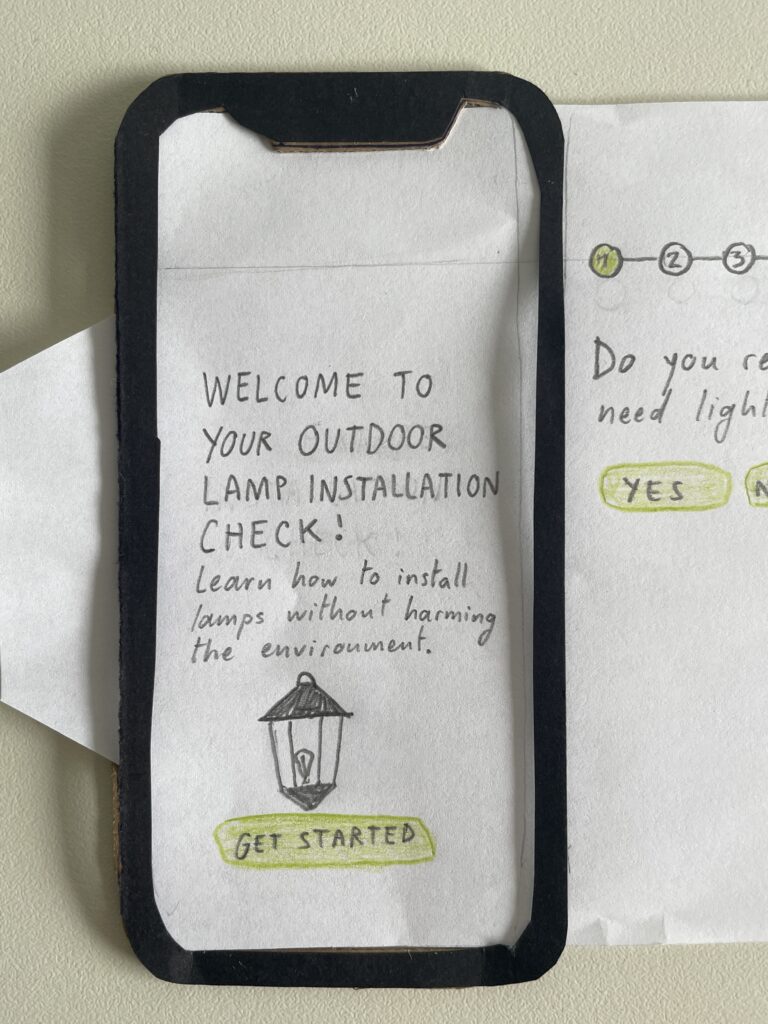
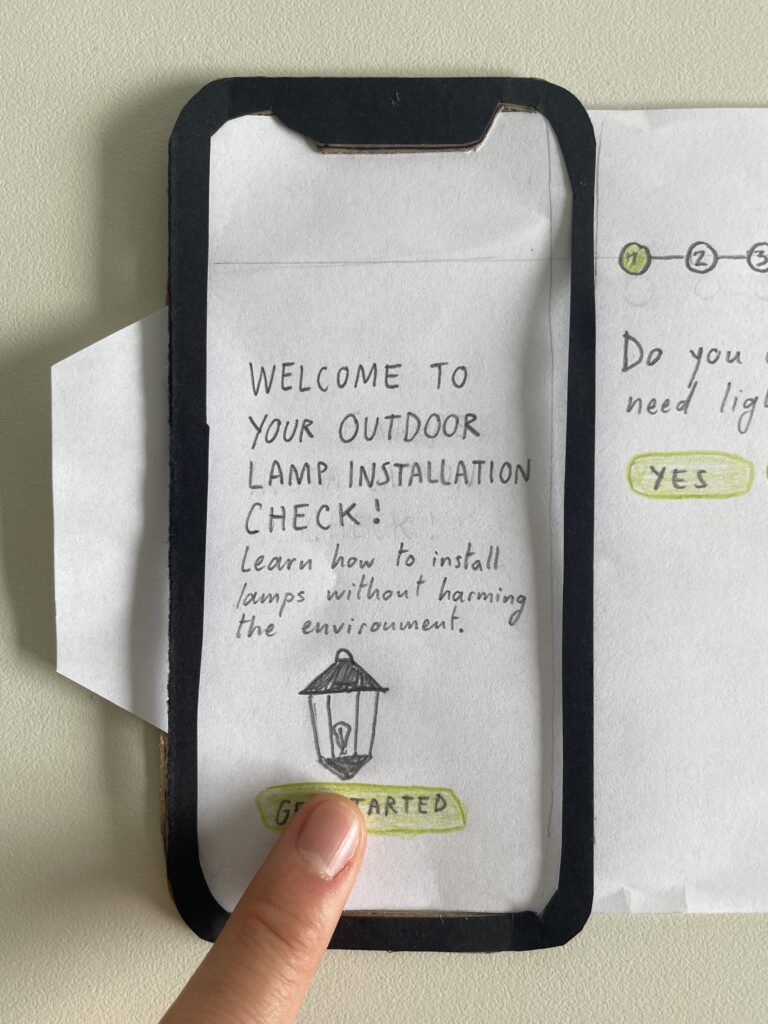
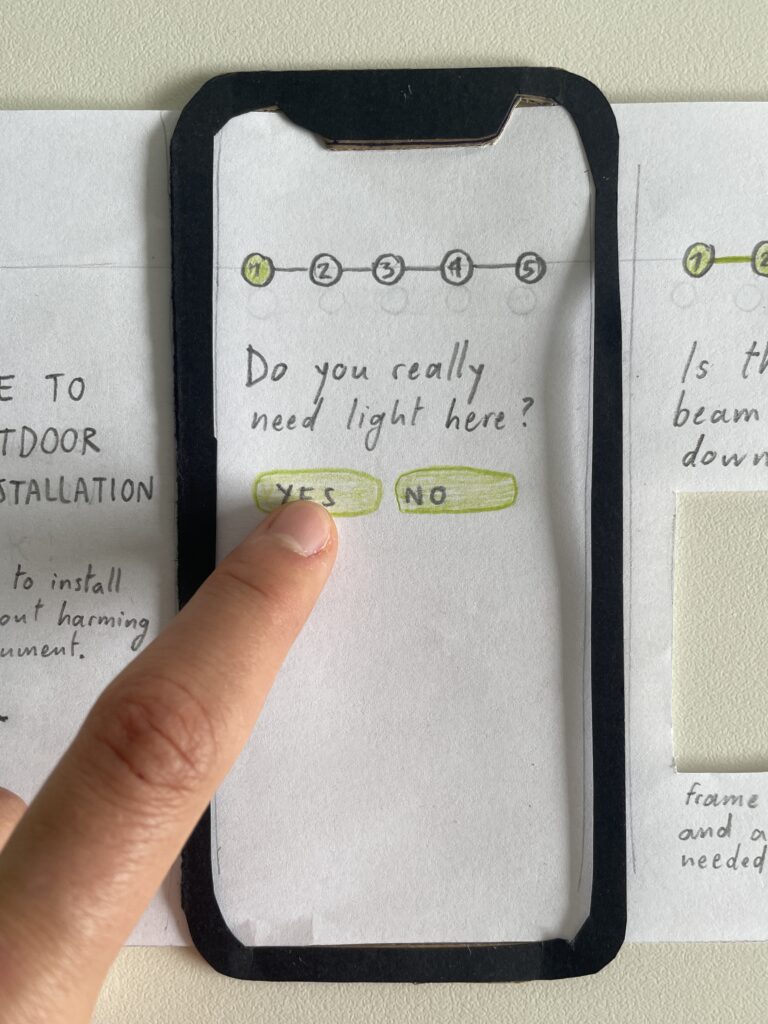
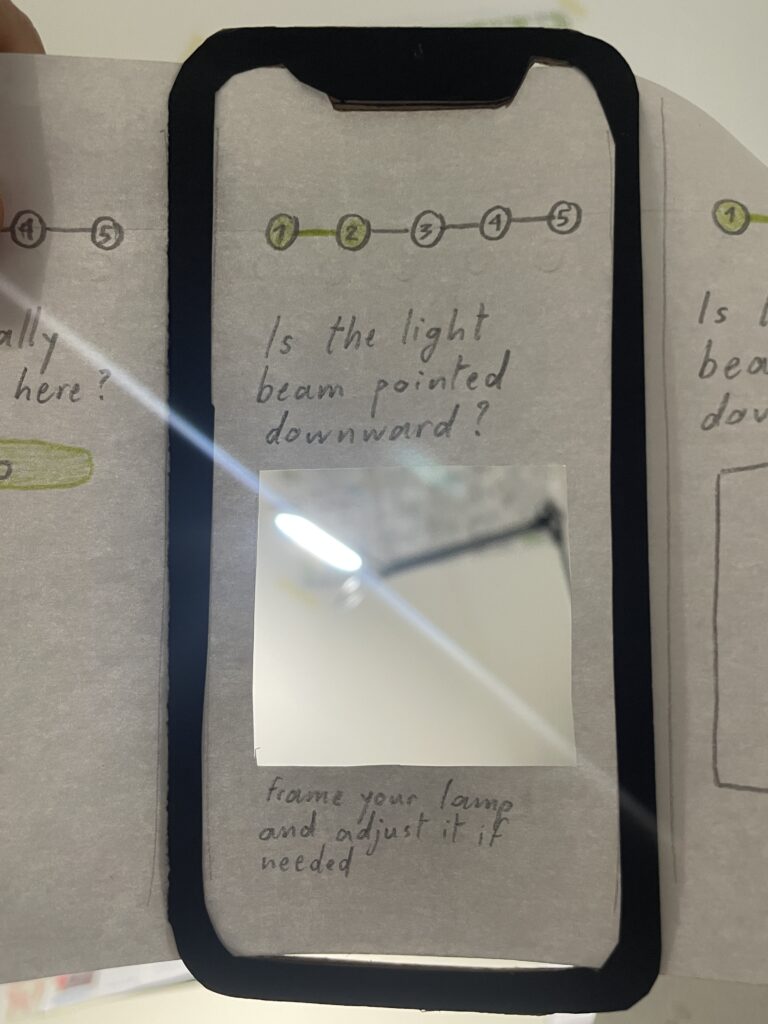
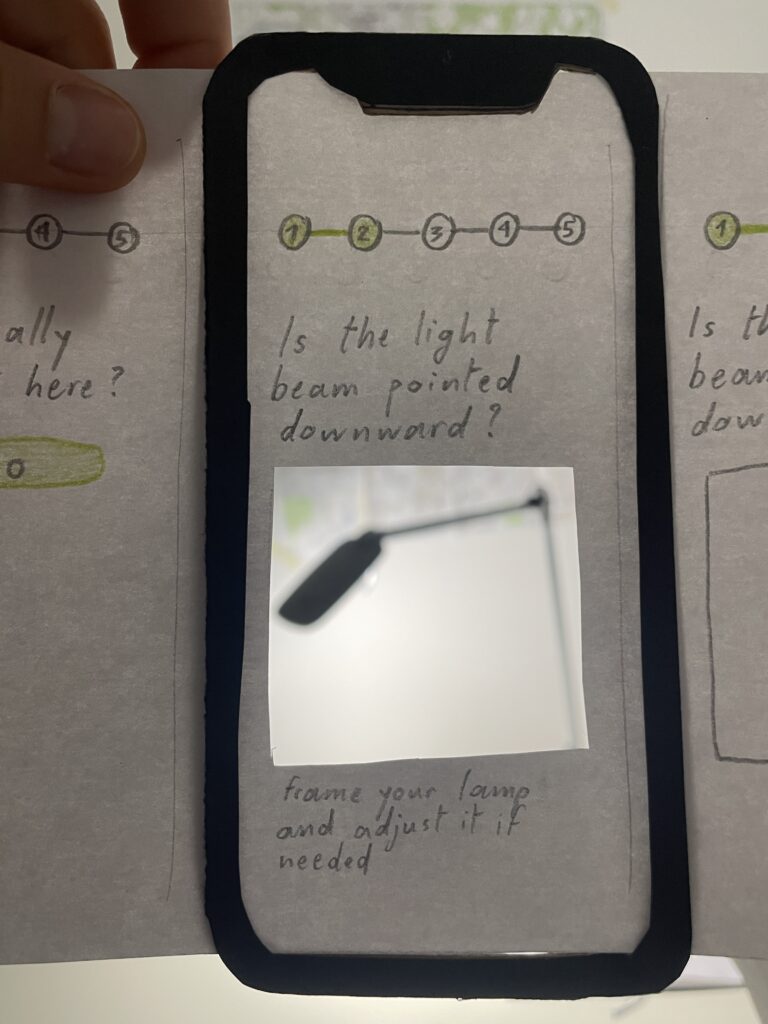
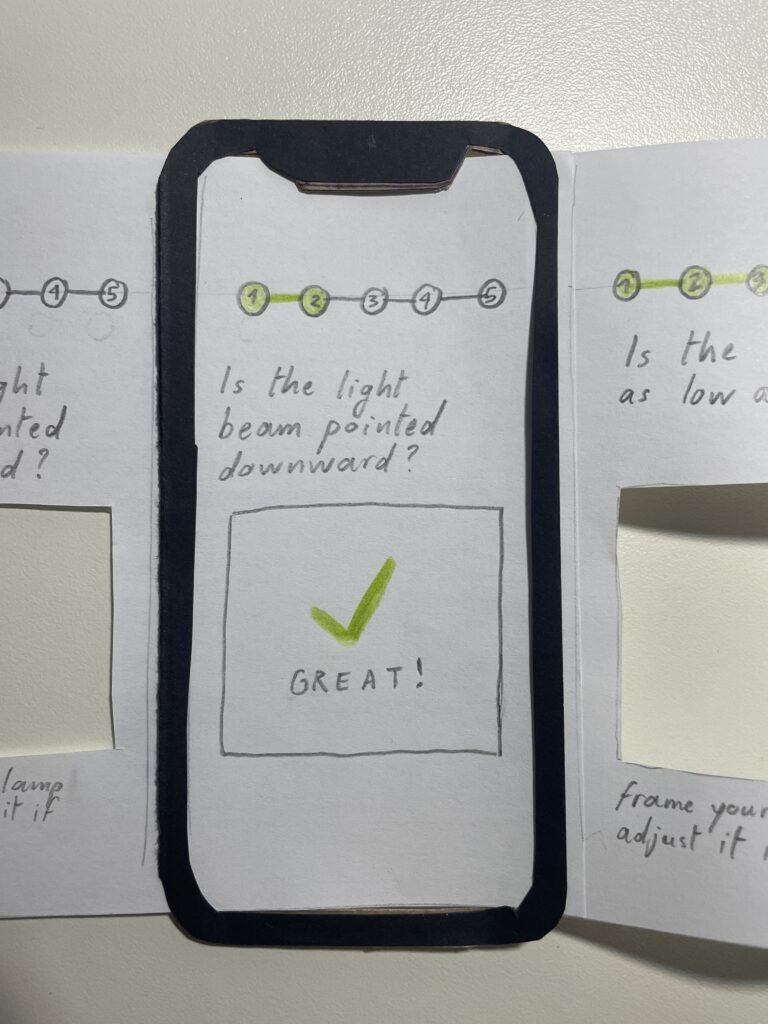
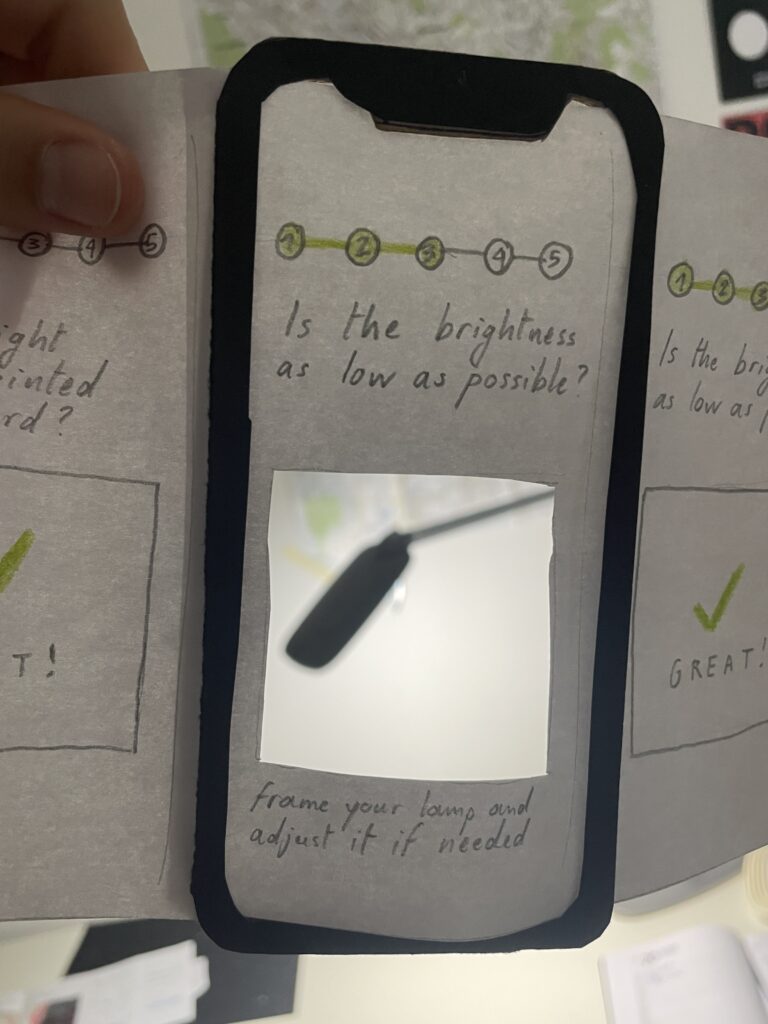
The second prototype is an app or web app that serves as an aid to the installation of outdoor fixtures in a way that is dark sky friendly. It has 5 steps inspired by the Five Principles for Responsible Outdoor Lighting by DarkSky:

Image by DarkSky

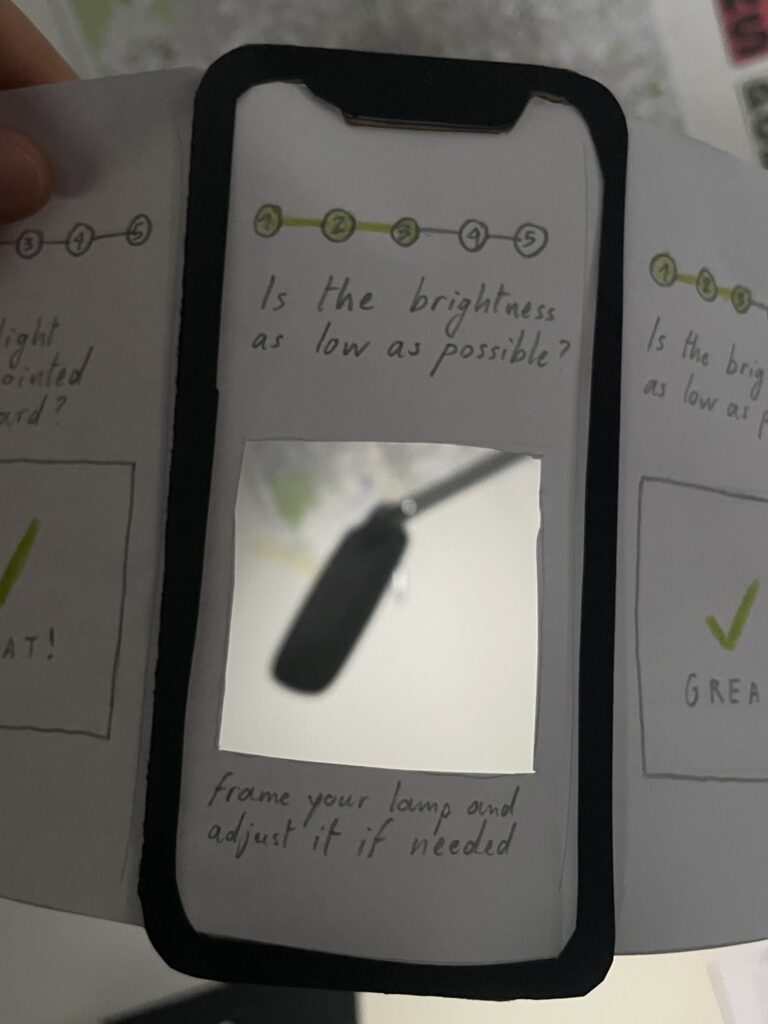
Some of them require the usage of the phone camera to check if the actions are performed correctly (direction, brightness, temperature), another one allows you to set timers and motion sensors for the smart fixture.

The third prototype is a game that shows the consequences of light pollution from the perspective of moths. Their sense of orientation relies on the moon, the only natural light source. When they see artificial light, they are trapped in atypical flight patterns, which are exhausting and often lead to death.

In this game, the player puts on AR glasses in a dark room and tries to find the moon, while avoiding artificial lights. They would be distributed in different locations in a dark room. The AR device mymics the vision of moths, so distinguishing natural and artificial light becomes a challenge. After getting too close to a certain amount of artificial lights, the player “dies”.

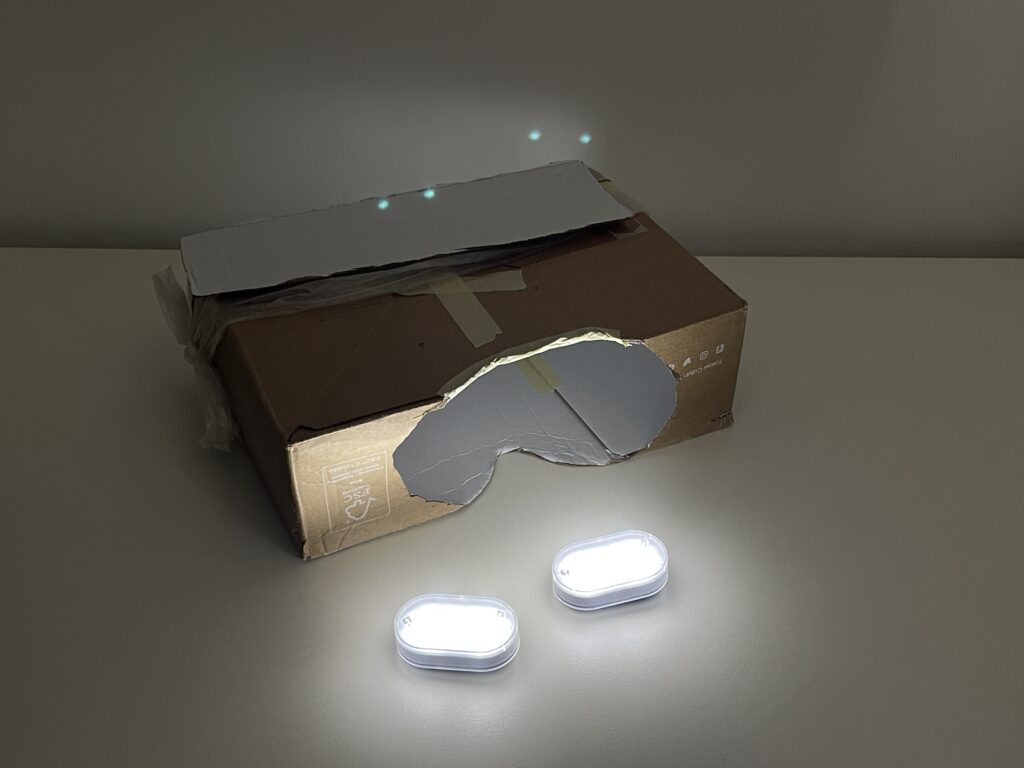
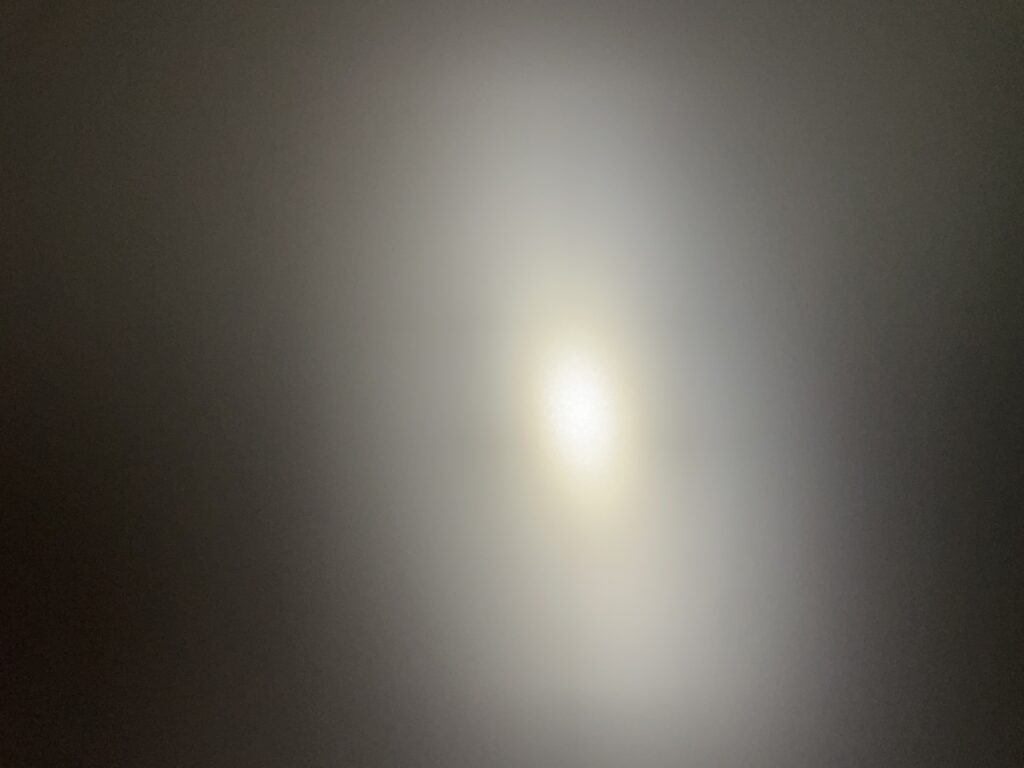
A bicycle light seen through the goggles.

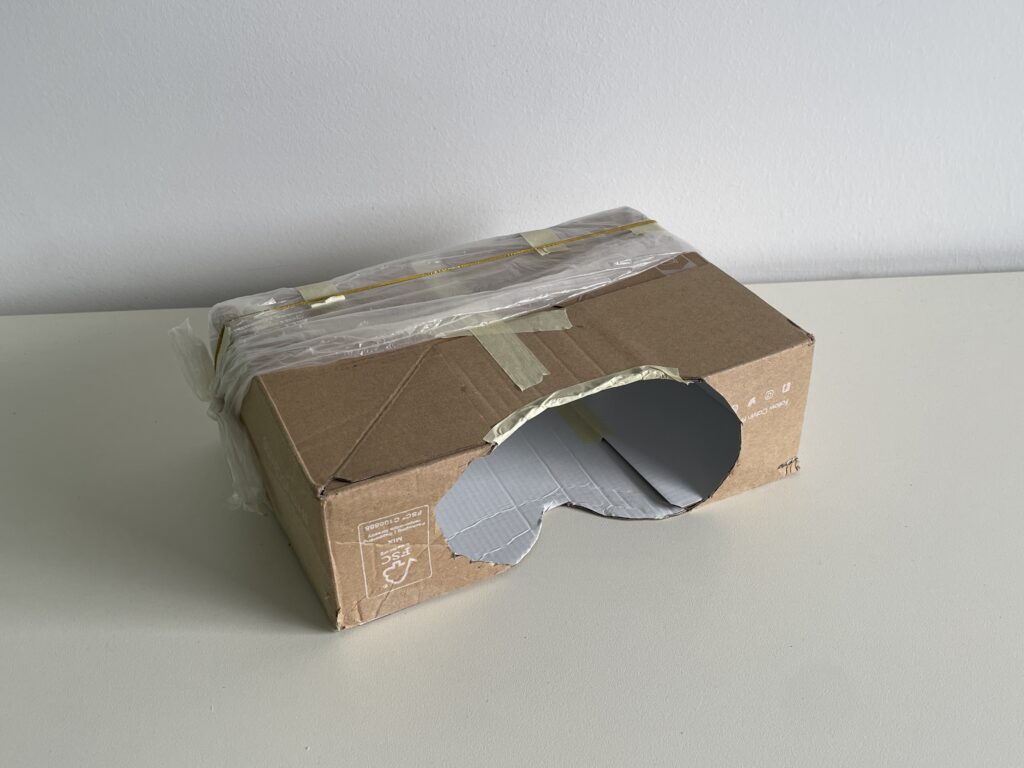
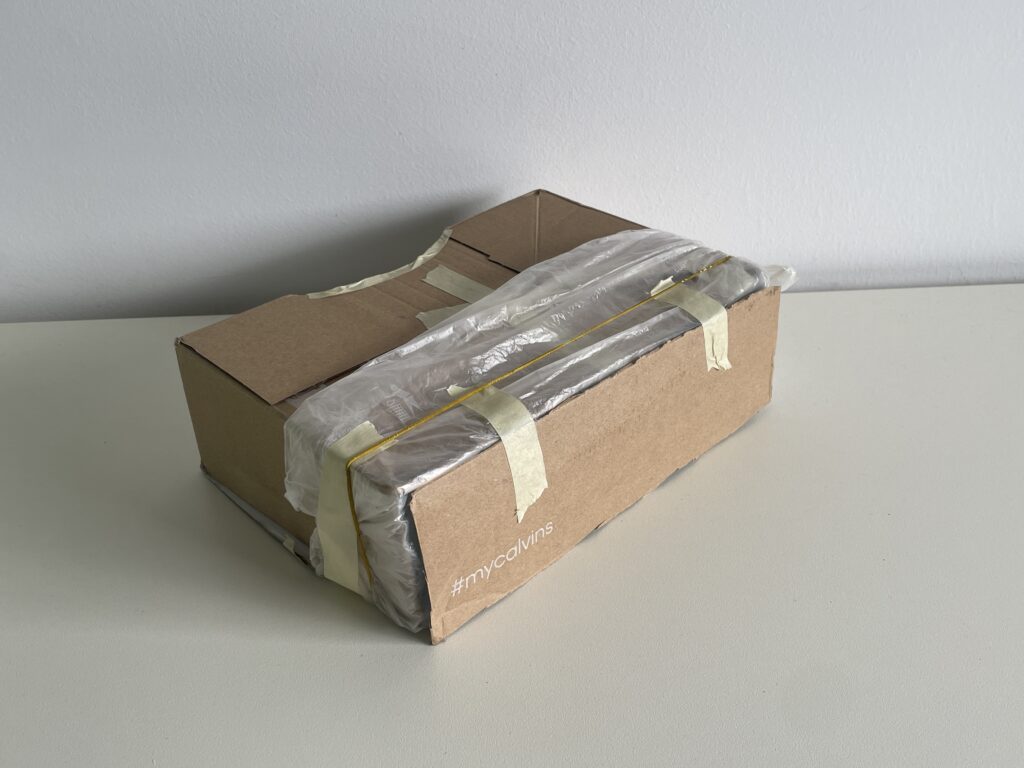
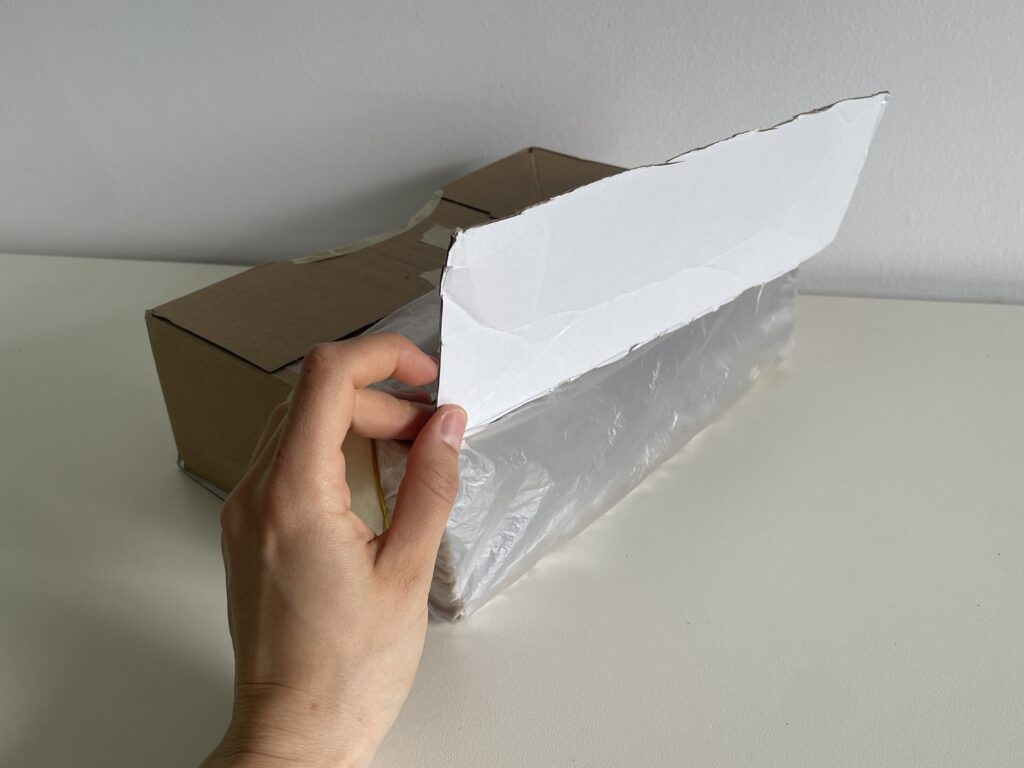
In this first prototype, the device is a cardboard box that I cut in a way that allows the player to place it in front of their eyes and see through a plastic bag attached on the other side. I used various lights I had at home to represent different light sources. My version is done with “Wizard-of-Oz” prototyping, so at the beginning I play an introductory audio by National Geographic that explains why moths are attracted by lamps. After that, the player can start their mission of finding the moon and every time they reach a light source, I tell them what it is. After reaching three lamps, the game is over.

I chose the first prototype (light pollution reporting app) for a speed prototype reviewing we did in class to gather feedback. Someone asked how the app knows that you are looking at the right constellation and thought that there is not enough feedback telling you if your performed action is right or wrong. The app works with GPS and the compass sensor so it detects when you are pointing your phone in the right direction. Regarding feedback, I could integrate a vibration or sound feedback or a bright coloured outline when the right constellation is being looked at.

Other people suggested me to state clearly at the beginning that data is going to be submitted. While this is mentioned in the introductory paragraph of the first screen, I could make the information shorter and more immediate.

One persone said that if the app had a Tinder profile, its description would be “learn about astronomy and relax“. Someone else appreciated the combination of gaming and science.

Another person argued that the app only is for people interested in astronomy. This might be true, therefore I shall think of ways to make it attractive for a broader audience, in order to draw more attention on the issue.