#slowness #slowliving #slowinteraction #digitalcalm #calmtechnology #navigation #urbanexperience
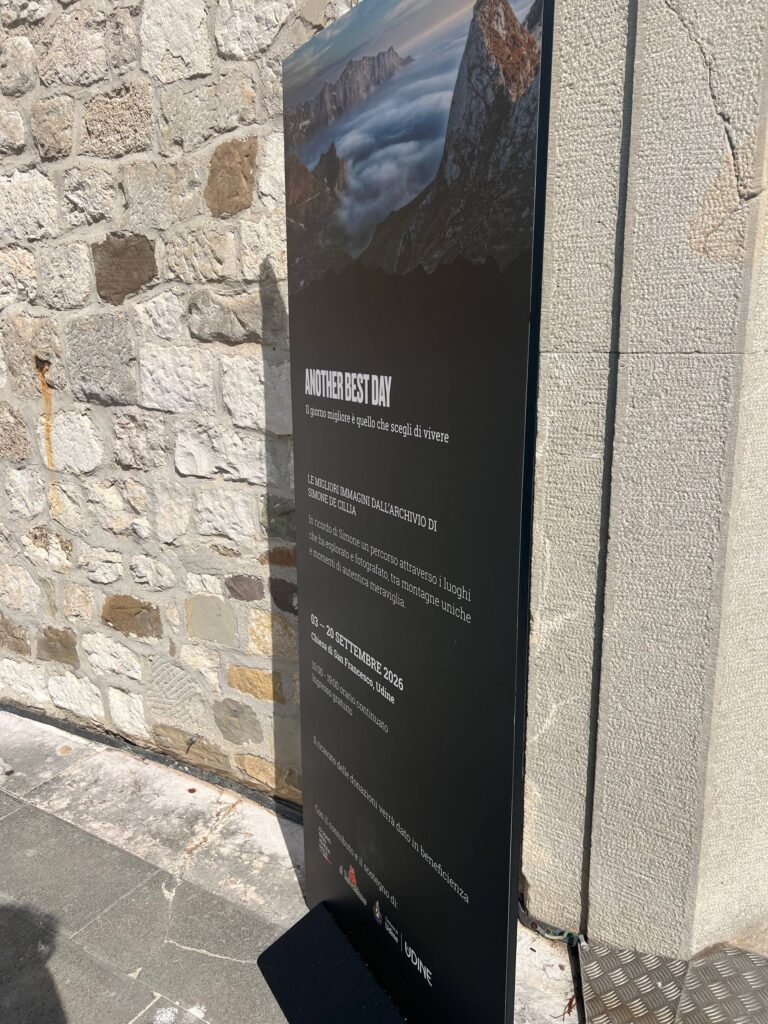
Sometimes, the most important insights about the concept of slowness come not from books or research, but quite by chance. While walking through Udine, I passed an old stone wall and noticed a black display board featuring a photograph of mountains rising above the clouds. There were jagged peaks, mist filling the entire valley, and a large inscription: “Another Best Day.” Below that, in Italian, it read: “The best day is the one you choose to live” [1].
I hadn’t planned to go there. No GPS had mapped a route “to the exhibition,” and it hadn’t been on my agenda for the day at all. And, honestly, that is precisely why the encounter stayed with me. The most interesting things in a city are often found not on the planned route, but just off to the side.
🏔️ About the Exhibition and the Photographer
This exhibition showcases the best images from Simone De Cillia’s archive and serves as a tribute to his memory. It traces a journey through the places he explored and photographed – capturing unique mountain landscapes and moments of genuine wonder. The exhibition ran from September 3 to September 20, 2026, at the Church of San Francesco in Udine, with the city’s support. Admission was free, and visitor donations are being directed to charity.
Simone photographed the region’s mountains, and his work appeared on different platforms, for example, on Planetmountain, an Italian mountain portal [2]. Unfortunately, I could not find further details about him in public sources, so I am sharing only what I know for certain. Yet, it seems to me that his photographs speak volumes about him – more than any biography could: they reveal the perspective of someone who spent a great deal of time in the mountains and knew how to wait for the perfect light.
⛪ A space that slows you down
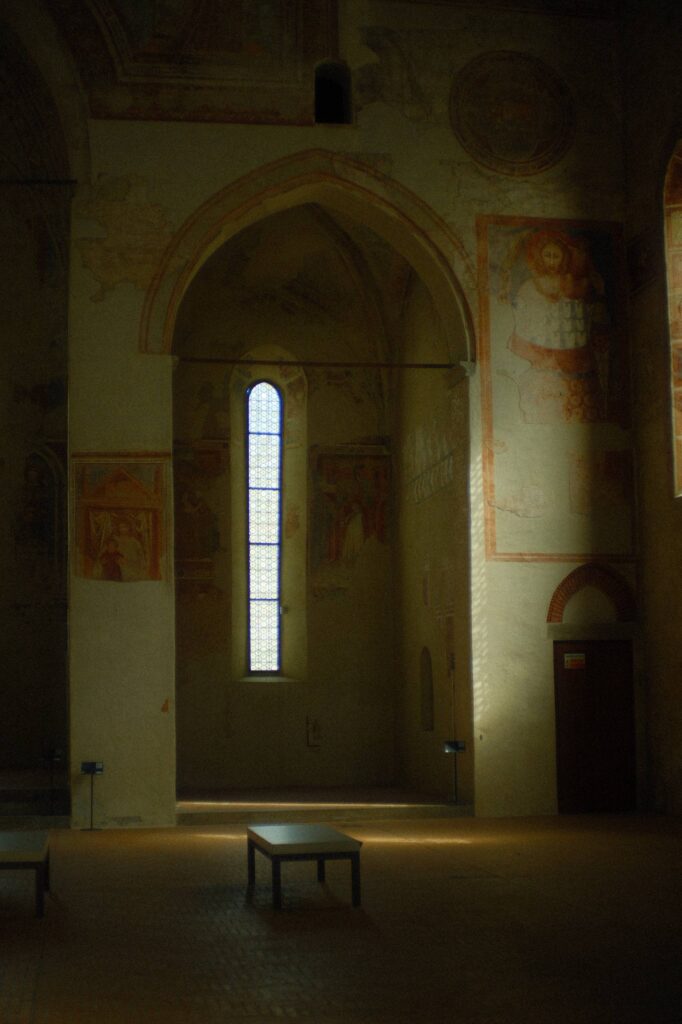
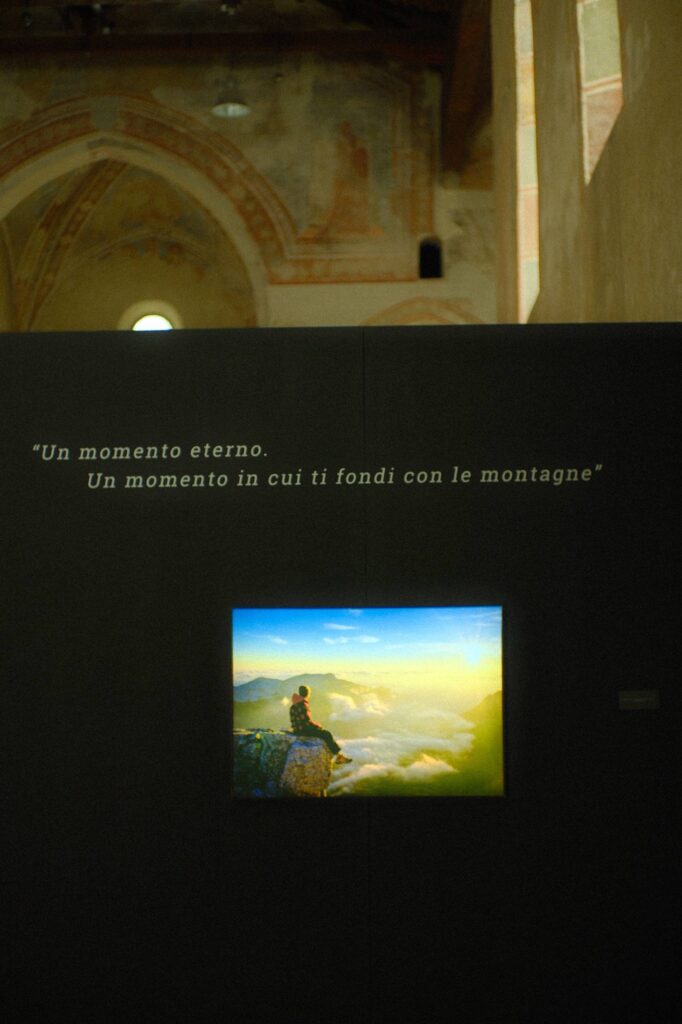
In my last post, I wrote about how the city often pushes us to move fast – with its wide streets, long facades, and lack of places to pause. Here, it was the exact opposite. An old church, high walls, traces of frescoes on the arches, and light streaming in through narrow windows. Inside, there are dark panels featuring illuminated photographs – almost like windows into another world.
You can’t just rush through a place like this. The space itself is designed to make you stop. Look. Then look again. Even the sound of your footsteps grows quieter. It’s an interesting contrast: the ancient architecture and the photographs of mountains combine to create the same feeling – that time moves differently here.
🧭 What this means for navigation
I stood before this photograph for a long time, thinking: in the mountains, no one looks for the “fastest route” to a moment like this. You hike for a long time – sometimes it’s a struggle, sometimes you get up in the dark just to catch the sunrise. And the goal isn’t Point B; it’s this state of being. A moment when time seems to stand still.
The person in the photo isn’t in a rush. He isn’t checking his phone or counting the distance to the next turn. He is simply present, right where he is.
To me, this perfectly illustrates the point I’ve been trying to make throughout this series: a good route isn’t defined by how few minutes you spend on it. It’s defined by what stays with you afterward – a moment, a view, a feeling, a memory.
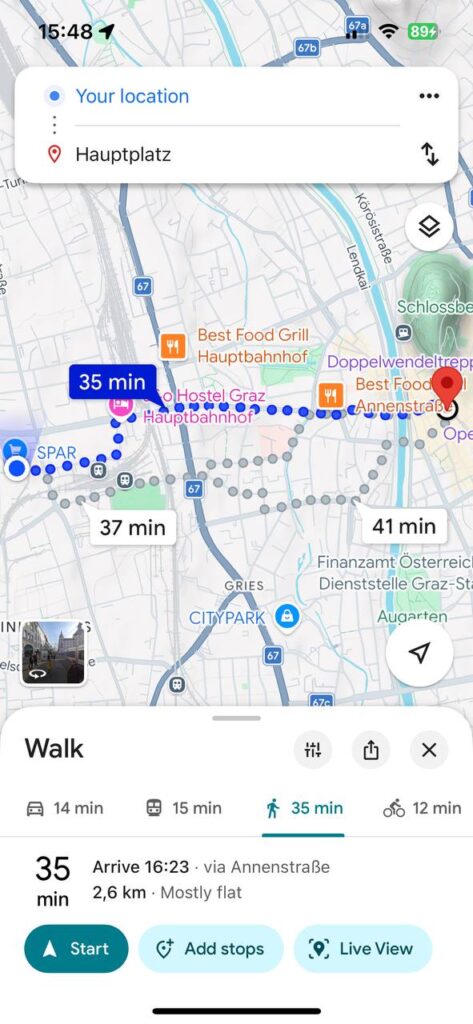
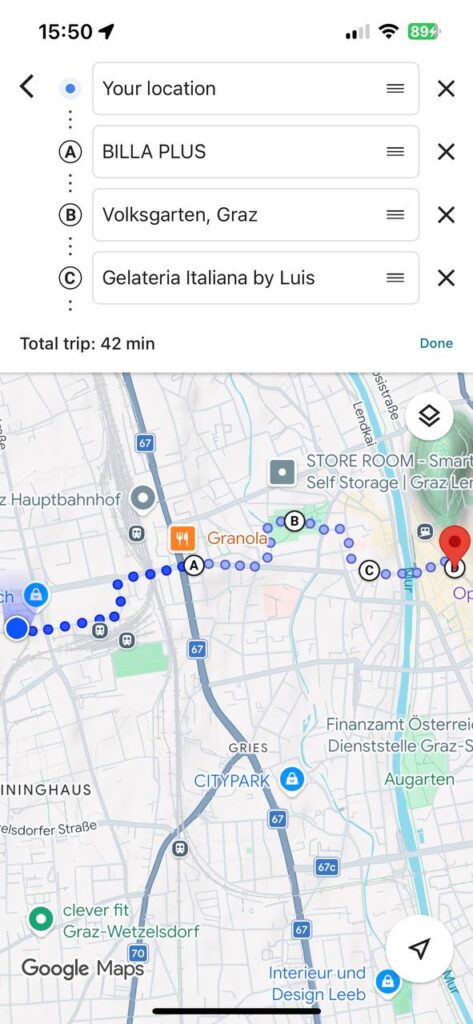
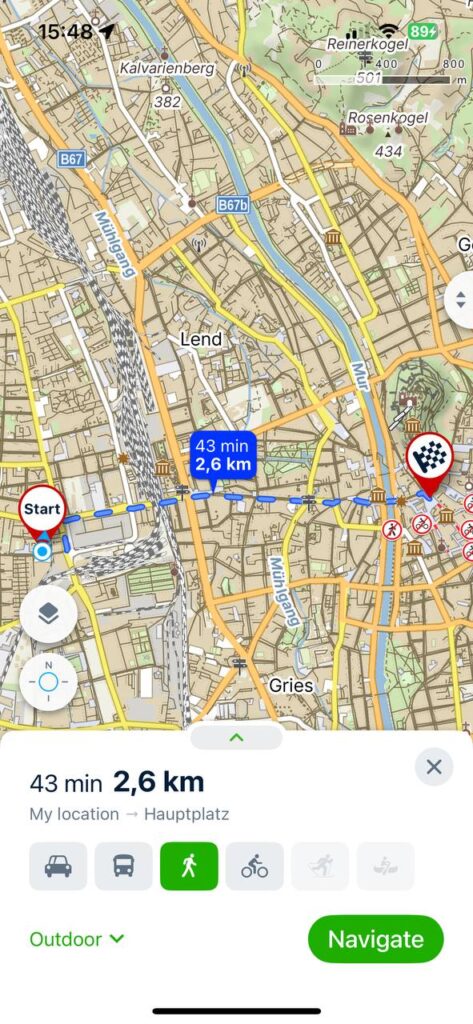
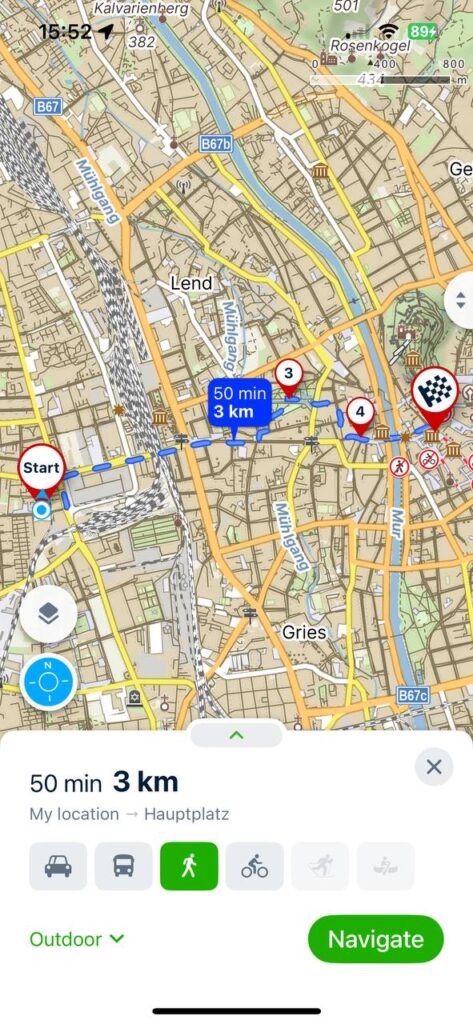
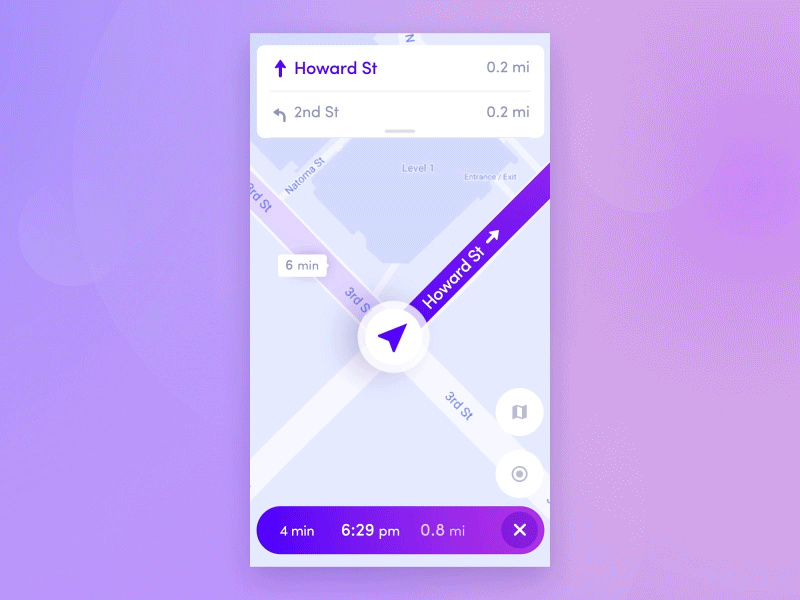
Modern maps don’t really “think” in these terms. They know where the cafés and traffic jams are, but they don’t know where you might want to stop and simply gaze at the world. But what if routes included not just turns, but also spots marked “worth lingering here”? A bench with a view, a quiet courtyard, the open door of an old church.
“Another Best Day” reminded me of a simple truth: slowness isn’t about laziness or wasted time. It’s a choice—a choice to truly live the day, rather than just get through it.
Sources 🛈
[1] Another Best Day. Le migliori immagini dall’archivio di Simone De Cillia. Exhibition information board, Chiesa di San Francesco, Udine, 03–20.09.2026. Personal photo.
[2] Simone De Cillia. Photo: Modeon del Buinz, Julian Alps. Planetmountain, 2021. Available at: https://www.planetmountain.com/en/photos/69362
[3] “Un momento eterno. Un momento in cui ti fondi con le montagne” (“An eternal moment. A moment when you merge with the mountains”). Exhibition wall text, “Another Best Day,” Chiesa di San Francesco, Udine, 2026. Personal photo.